EasyManua.ls Logo

Jntech JNP75KH - User Manual

Jntech JNP75KH
83 pages
Print Icon
To Next Page IconTo Next Page
Loading...
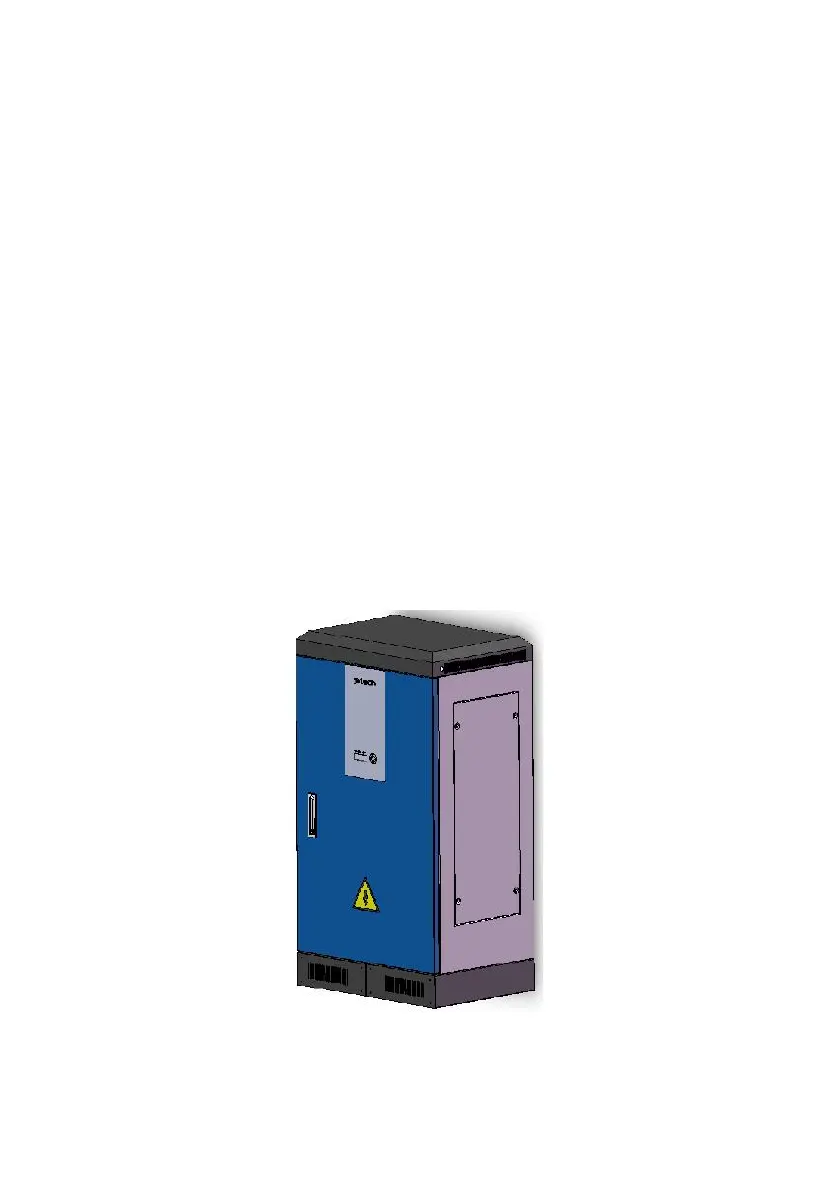
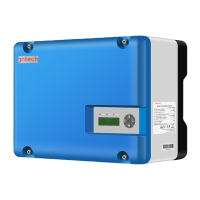
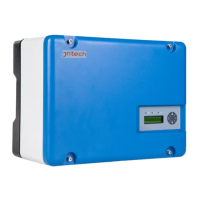
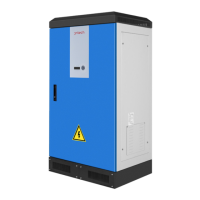
Solar Pumping Inverter
User Manual
JNP75KH
JNP90KH
JNP110KH
JNP132KH

Table of Contents

Questions and Answers

  • M
    Michael HansonAug 5, 2025
    What to do if my Jntech JNP75KH Inverter shows State 09?
    • K
      Kevin GoldenAug 5, 2025
      If the Jntech Inverter displays State 09, it means the water level of the source is lower than the low-level water level sensor, possibly even lower than the inlet of the pump. First, check the water level. If the water level is adequate, check for air inside the pump. Second, verify the position of the water level sensor.
  • S
    Stephen ZavalaAug 14, 2025
    How to fix R-Stat Test fail on Jntech JNP75KH Inverter?
    • J
      jcannonAug 14, 2025
      The R-Stat Test failure on a Jntech Inverter can occur due to several reasons: a poor connection between the motor and inverter (short-circuit, open circuit, etc.), motor failure, or inverter failure. To address this, first, check the connection between the motor and inverter. Second, check the motor's condition. If both are fine, contacting the supplier is suggested.
  • S
    Sara SmithAug 23, 2025
    Why does my Jntech Inverter display State 01?
    • R
      Rebecca AlexanderAug 25, 2025
      State 01 on your Jntech Inverter indicates that the output energy from the array is changing. Please check the input voltage from the array and ensure it is within the inverter's input voltage range. Note that this is normal during cloudy days, mornings, or evenings and does not indicate a malfunction.

Summary

Safety Instructions

General Safety Warnings

Covers essential warnings and precautions for installation and operation.

Installation Danger Warning

Warns about high voltage from solar cell arrays during installation.

Electrical Connection Safety

Highlights safety measures for electrical connections and operation.

Maintenance Safety Precautions

Outlines safety measures required before and during maintenance.

Installation Procedure

Installation

Installation Site Requirements

Details the critical requirements for the inverter's installation site.

Installation Direction Guidelines

Provides guidelines for the correct vertical and horizontal installation.

Electrical Connection

General Electrical Safety

Emphasizes safety standards, qualified personnel, and pre-connection checks.

DC Side Connection

Details the DC side connection process and associated safety warnings.

AC Side Connection Safety

Covers AC side connection safety and restrictions on parallel connections.

Commissioning

Pre-Commissioning Checks

Lists essential checks before starting the commissioning process.

First Time Power On

Details conditions and checks before powering on the inverter for the first time.

LCD Panel Operating Instructions

Malfunction and Troubleshooting

Jntech JNP75KH Specifications

General IconGeneral
ModelJNP75KH
CategoryInverter
Input Voltage48V DC
Output Voltage220V AC
Frequency50Hz/60Hz
CoolingFan Cooling
Operating Temperature-10°C to 50°C
Output Power75kW
Efficiency90%
Protection FeaturesOverload, Short Circuit

Related product manuals