8.2 Initial Operational Interface
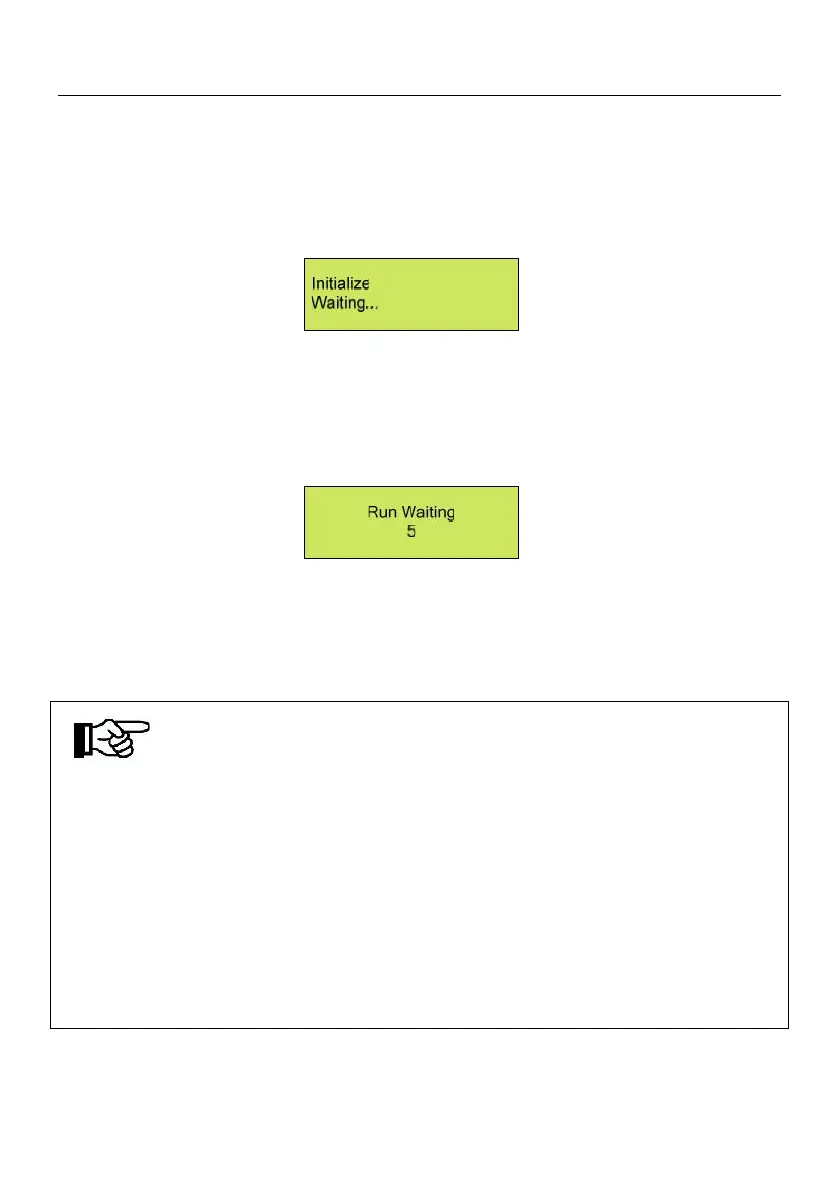
Once the inverter power on, the system start to initialize, display the
initialization interface:
Figure8-3 System initialize
If the start-stop mode is auto., countdown interface will be display after
initialization complete, and when countdown finished, LCD will enter the main
interface, inverter will drive water pump. “RUN” indicator light.
Figure8-4 Countdown interface
If the start-stop mode is manual mode (factory setting), the inverter is run to
drive pump after long-time pressing "ON/OFF" key.
Note!
● The default mode of inverter is manual start-stop mode. When inverter
power for the first time, it need key-press to start the inverter to drive
pump.(Run after long-time press “ON/OFF"), at the same time, manual
start-stop mode will change into automatic start-stop mode directly.
● Press “ON/OFF” stop the inverter and it will get started while long-time
pressing “ON/OFF”, if not do like this, the system won’t start.
● LCD display two lines of characters.
● Time control of inverter running, saying after setting the running time, and



 To Next Page