inverter can stop auto. Please refer to “8.3.5.2 Timing Shutdown Time Set”
for timing shutdown setting.
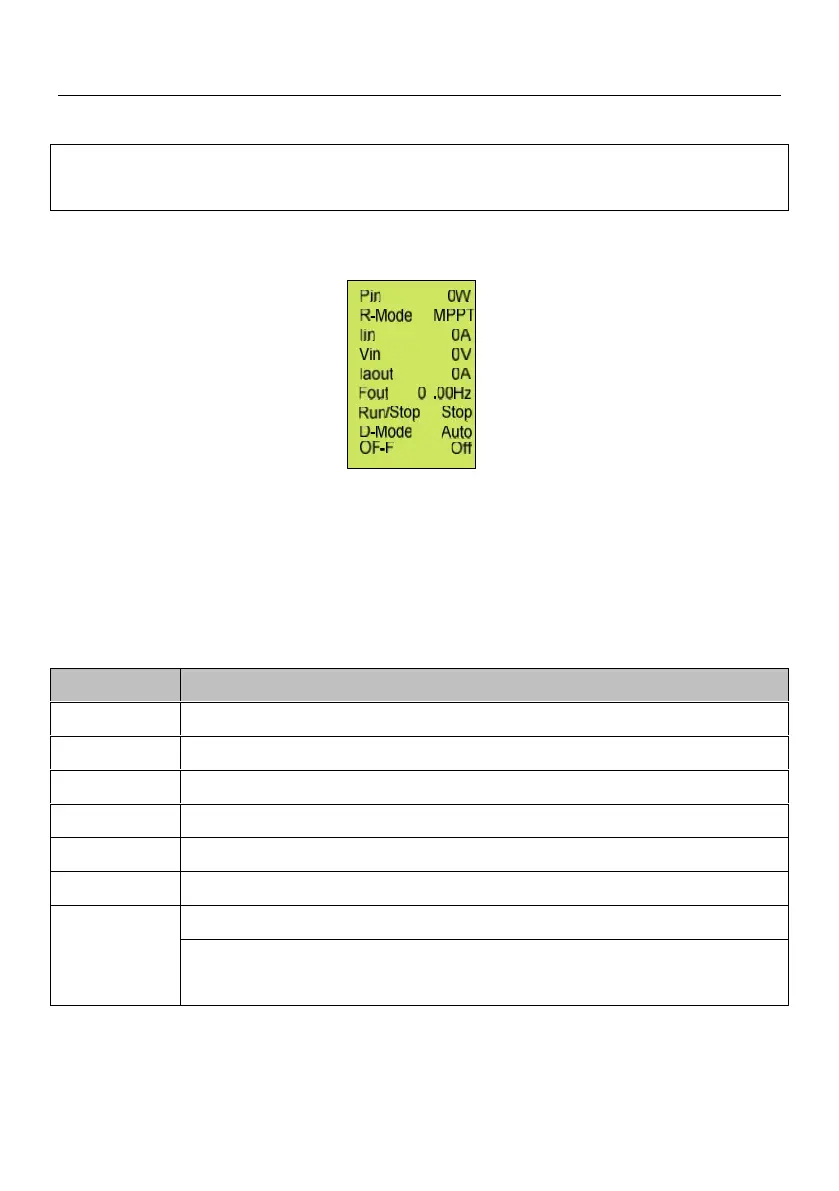
After inverter initializing, main interfaces will be displayed circularly:
Figure8-5 Main interface
Main interface display basic running information. Main interface will turn page
auto after 10s, or you can turn page through pressing "UP" and "DOWN"
button.
Figure8-3 The meaning of main interface parameters
Inverter input power (W).
Inverter input current (A).
Inverter input voltage (V).
Inverter A phase current (A).
Inverter output current frequency (Hz).
Run: Inverter running.
Stop: Inverter stop and pump stop work.



 To Next Page