44
Overflow protective pin, connect the
water level sensor to the white cable of
the terminal
Note!
Above three input signal of water level sensors is passive signals,
which is matching opening or closing signal of the corresponding
water level sensors.
6.7.2 Water level sensor connection
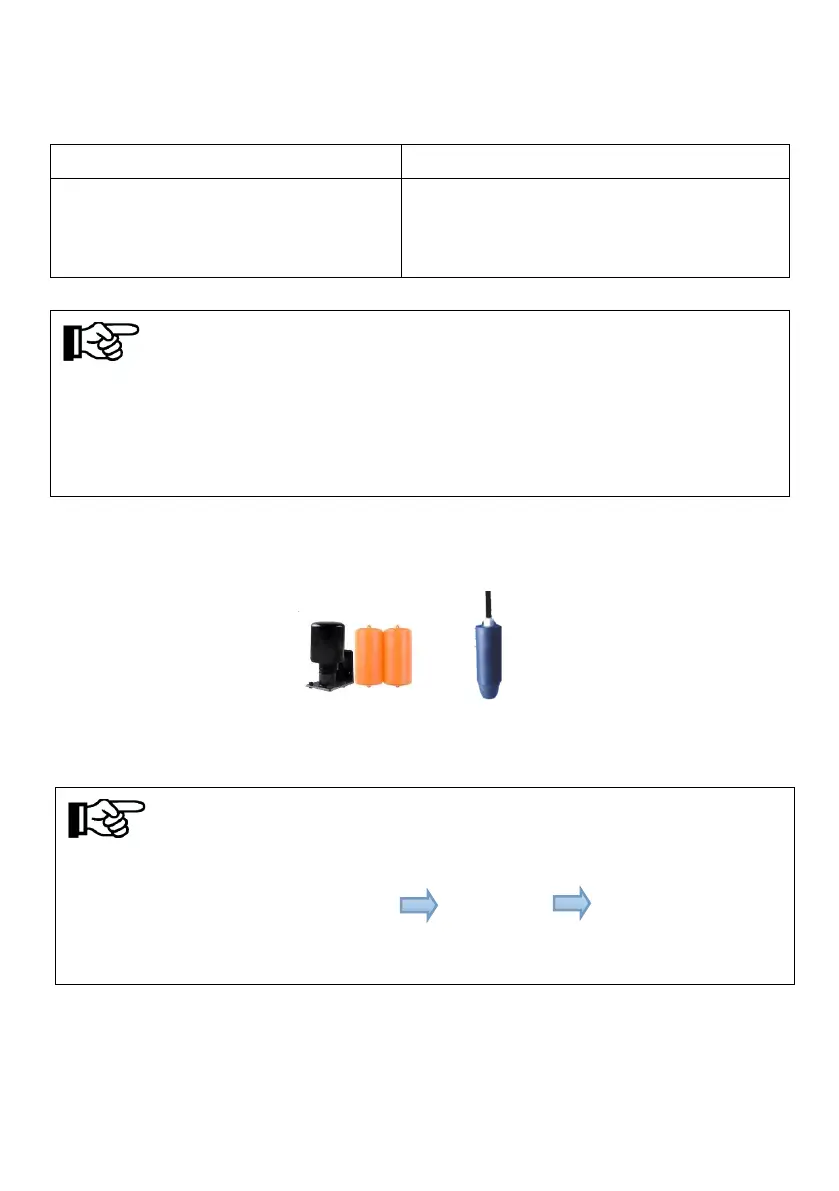
Two kinds of water level sensor you can select as shown below:
Sensor A Sensor B
Figure6-11 Water level sensor
Notice!
If you select overflow protection water level sensor, you need to set the value of
“OF-F”, the LCD menu ”Settings” "Para Set" "OF-F" to modify to
“ON”. The setting method with reference to “8.3.4.3 Key Parameters of the
System Set”.



 To Next Page