Note!
All query information items can be inquired according to the above operation, and
the fault information in the operation information is only illustrated here.
Please refer to "8.3.1 Description of Inquiry Information Item" for introduction
of inquiry information item.
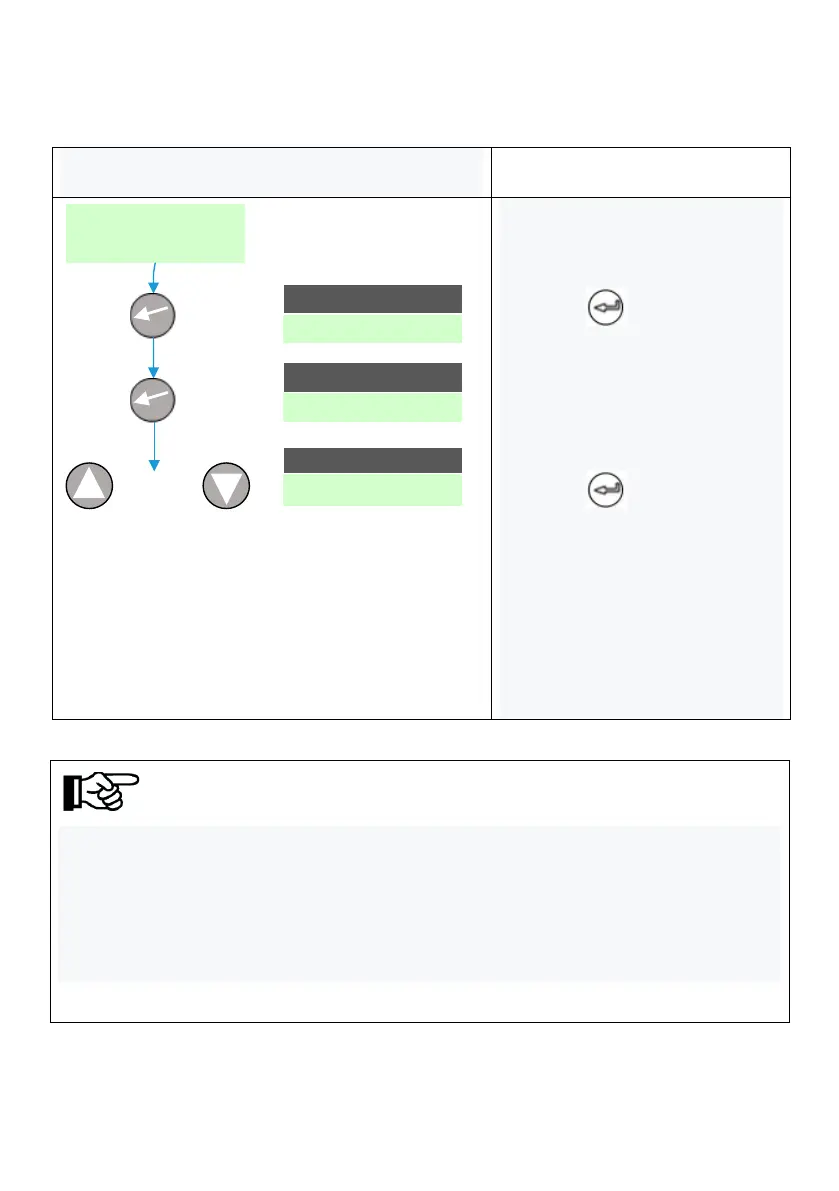
1. LCD is the main interface
after startup;
2. Press to enter the
main menu, and the cursor falls
on the operation information
item;
3. Press to enter the
operation information item for
query;
4. Press the up or down key to
move the cursor and find the
fault code.



 To Next Page