15
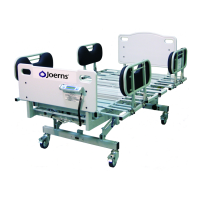
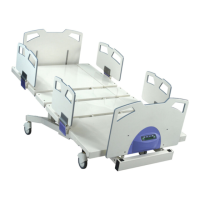
Joerns Bariatric Beds
Model Bari10A
© 2015 Joerns Healthcare • 6110089 RevF • 15-2235
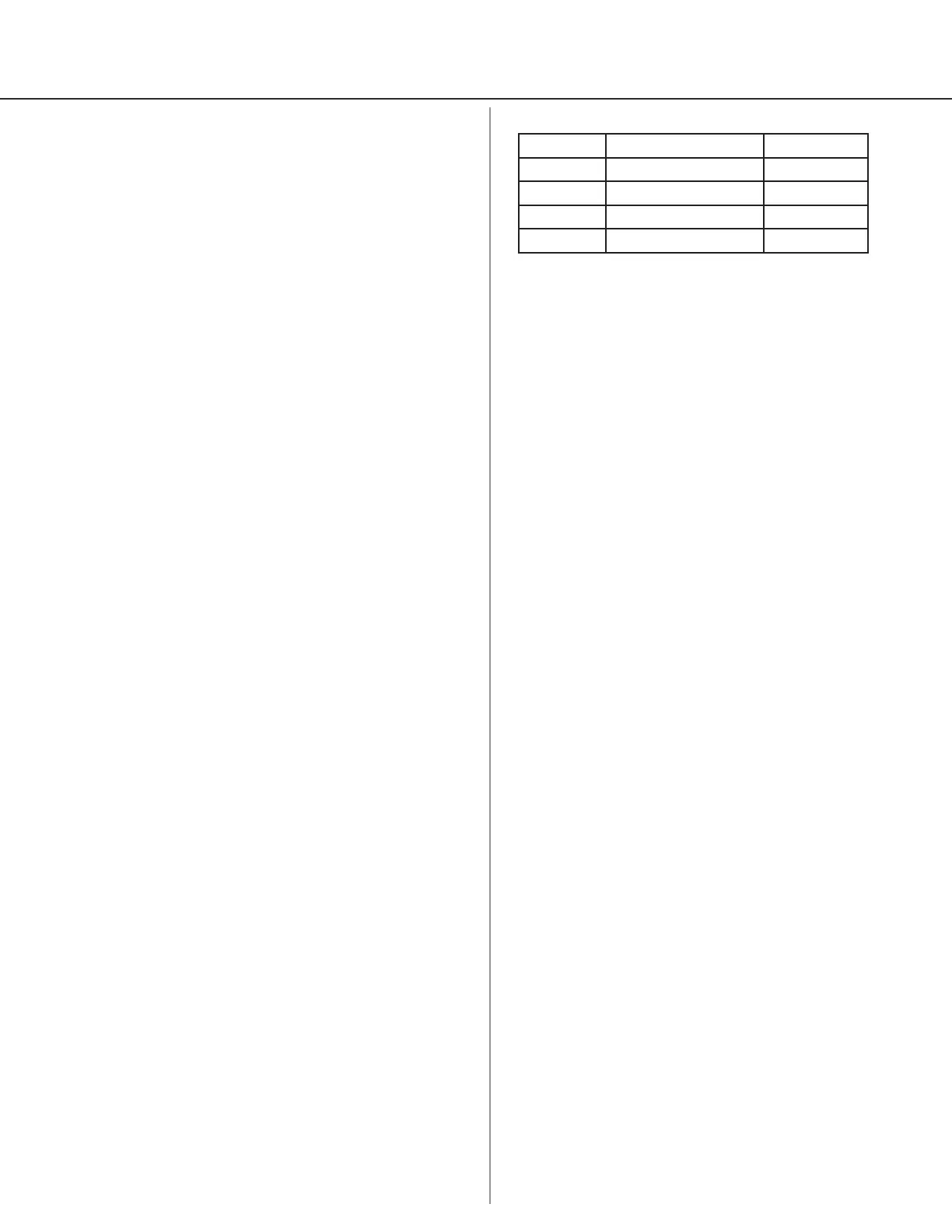
Calibration Tolerance Table
Low Limit Applied Load (lbs) High Limit
248.7 250 251.4
497.4 500 502.6
746.2 750 753.9
994.9 1000 1005.1
Scale System Care and Maintenance
Cleaning
1. Mild soap/water recommended for general
cleaning/disinfecting.
2. Exercise caution when cleaning LCD window.
Electrostatic Discharge (ESD)
Integrated circuits and semiconductors on printed
circuit boards may be damaged by electrostatic
discharge (ESD). Be sure to use proper handling
precautions at all times.
Electromagnetic Immunity
Electromagnetic Immunity is always relative and
standards are based on anticipated environments of
usage. If the user notes unusual device behavior, this
could be an indication of electromagnetic interference.
If such behavior is observed it may be associated
with the nearby usage of radio or tv transmitters, cell
phones, electro-surgical equipment, etc. and the user
should try moving the interfering equipment further
from this device.
Scale System Calibration
Periodic Calibration Check
1. Important: Following calibration procedure should
only be performed by qualied maintenance
personnel.
2. Load cell has no user serviceable components. Do
not tamper with for any reason.
3. Re-calibration is generally not required, but should
be veried periodically to ensure accuracy. Joerns
Healthcare recommends checking calibration once
every 12 months, or as your maintenance policy
requires.
Calibration Procedure
Note: Make sure nothing is in contact with Scale
System during this procedure. Be sure to remove your
hands from Scale System when noting
displayed calibration results.
1. Disengage Steer Wheel function if so equipped
with optional steer pedal.
2. Press Freeze/Resume button.
3. When display indicates “FREEZE = (weight)”,
press and hold Lb/Kg button. Display will read
“CAL” as right hand digit counts down to enter
CAL MODE.
4. When CAL MODE is shown, press Zero button to
zero the display.
5. Place known calibrated weight onto weighing
surface and compare it to displayed reading.
6. Press Weight Mode button for (+) corrections and
Weight Change Mode button for (-) corrections to
displayed weight. Displayed value should be within
0.5% of calibrated weight, plus or minus one digit.
7. Remove weight and re-zero. Repeat Steps 4-6,
until results are satisfactory.
8. When adjustments are completed:
a. Press on button to abort your changes and
exit the CAL mode, (or)
b. Press Freeze button to save all changes and
exit CAL mode.




 To Next Page