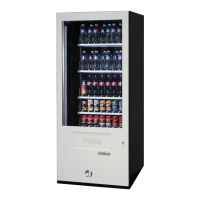
vision
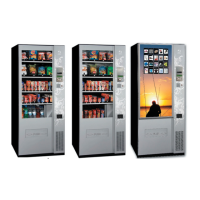
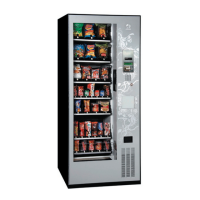
Snack Plus/Easy Combo
//
Vending
MNP86V03GBV00 Date: 2010/06/14 Rev. 0 PAGE 39 OF 62
[17] INTERIOR LIGHT PROGRAMMING
There are three options:
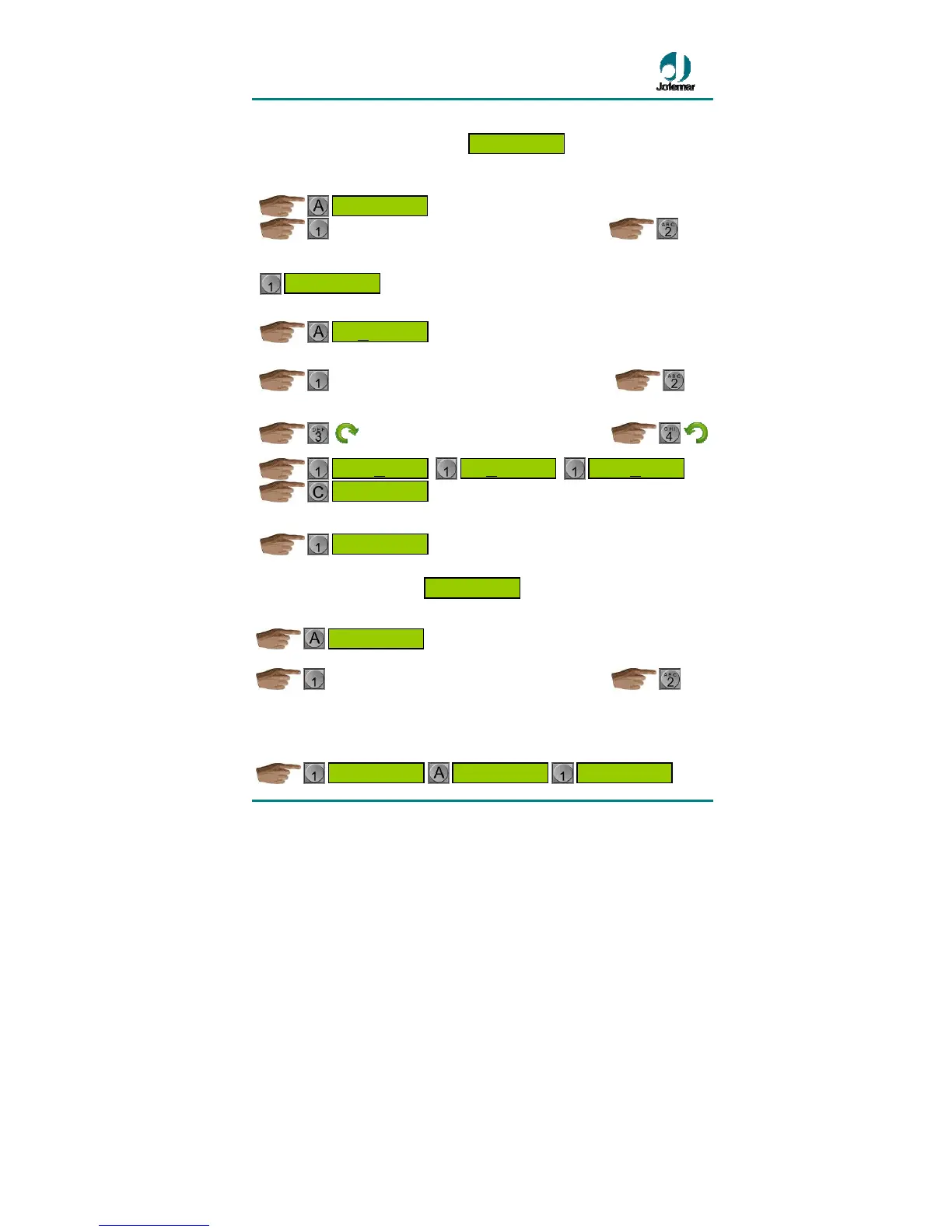
● Lights on
The last window selected will appear.
...............................................................................
● Time programming
to show on the display the current programmed setting for the time when the machine
lights should go on and off. The setting that can be modified will blink on the display.
Change the setting.
..............................................................................
Change the setting by increasing or decreasing it.
...........................................................................
If you wish to return to the main menu of the address.
● Lights turned off
[18] TEMPERATURE OPTIONS
After choosing the desired option.
The display shows the currently programmed
setting.
At this address there are several options among which you can toggle.
..............................................................................
The options are as follows:
• Temperature expiry: you can enable or disable the temperature expired product
alarm.
ENABLED DISABLED
EXPIRATION DUE
TO TEMPERATURE
EXPIRATION DUE
TO TEMPERATURE
TEMPERATURE
OPTIONS
lights
switched off
Light time
programming
Switch off
11:XX
PM
Switch off
XX
:00 PM
Switch on
10:XX
AM
Switch on
XX
:00 AM
Light time
programming
lights
switched on
LIGHTS
PROGRAMMING


 To Next Page