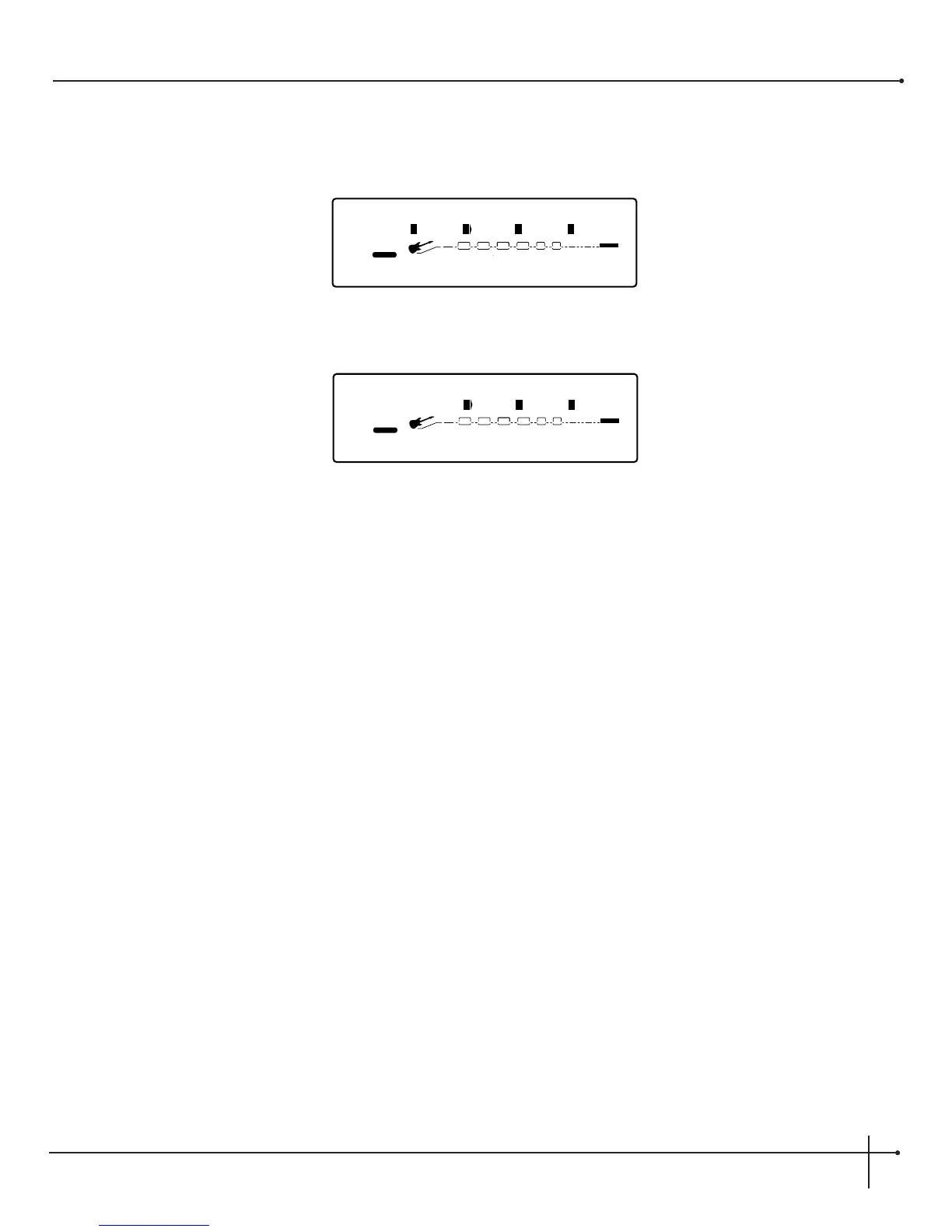
•When the tone controls are used, the display will appear as follows on page 2 of the amplifier module when the Millennium is in Edit
mode:
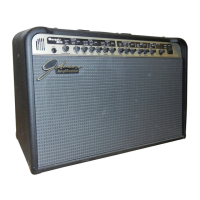
•Using the <Page> knob turn to page 4 and the display will appear like this:
Amplifier Model and Channel Selection
Selecting amplifier types in the Millennium is as easy as pushing a button. To call up any one of the amplifier model types, simply press one
of the six buttons in the <Amplifier Modeling> button array (subsequent presses of any amplifier model button will move you to the
next amplifier model available), or turn the <2> when the Millennium is in edit mode on page 1 of the Amplifier module. A-B channel
switching can be achieved within the Amp model by pressing the <Channel> button, or turning the <4> button while the Millennium is
on page 1 of the Amplifier module in edit mode. Always remember to save any changes.
Amplifier Contour Control
Using the <Contour> knob will give you the ability to control the tonal qualities of the power amp section of the Millennium. When the
<Contour> knob is turned all of the way down, the power amp tone is flat. Turning up the knob brightens up the signal in the power amp
section.
Digital Effects
Wet/Dry Mix Adjustments Global or Local
To change the mix of dry and wet signal of the overall effect level, use the <Mix/Page> knob. Mix settings range from 0 (all dry) to 100%
(all wet) when the Millennium Wet/Dry mix is set to Local or Global. When the Wet/Dry mix is set to Global (setting the Wet/Dry mix
either Local or Global is done on page 2 of the Utility menu), the mix control effects the percentage of Wet/Dry mix in every preset. As the
acoustics of any room change, you can easily adjust the mix of your effects accordingly with the turn of a knob. The master mix of each
preset can be modified in the Master mix menu while in edit mode by pressing the <Edit> button then scrolling through the preset pages
until the L/R Out and speaker icons blink.


 To Next Page