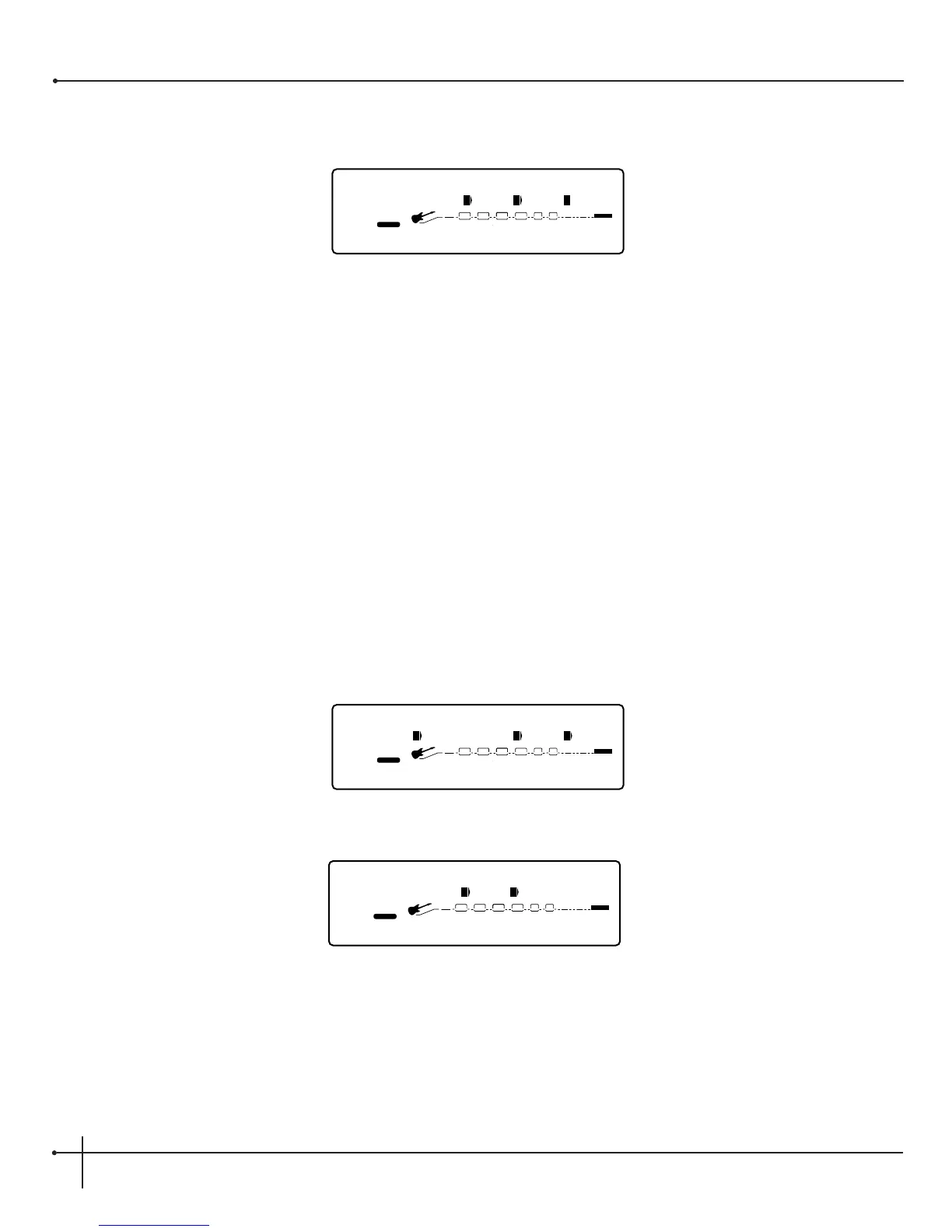
5. Now to assign the CC number, just turn the <4> knob until you have reached the desired CC. The display will now read something like
this:
6. Press the <Preset> button to exit the Foot controller setup menu.
Assigning MIDI Control to the Expression Pedals
This series of menus and submenus allows MIDI setup of the Expression pedals of the J-12. There are two procedures you must do in order for
the Expression pedals to work properly with MIDI:
1. Assign CC Number
2. CC Transmit Channel
Assign CC Number to Expression Pedals - This option allows you to choose the MIDI CC numbers you want to use for sending
continuous control messages using any one of the 4 expression pedal options. These assignments can be done on pages 11 and 12 of the
Utility menu. From the Factory, the expression pedal(s) are not pre-assigned to any MIDI CC number. To assign which CC number is sent
from the expression pedal(s), do the following.
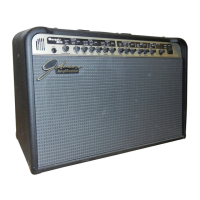
1. Press the <Utility> button once. The display appears something like this:
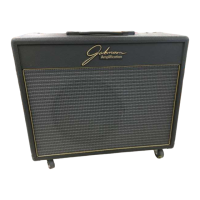
2. Turn the <Page> knob until you reach page 11 and the display will appear something like this:


 To Next Page