Selecting A Preset
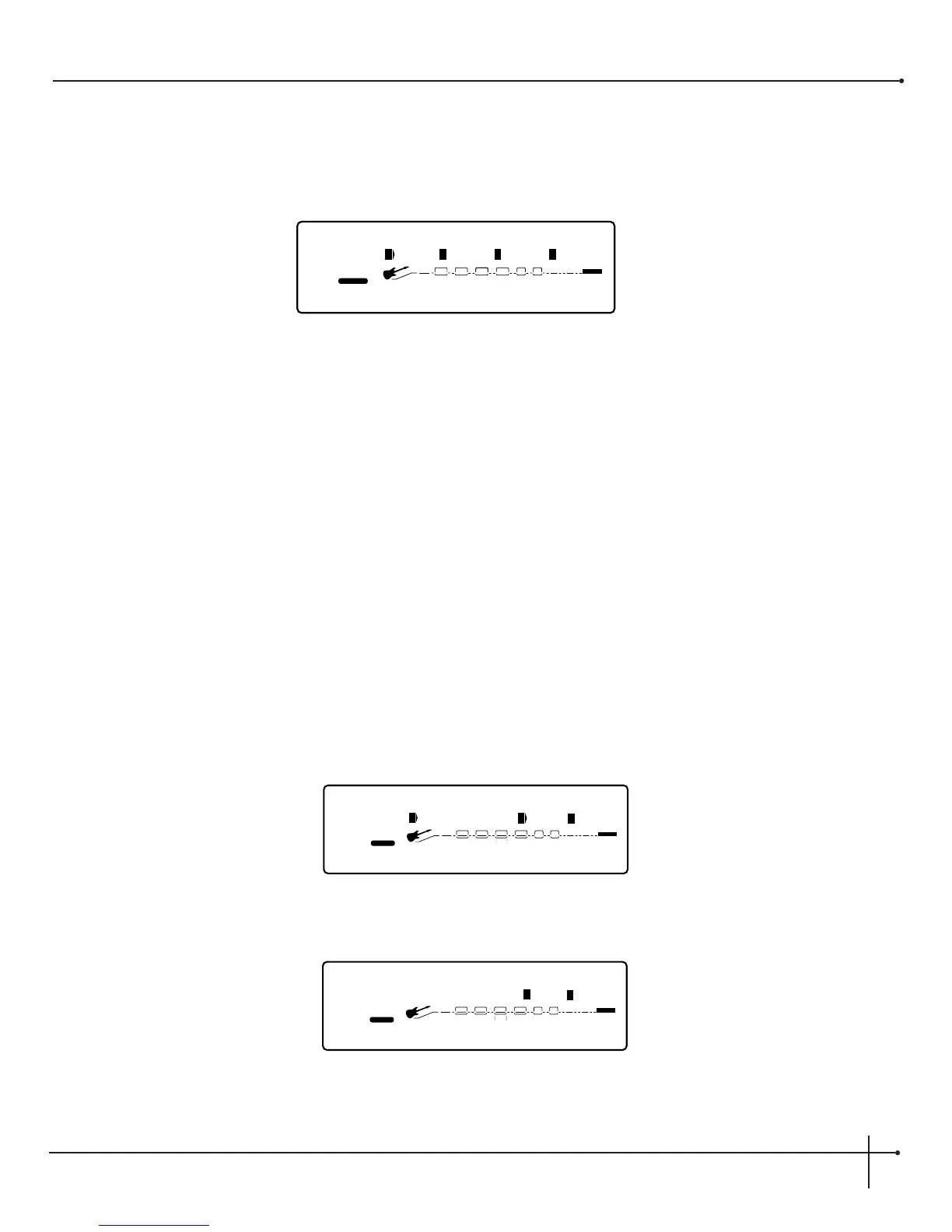
When you first turn on your Millennium, you are in Preset mode, and the display will appear something like:
To select a preset, do the following:
1. Make sure Preset mode is selected (the <Preset> button will be brightly lit). If the <Preset> button is dim, press it once to return to
preset mode.
2. Use the <Preset> button to select the preset bank (factory or user). Successive presses of the <Preset> button toggle between the
factory and user bank of presets.
3. Using the <Preset/Effect> wheel, scroll to the preset you want to use.
Using the Tuner
The Tuner of the Millennium can be accessed two ways. Either in page l of the Utility menu or by using the optional Johnson Amplification
J-12 foot controller. The following explains both modes of operation.
Utility Menu Tuner Mode
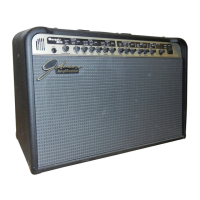
1. Press the <Utility> button once. The display reads:
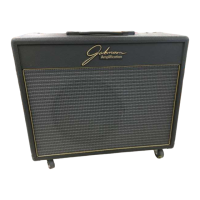
2. Now turn the <4> knob to turn the tuner on. The display will now appear something like this:


 To Next Page