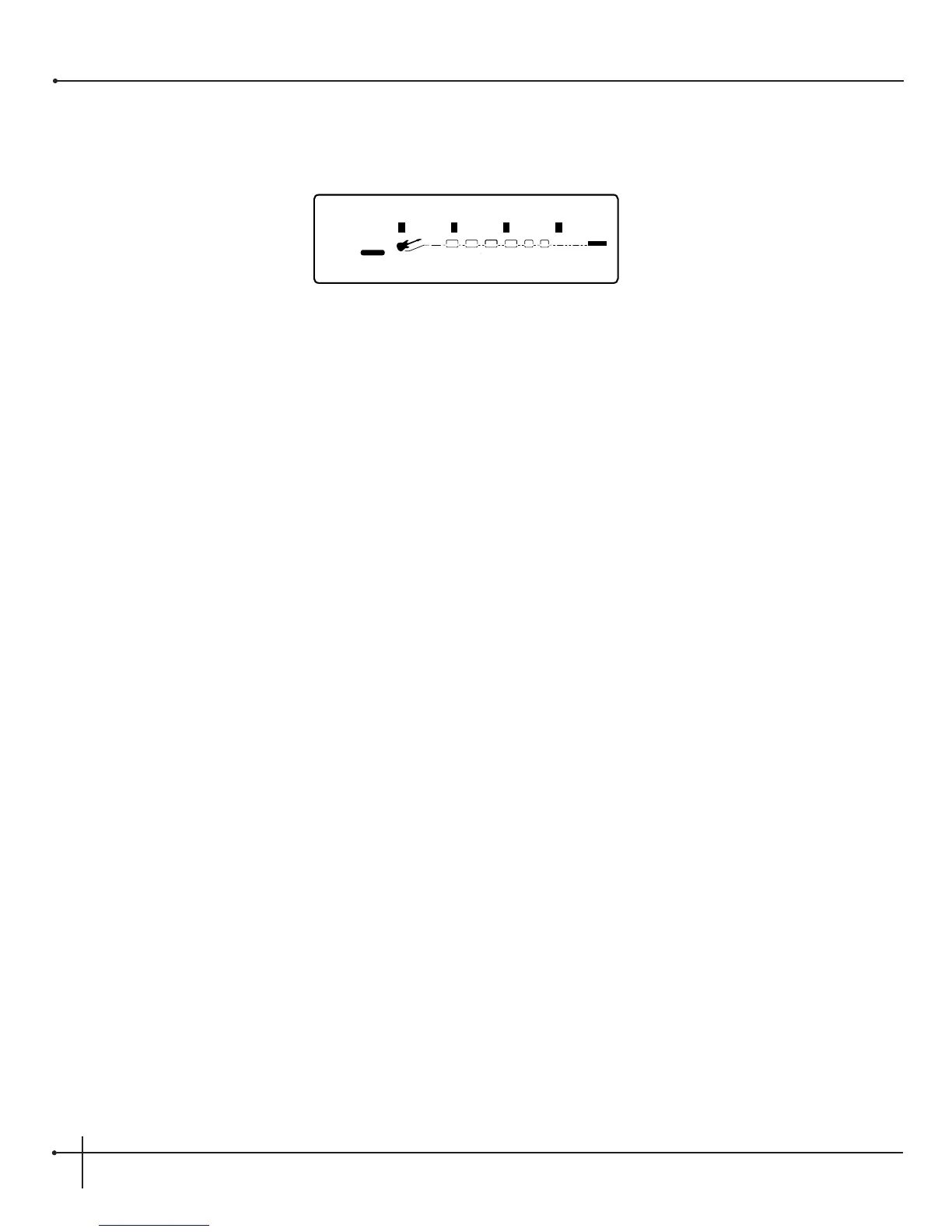
3. At this point, use the <2> knob to select the Bank to be named. Once the Bank has been selected, turn the <4> knob to rename the
Bank. The display now appears like this:
4. To exit the naming bank assignment, press the <Utility> button.
5. Using the <1> knob, change the character to the one you want in the selected position.
6. When the correct character is displayed in that position, use the <Page> knob to scroll the cursor to the next character you want to
change.
7. Use the <2> knob to select numbers, the <3> knob to insert spaces and the <4> knob to copy and paste characters.
8. To copy a character, position the cursor under the character you want to copy (using the <Page> knob), then turn the <4> knob
clockwise. To paste the copied character, position the cursor where you want to paste the character, then turn the <4> knob counter-
clockwise.
9. To abort the procedure, push either the <Preset> button to take you to Preset Mode, the <Edit> button to take you to FX Edit Mode, or
the <Utility> button to take you to Utility mode, depending upon which mode you want to enter.
Un-Linking or Viewing Parameter Control
1. To un-link or view a parameter that has been assigned to a footswitch, Expression Pedal or LFO simply press the <Assign> button twice
The display will tell you which parameter is linked to which footswitch. To unlink, simply turn the <1> knob and the top line of the display
will now read:
Available Link
2. To see any other parameter links in the selected program, press the <Assign> button twice and then turn the <Page> knob.


 To Next Page