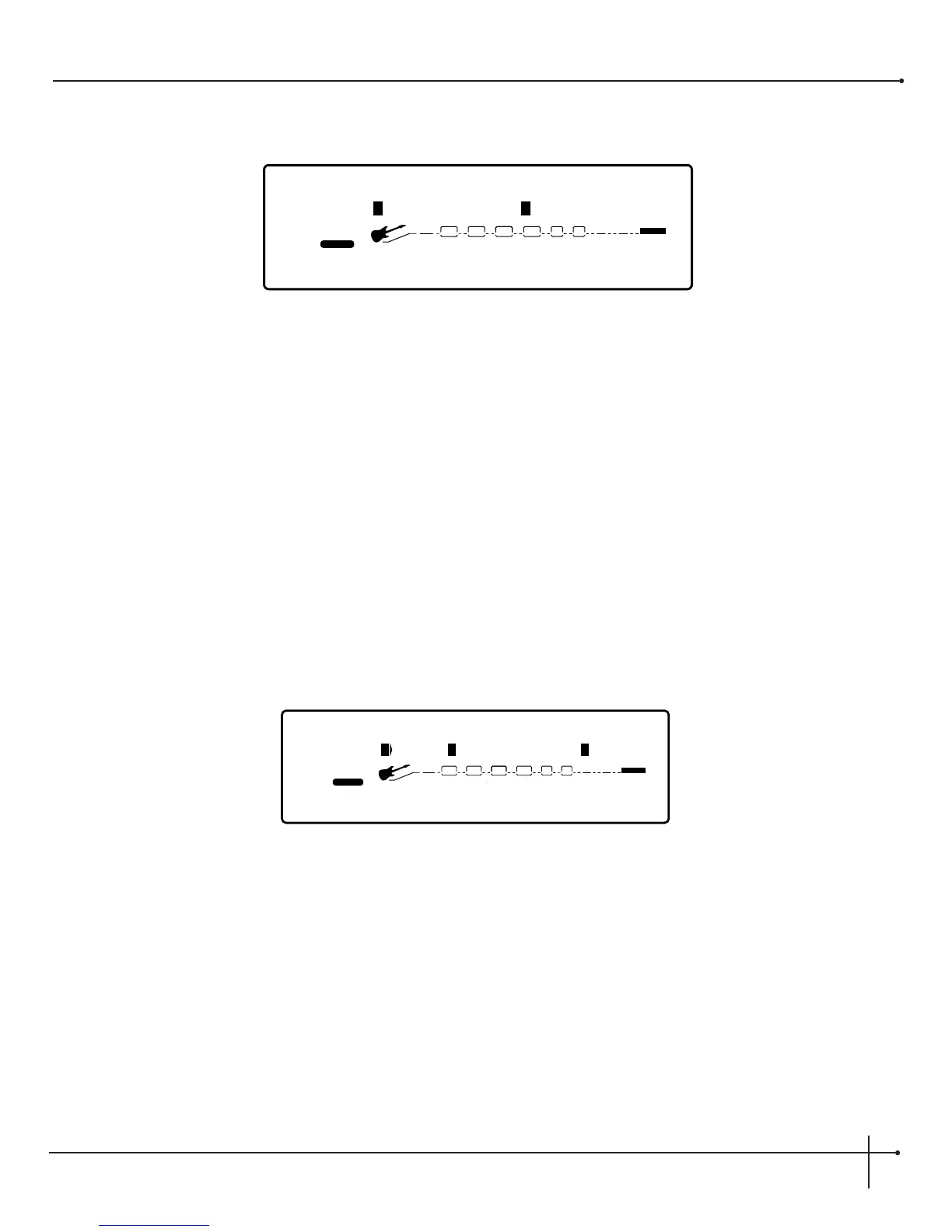
6. Now use the <Page> knob to move to page 5 of the amplifier model editing section and the display will appear like this:
7. Using the <1> knob will let you adjust the digital level of Channel A. The <3> knob adjusts the digital level of Channel B.
Note: Digital Level sets the amount of digital effect level that is heard within the selected preset.
Always note that the channel (A or B) that appears in upper case letters is the currently active channel and can be toggled any time using
the <Channel> button to select either channel
8. Once all of the modifications have been made to the Amplifier model in the currently selected preset, press the <Store> button to save
your changes. To exit the amplifier model editing section, press the <Preset> button.
Analog Wah Editing
Analog Wah editing can be done by performing the following procedures:
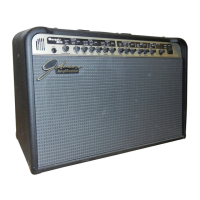
1. From Preset mode press the <Edit> button and the display will appear like this:
2. Using the <1> knob will either turn the Wah On or Off. The <2> is used to activate the Wah pedal range and the <4> knob is used to
select the Wah type.


 To Next Page