External Expression Pedals
The rear panel of the Millennium contains 2 external expression pedal inserts that can be linked to control any parameter of the Amplifiers’
operating system. Either a standard volume or a voltage control pedal can be connected to these insertion jacks. The 2 external expression
pedals on the J-12 foot controller can be used as well.
Once the external expression pedal is connected, the assignment procedure to be followed is listed below.
Linking a Parameter to a Modifier
To link a parameter to a modifier, please complete the following steps:
1. Scroll to the parameter you would like to link to a modifier (ie: Delay feedback).
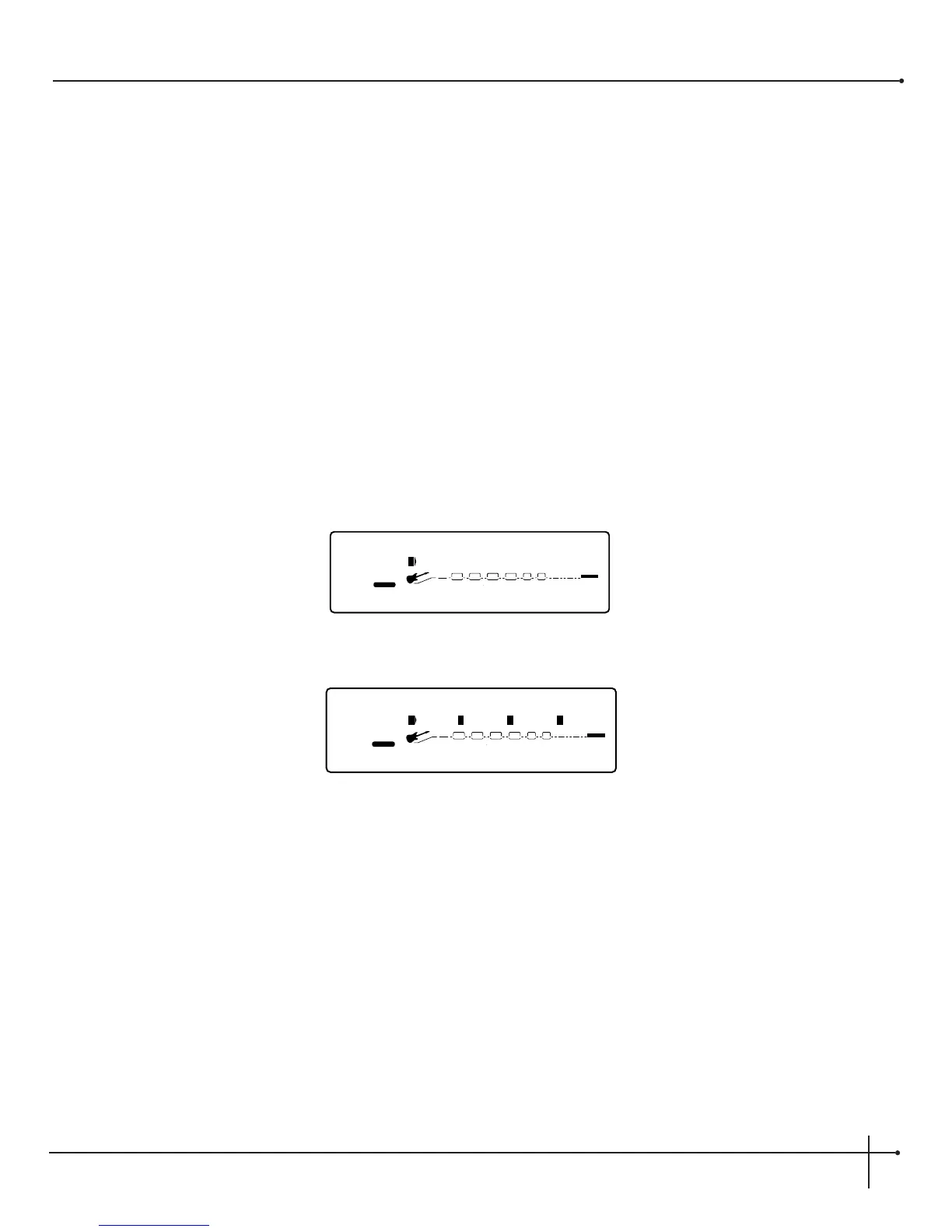
2. Press the <Assign> twice when using a foot controller button and the display appears something like:
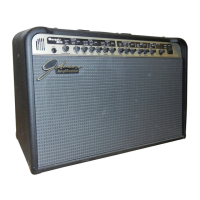
3. Turn the <1> knob to turn the link for the selected parameter on. The display will look something like this:
4. Use the <2> knob to scroll through the different modifiers that can be linked to the parameter you want assigned. The selections are:
MIDI CC’s
(CC): 0-127 & ChP
(aftertouch)
Real Time modifiers (RT):
LF1, LF2, dY1, & dy2
External Pedal
(Ext): Pdl,(Pd3)
when the J-12 is connected.
J-12 (F.Pdl & F.Sw): Pdl-2 & F l-10
NOTE: The MUTE and THRU effect types do not have any Parameters to connect to, so they will not appear in the parameter list.
5. Use the <3> knob to select the minimum parameter value you want when the controller is in the maximum position.
6. Use the <4> knob to select the maximum parameter value you want when the controller is in the maximum position.
NOTE: Make sure you store any changes you want to save before moving on.


 To Next Page