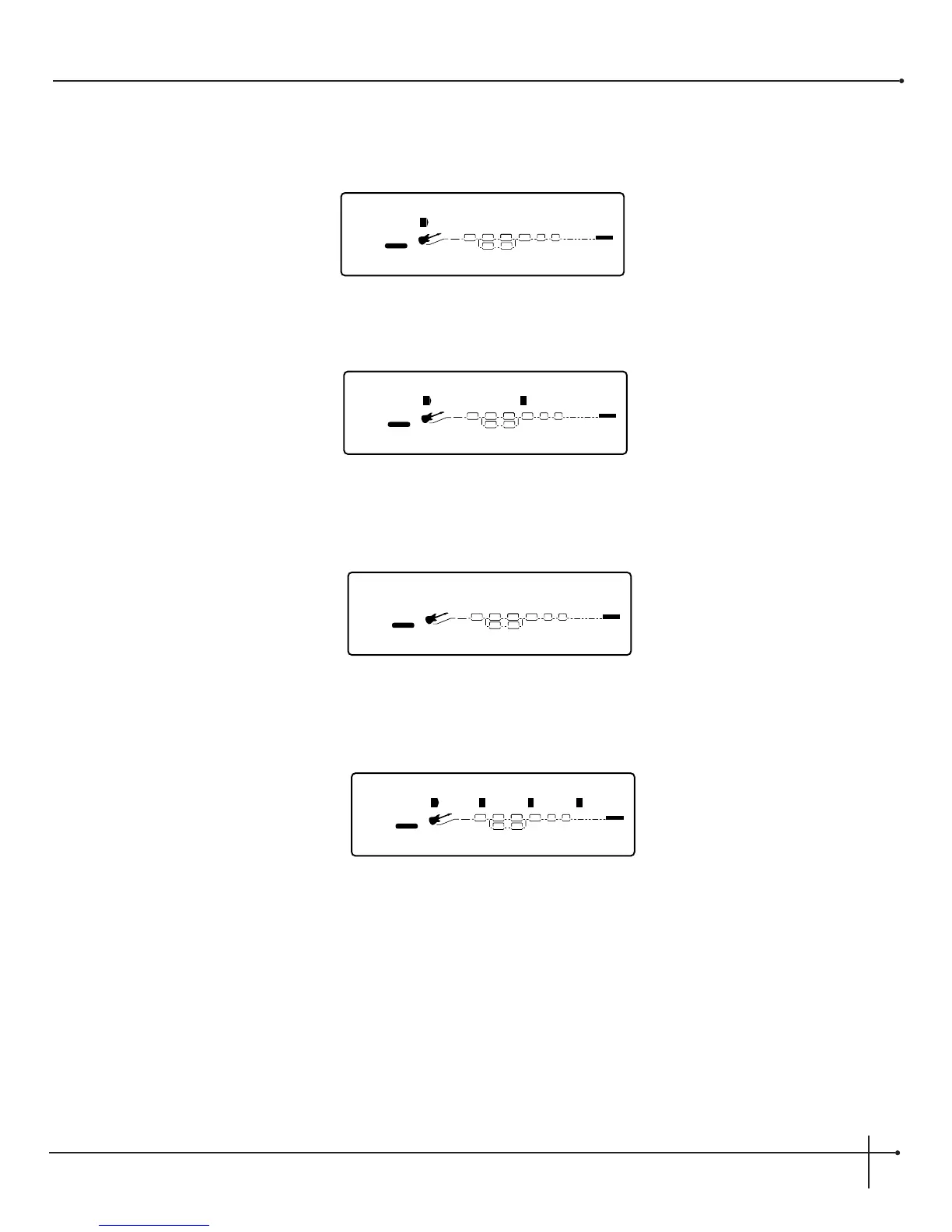
1. From Preset mode, you must get to the configuration screen by either pressing the <Edit> button and turning the <Preset/Effect>
wheel, or simply press the <Config> button until the display appears something like this:
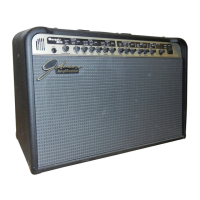
2. Now turn the <Page> knob to page 2 and the display will appear like this:
3. Now turn the <1> knob, making the Volume Pedal parameter active for assignment to an expression pedal. Now press the <Assign>
button and the display will appear like this:
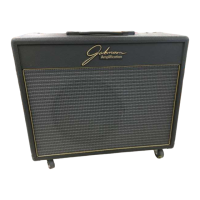
4. Now all you have to do is select the expression pedal that you want to assign the volume pedal parameter control to and move the pedal
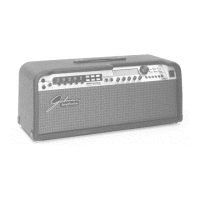
and the display will appear something like this:
5. Now that the assignment has been made, make sure that you store your changes and press the <Preset> button to return to Preset
mode.


 To Next Page