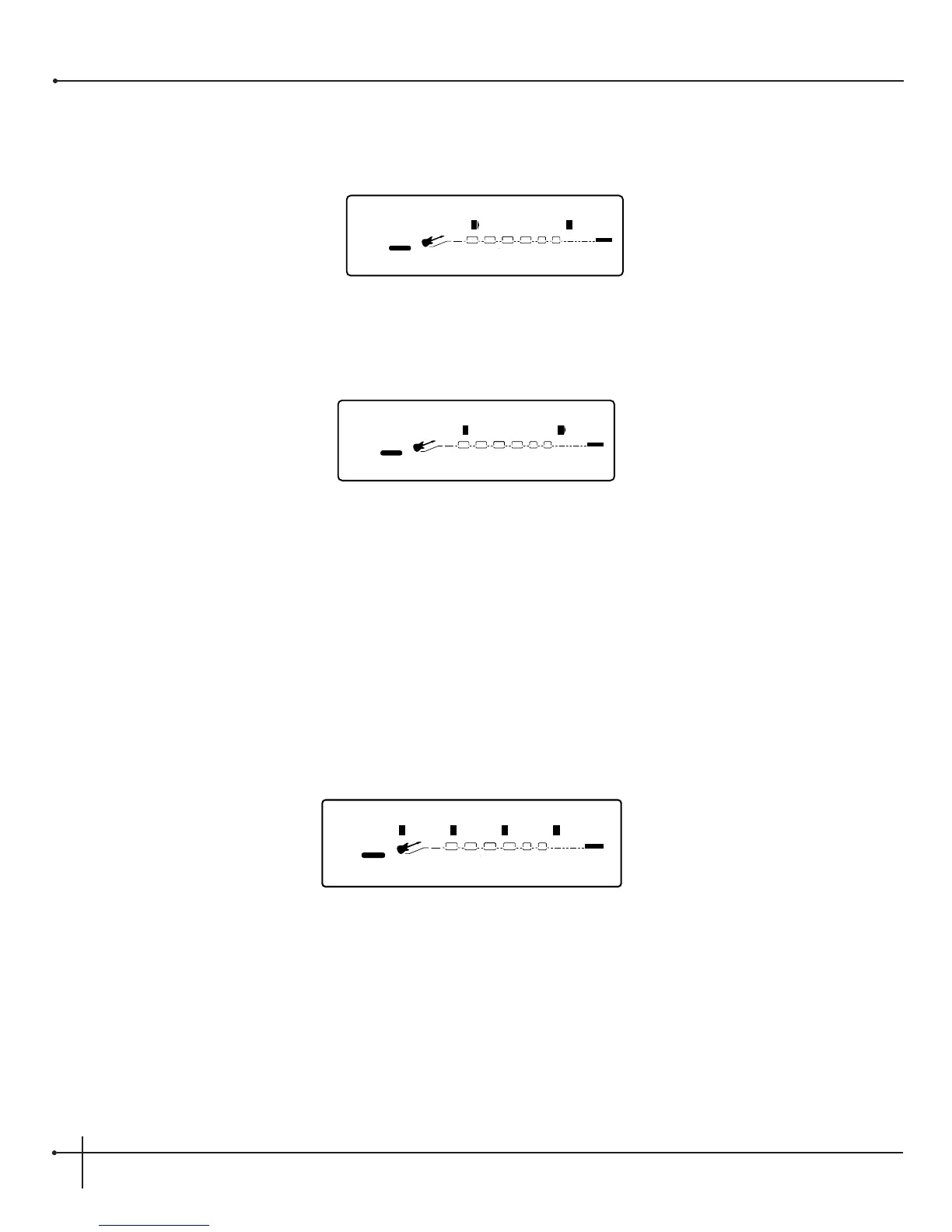
2. Turn <Page> knob to page 3 and the display will read:
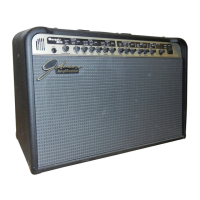
3. Turn the function knob <4> to select the MIDI CC transmit channel. For example, select channel 10 and the display will now appear like
this:
4. To exit the Transmit channel assignment, press the <Preset> button.
Momentary Footswitch Assignment
The Millennium now has the ability to assign any footswitch of either the J-12 or Digitech Control One foot controllers to act as momentary
switches. This will give you the ability to toggle the value a parameter by a press /hold and release of the selected footswitch. The momentary
footswitch assignment can be done by performing the following procedure:
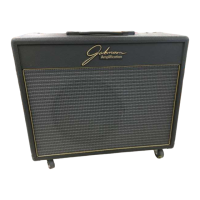
1. When the parameter for assignment has been selected, press the <Assign> button once. After you have selected the footswitch for
assignment, the display will appear something like this:
2. Now turn the <1> button to set the footswitch to either: Ont (On Toggle) or OnP (On Momentary).
3. Choosing the OnP setting will make the footswitch perform as a momentary footswitch. This means that the footswitch will toggle
the selected parameter while pressed, and once released, the parameter will return to its original value.


 To Next Page