Enterprise Configuration Merging Data Between Sites
24-10515-21 Rev. – 3-9
This document contains confidential and proprietary information of Johnson Controls, Inc.
© 2010 Johnson Controls, Inc.
7. Verify database integrity:
In the SQL Server Management Studio window click the New Query
button.
Type in the following command:
use pegasys
dbcc checkdb
go
use badgeimages
dbcc checkdb
go
Click (“Parse Query” button) to check integrity of the script.
Click the ! Execute button.
Scroll down in the lower window pane and find the line:
“CHECKDB found 0 allocation errors and 0
consistency errors in
database ‘Pegasys’.”
Scroll down further and find the line:
“CHECKDB found 0 allocation errors and 0
consistency errors in
database ‘BadgeImages’.”
Close the Microsoft SQL Server Management Studio window.
8. For FDA-compliant systems, re-establish FDA signatures:
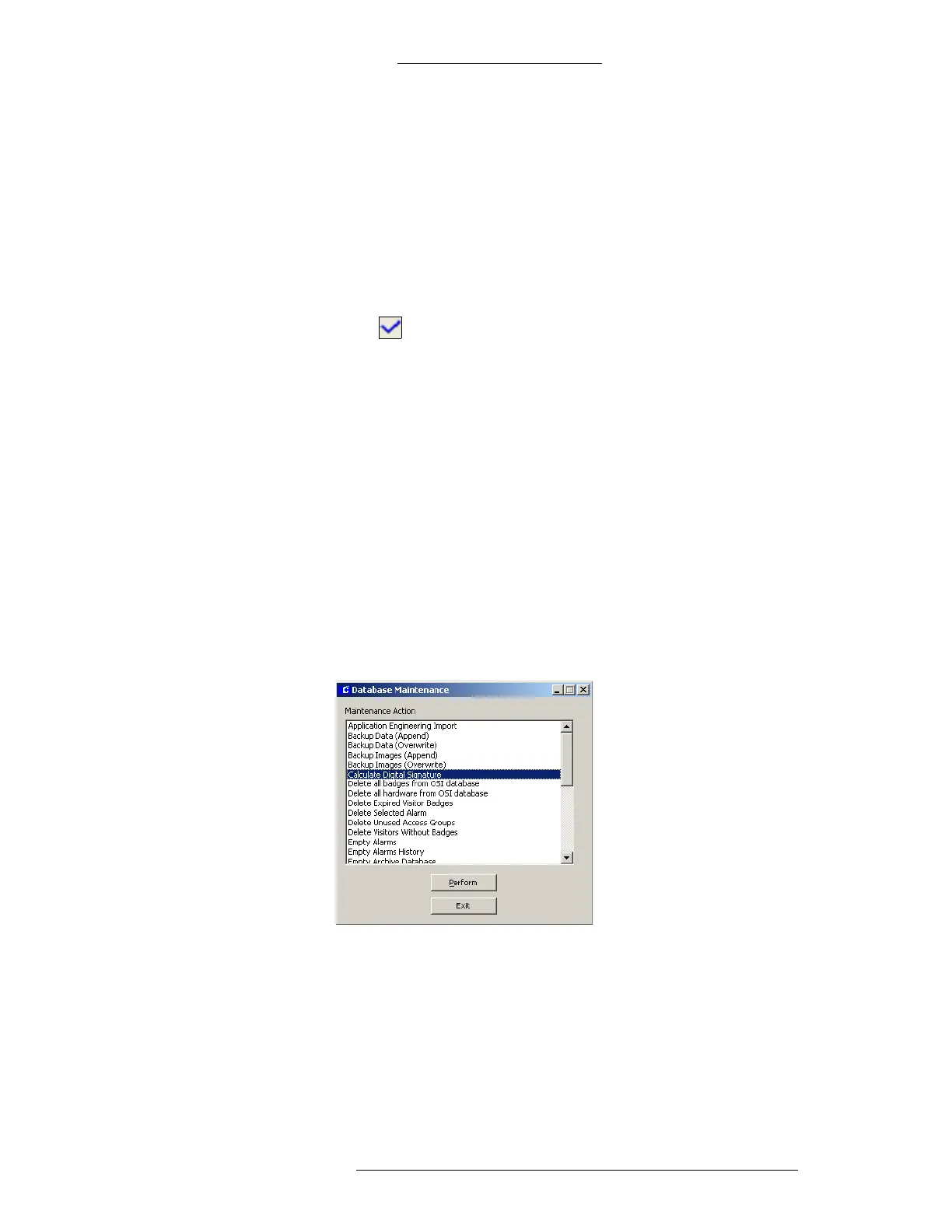
From the P2000 main menu select System>Database Maintenance.
Enter the password when prompted and click OK.
From the database maintenance window, select Calculate Digital
Signature and click the Perform button.
Click OK to confirm the action.
In the Calculate Digital Signature window, click the Select All button and
then the Perform button.





 To Next Page