Merging Data Between Sites Enterprise Configuration
3-10 24-10515-21 Rev. –
This document contains confidential and proprietary information of Johnson Controls, Inc.
© 2010 Johnson Controls, Inc.
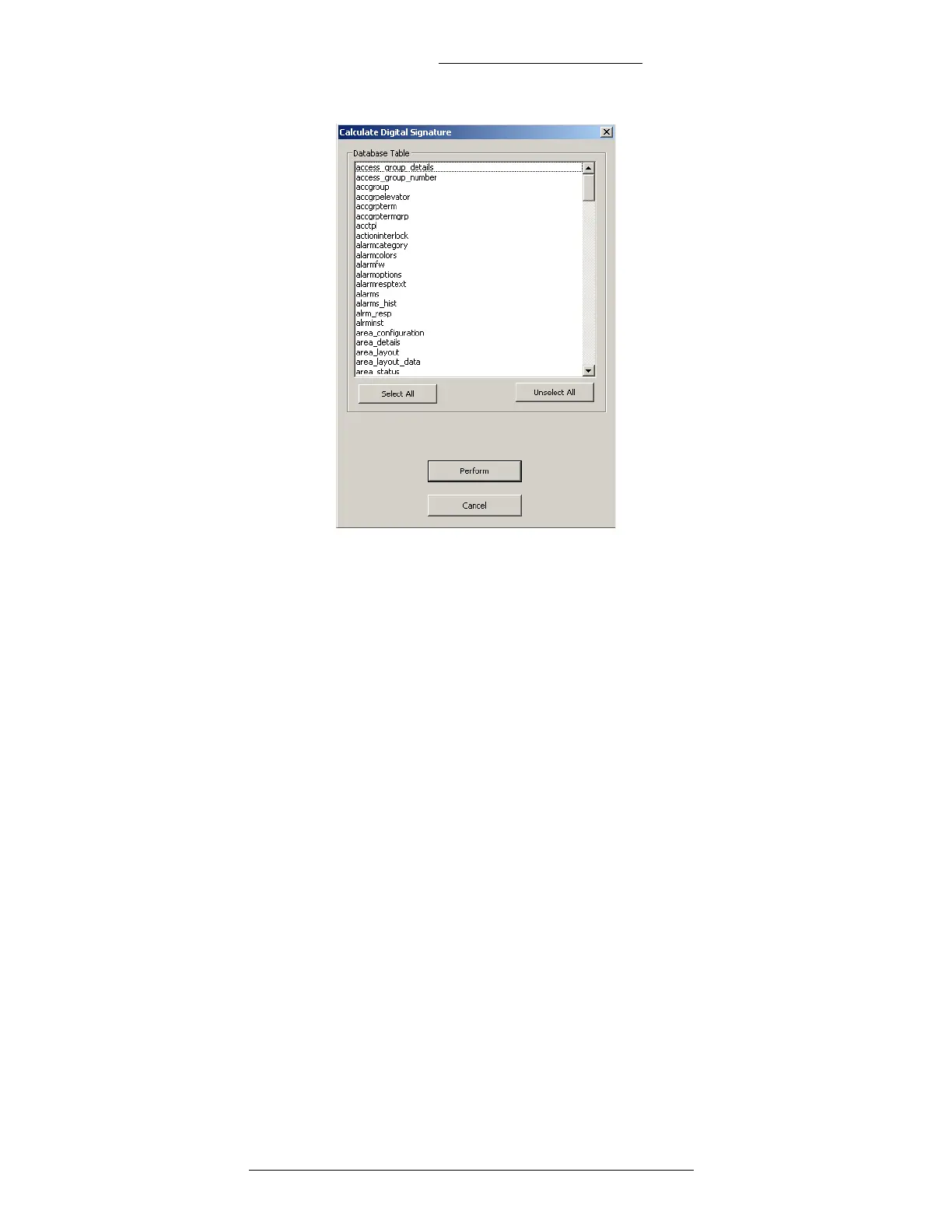
P2000 will now perform the operations on the database. This may take a
few minutes. When the process is completed make sure there are no
invalid signatures. Click Cancel to close the window.
From the database maintenance window, select Validate Digital
Signature and click the Perform button.
In the Validate Digital Signature window, click the button Select All and
then the Perform button.
P2000 will now perform the operations on the database. This may take a
few minutes. When the process is completed make sure there are no
invalid signatures. Click Cancel to close the window.
To close the Database Maintenance window, click Exit.
9. Manually add modifications that occurred t
o the “old” database since the
backup time.
10. Verify that the P2000 regional server is fully operational an
d switch the
panels and P2000 Workstations to communicate with it:
Configure the P2000 Workstations to communicate with the new server’s
computer name.
Configure the panels to communicate with the new server’s IP address.
Perform download to all panels.
Refer to the P2000 Softwar
e User Manual for detailed instructions.





 To Next Page