Reset button operation and descriptions
Use the following two reset functions on the WRG1830 if you lose your password or if you want to
restore the unit to factory defaults:
• Reset Network Settings
• Reset to Factory Defaults
Use the reset instructions in Appendix A: Reset Network Settings or Appendix B: Reset to Factory
Defaults depending on the type of reset you require. For both reset conditions, the following
information applies:
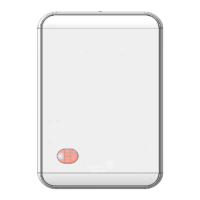
• The reset button is located on the front of the device, on the upper right, above the FAULT
LED, see Figure 5 figure and Figure 6. To reach the reset button, use a small screwdriver or
similar tool.
WARNING: There are two access holes on the front of the WRG1830, if you press the wrong
button you can permanently disable the WRG1830. The reset button is the button on the right
as shown in Figure 5
• If the WRG1830 is connected to the network when you press the reset button, it disconnects
from the network.
• If you press the reset button for more than nine seconds, the reset operation cancels.
• If a fault condition already exists, the reset button does not work.
Figure 5: Reset button
Status indication LEDs
The WRG uses status LEDs to indicate functional states according to the LED map shown in Figure 6.
Table 1 provides WRG LED functional information.
Wireless Router Gateway Installation Guide8



 To Next Page