WT-4000 Series Pneumatic-to-Direct Digital Control (DDC) Room Thermostats Installation Instructions
20
Occupancy Programming Example – Standard
Office Hours
• Setpoint: 70°F
• Occupied from 9 A.M. to 5 P.M., Monday through
Friday
• Saturday and Sunday: Unoccupied, Upper Limit is
85°F, Lower Limit is 55°F
Program the WT-4000 Series Room Thermostat
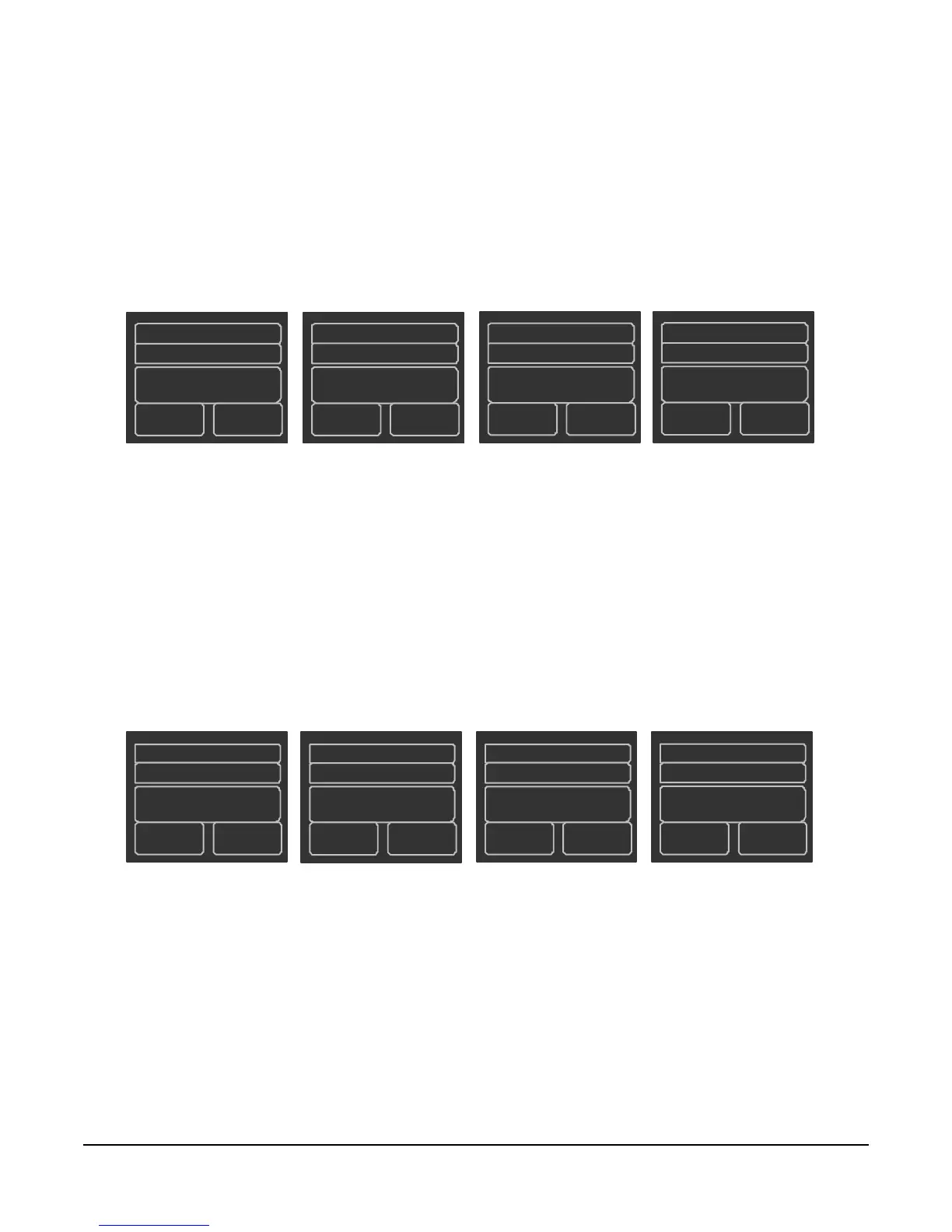
schedule setup screens as illustrated in Figure 28.
Occupancy Programming Example – Night Shift
Hours
• Setpoint: 70°F
• Occupied from 3 P.M. to 6 A.M., Monday through
Sunday
Program the WT-4000 Series Room Thermostat
schedule setup screen as illustrated in Figure 29.
Weekend
1
Unoccupied
09:00*
85 55
Weekend 2
Unoccupied
17:00*
85
55
FIG:stndrd_offc_hrs
Weekday1
Occupied
09:00
70
Weekday2
Unoccupied
17:00
85
55
* The start and end times are irrelevant, since both weekend parts are set to the same unoccupied mode.
Figure 28: Occupancy Programming Schedule;
Standard Office Hours
FIG:nght_shft_hrs
Weekday1
Unoccupied
06:00
85 55
Weekday2
Occupied
15:00
70
Weekend 1
Unoccupied
06:00
15:00
Figure 29: Occupancy Programming Schedule;
Night Shift Hours








 To Next Page