40 / 41
Device Maintenance
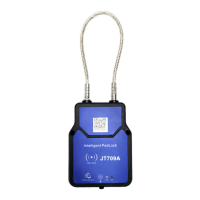
During long-term outdoor use, dust, sand and other debris will enter the device through the keyhole, causing
the device to fail to work normally. Users need to clean the device regularly to ensure their long-term work.
Proceed as follows:
1. Clean the dirt or debris on the surface of the equipment;
2. Pull out the cable and wipe the removable end of the cable with a clean cloth;
3. Use a clean cotton swab or other tools to put it in the keyhole until it reaches the bottom and wipe it left and
right.
FAQ
The device cannot be working,leds are off
The battery may be in deep sleep mode
Please charge the battery for 6 hours
Question 2: It cannot connect to the platform when used for the first
time
There may be the following reasons;
The host IP, port, and APN parameters are
incorrectly configured;
The device has entered deep sleep mode with low
battery;
The SIM card balance is insufficient and it has been
shut down;
The SIM card has no GPRS function;
SIM card has PIN code


 To Next Page