14 / 41
Install Micro-SIM card(Ignore this section if SIM
card inserted already)
Use a special Allen screwdriver to loosen the screws of the back cover, and then refer to this article "Install the
Micro-SIM Card".
Please confirm the cellular communication module used by the current device with the sales staff of Jointech, if
the current device uses a 2G communication module, Please communicate with the local mobile operator and
confirm that the SIM card has activated the GPRS Internet access function and can connect to the Internet.
Place the Micro-SIM card that has activated the GPRS network access function into the SIM card slot and lock it
tightly.
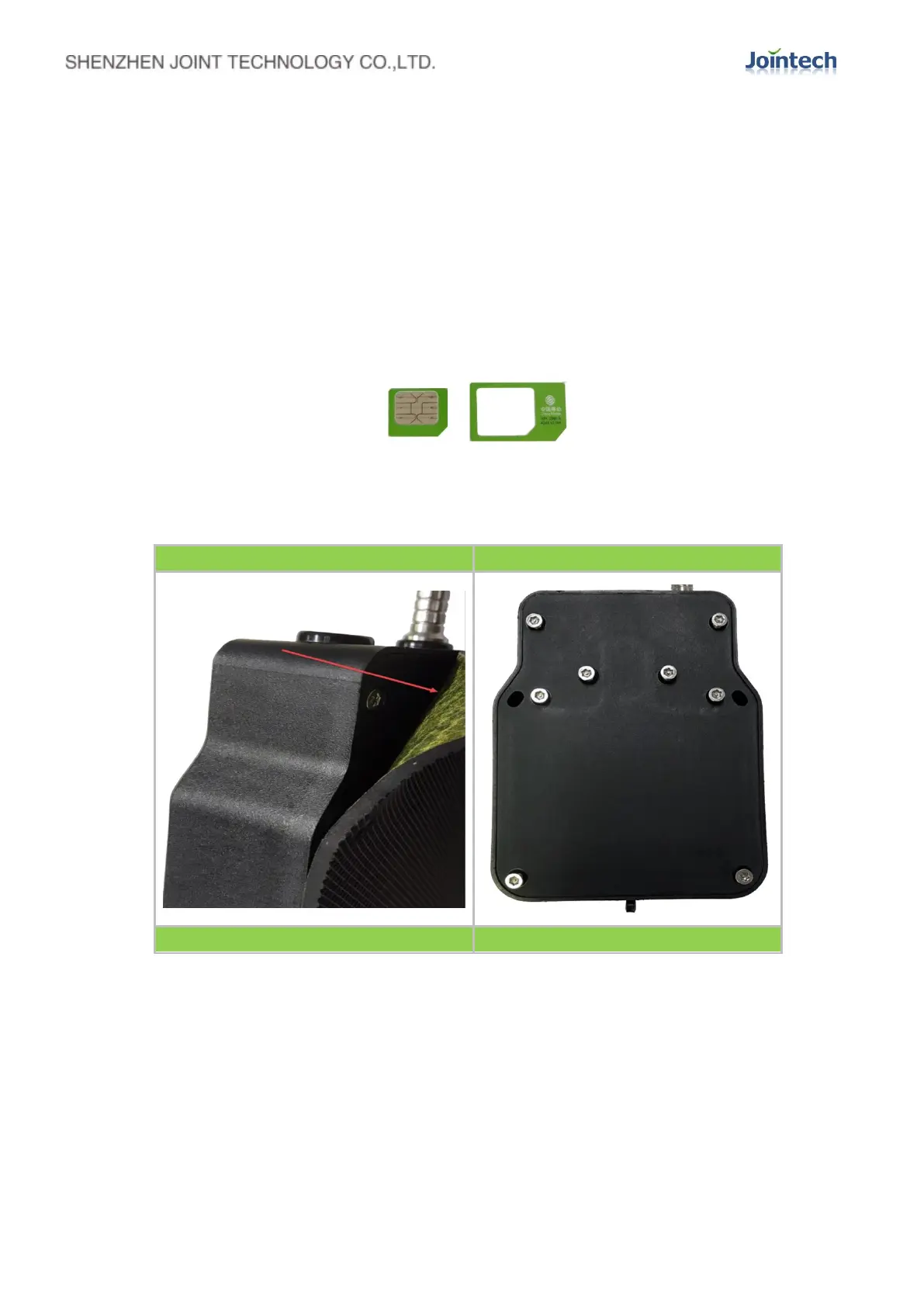
Micro-SIM Card - Length * width (15*12mm)
The installation steps are shown in the figure below, insert the SIM card into the card slot and fix it:


 To Next Page