TP820 User’s Manual
- 16 -
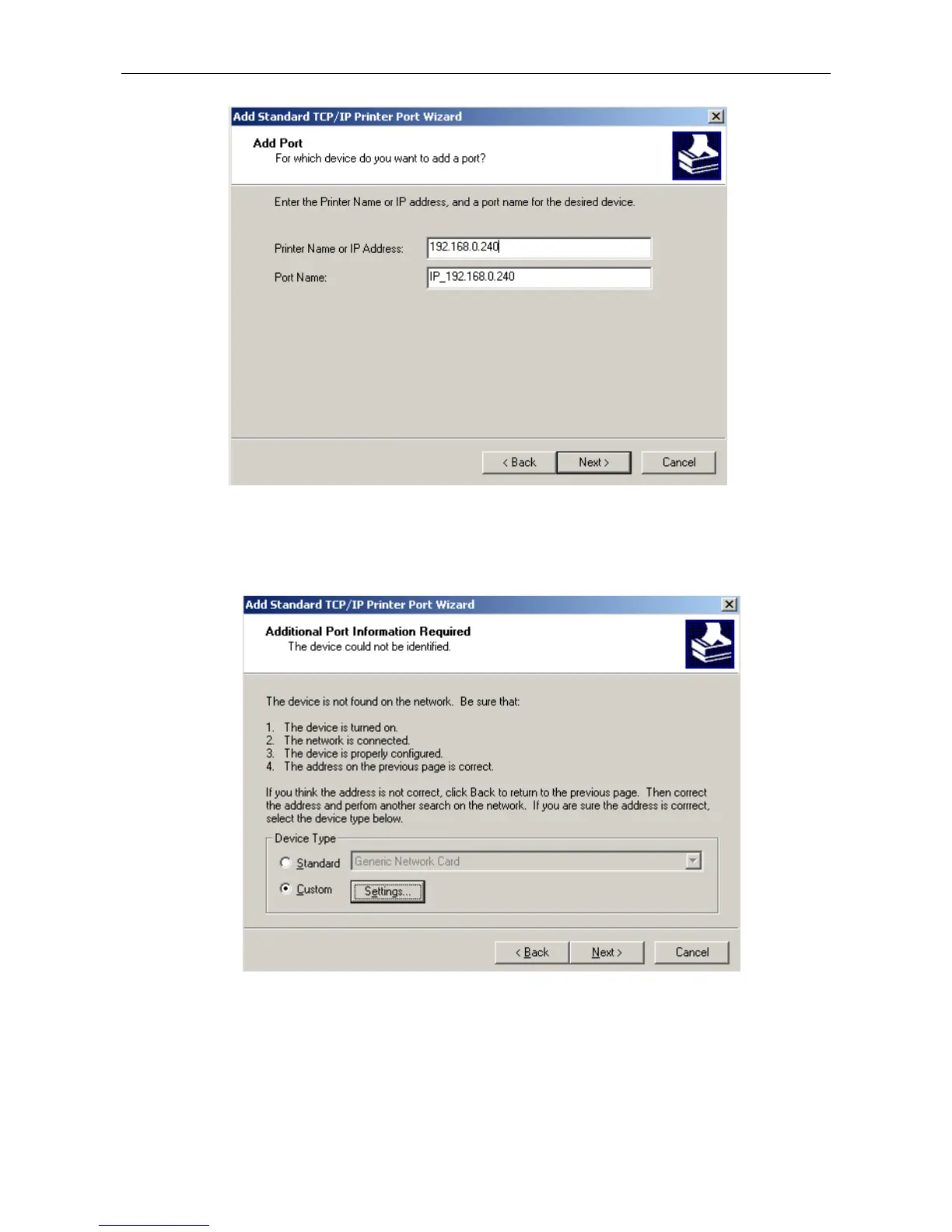
7) Come out a window of “Port information”, select “User-defined” in the “Equipment style”,
then click “setting”. Come out a window of “Additional Port Information Required”, select
“Custom” in the “Device Type”, then click “settings”.
8) Come out a window of “Port Settings”. Affirm that “Port name” and “Printer name or IP
address” are correct, “Protocol” is “RAW” and “Port Number” is “9100”, click “”OK”.



 To Next Page