TP820 User’s Manual
- 17 -
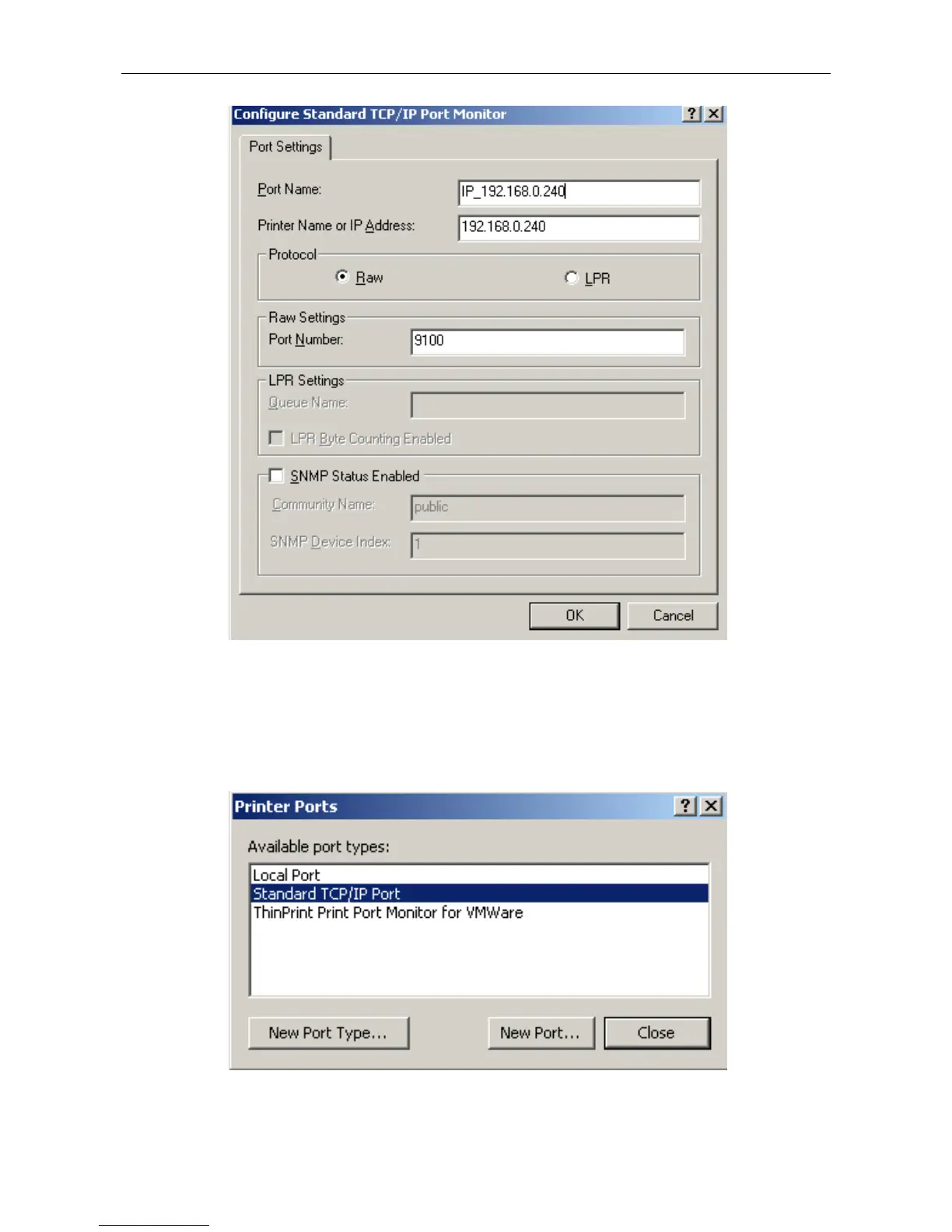
9) Return to “Additional Port Information Required”, click “Next”.
10) Come out a window of “Completing the Add Standard TCP/IP Printer Port Wizard”, click
“Finish”.
11) Return to “Printer Ports”, click “Close
12) Return to “Properties”, make sure the network port is selected, click “Apply”, and then click
“Close”. Thus, printer’s network port setting is finished.



 To Next Page