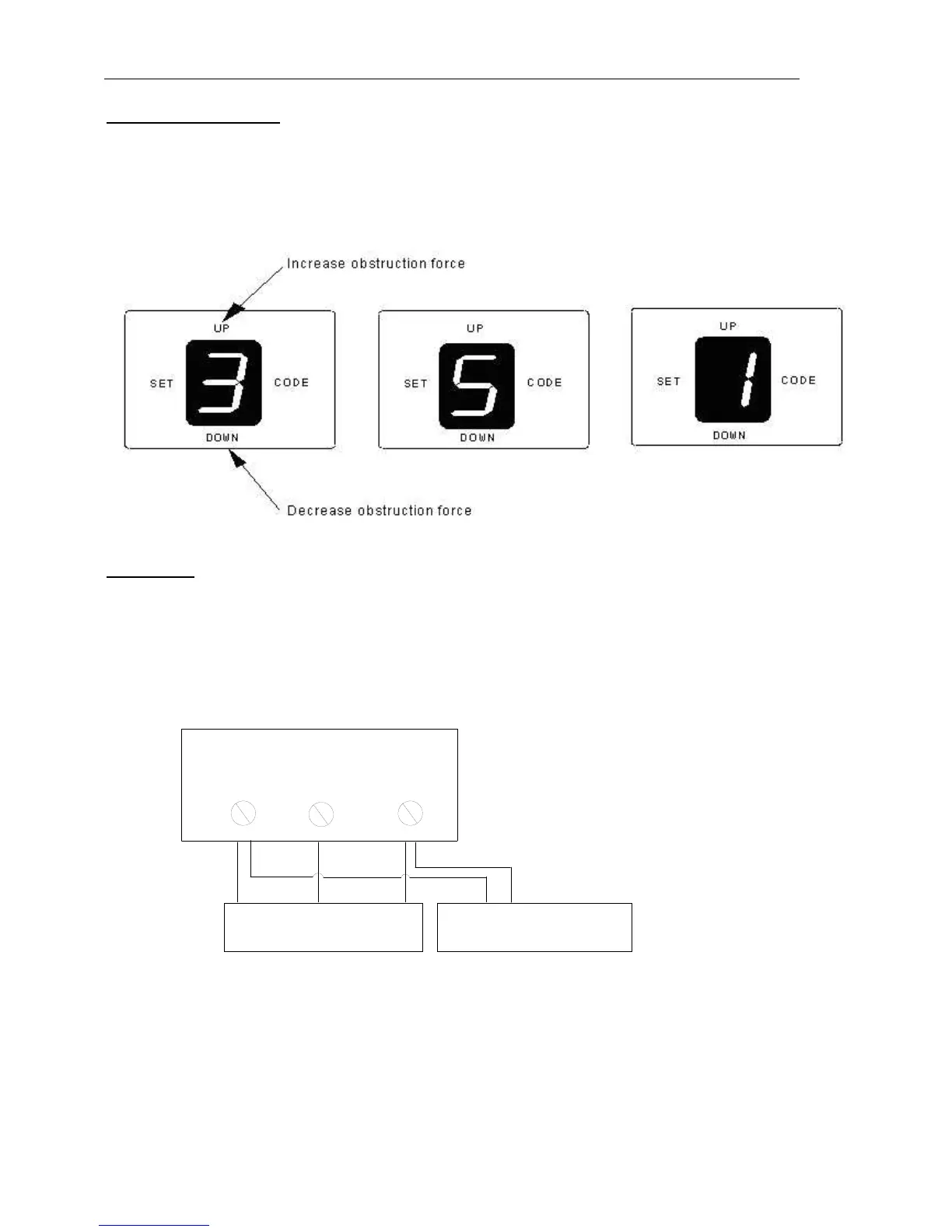
Setting obstruction force
If the door meet an obstruction during closing, it will stop and reverse about 15cm~20cm.
1. Press and hold SET. The LED will display number from ’1’ to ’4’, when the number ’3’ appears on the
LED display, release the SET.
2. Press OPEN to increase the obstruction force, the maximum force is level 9. Press CLOSE to
decrease force, the minimum force is level 1.
3. Press SET to confirm.
Fig.14
Photo beam:
Connect the photo beam follow Figure. The photo beam output signal must be N.C. signal.
Press and hold close until ’─’ is indicated on the LED display. release the close,’11’will indicated on
the LED display. Press open, ’H’ will indicated on the LED display. Press SET to confirm.Then
Connect the photo beam follow the Figure.( Note: When not using photo beam, please click the
above action and set to "11" status)
Fig.15
9. Maintenance
Check the door once a month. The door should be carefully checked for balance. The door must be
in good working order.
The auto-reverse function should be regularly inspected, and adjusted if necessary. For service, call
an experienced serviceman.



 To Next Page