8. Programming Process
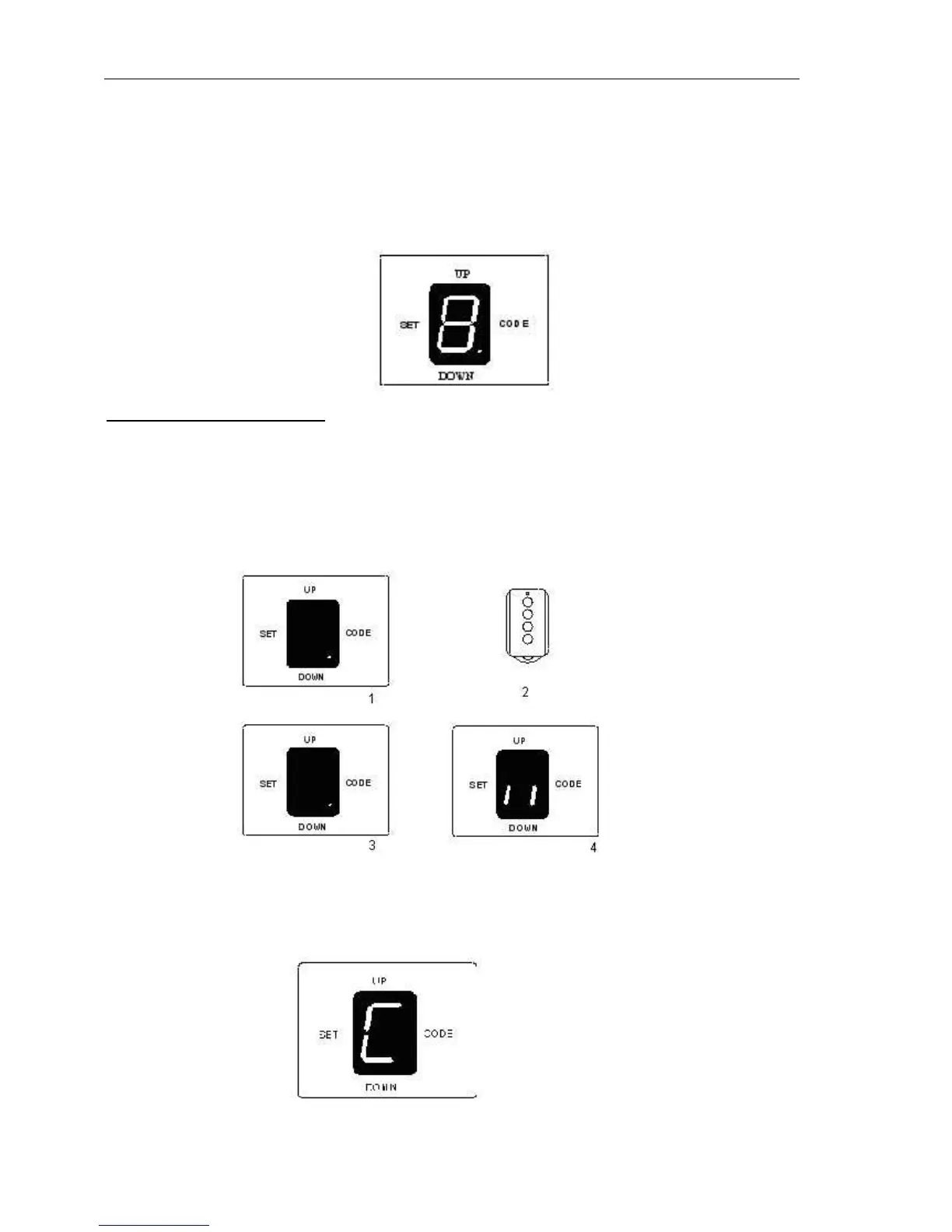
SET button: Mode set and Confirm function
CODE button: Transmitter set and clear function
UP button: open door
DOWN button: close door
Fig.10
Adding extra transmitter (learn)
1. Press CODE, a dot is indicated on the LED display.
2. Press the transmitter button which you want to use (button 1, 2, 3, 4), then press the same button
again.
3. The dot on the LED display will flash then turn off.
4. ’||’ is indicated on the LED display, then the learning process is finished.
Up to 20 transmitters may be used.
Fig.11
Erase transmitter
Press and hold CODE until ’C’ flashes on the LED display. This indicates that all the transmitters have
been erased completely.



 To Next Page