Manual operation
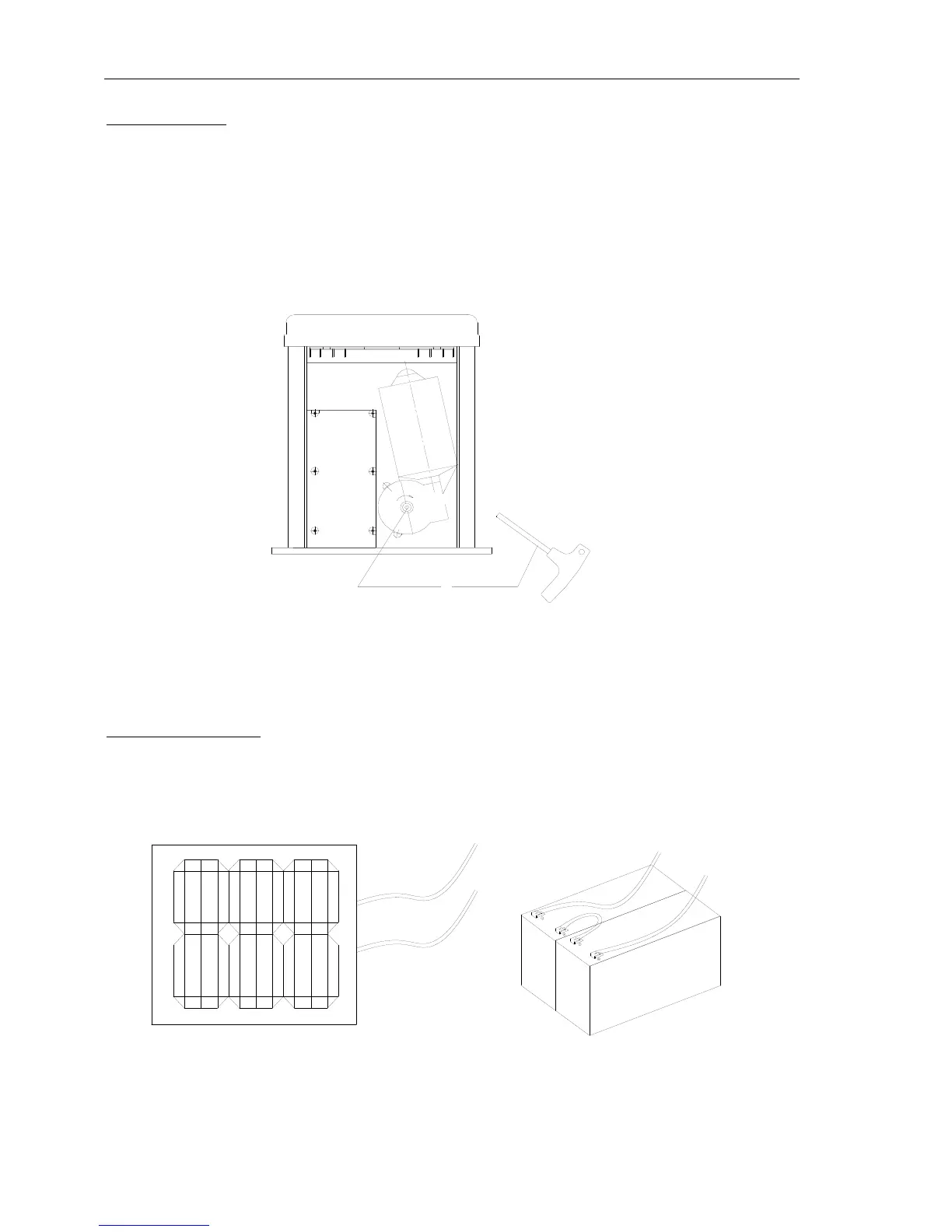
In case of power failure use manual release key to open or close gate manually, use the release key as
follow:
Fit the supplied key in the hole.
Turn the key clockwise to release the clutch.
Open and close the gate manually.
After power-restored use the manual release key to tight the clutch by turning the key
counterclockwise and resume normal operation.
Fig.6
NOTE:The gate operator needed reset limit after re-tight the clutch by turning the key
counterclockwise if the power failure and released by hand.
6. Wire Connecting
Connecting the battery
Plug the terminal of Extra battery in the control board.
NOTE:If you not use gate operator and power failure, please pull out the extra battery terminal.



 To Next Page