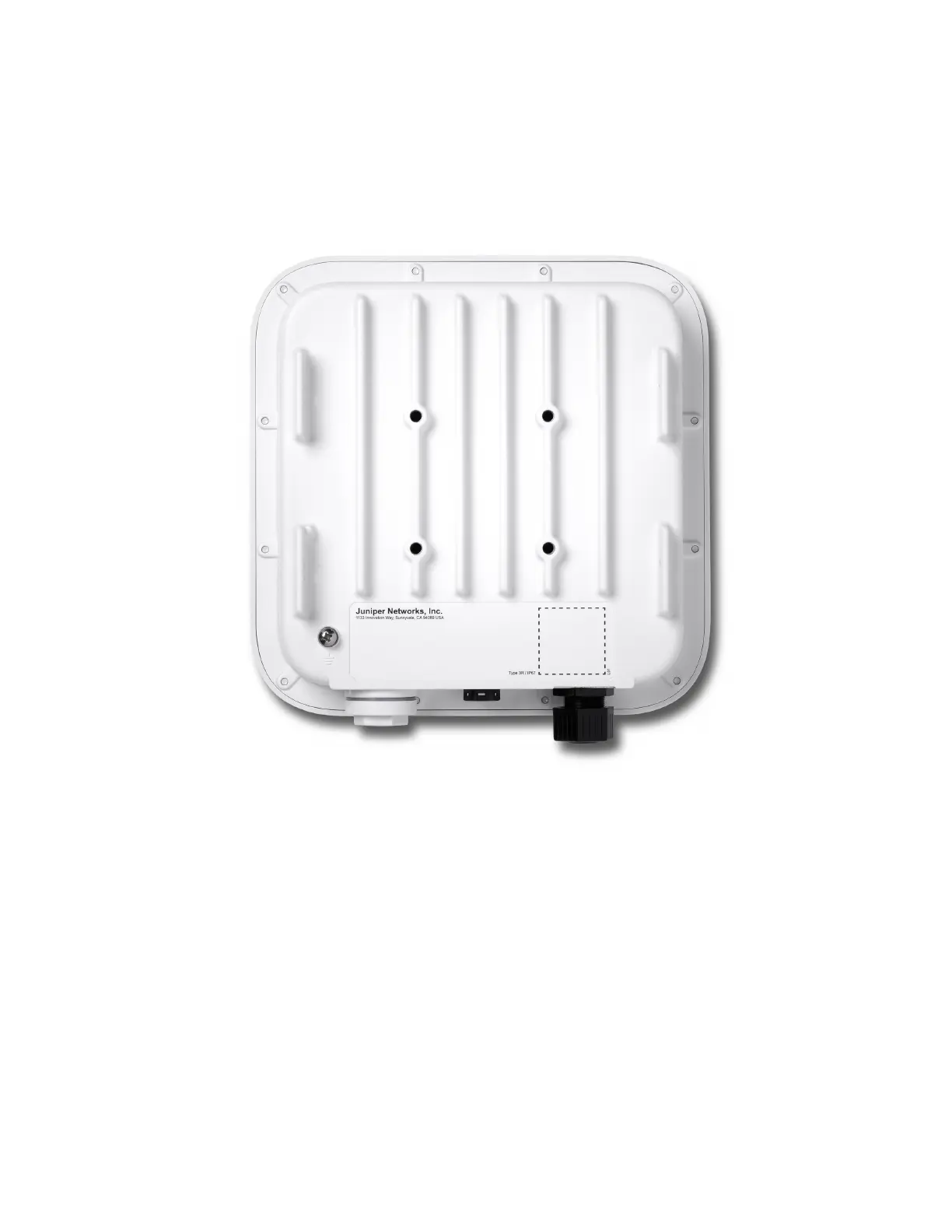
Figure 3: Rear Panel of AP64
For AP64 specicaons, see the AP64 Datasheet.
Power-On Opons for the AP64
You can use any of the following opons to power on the AP:
• Power over Ethernet plus (PoE+) from an Ethernet switch
We recommend that you use an Ethernet cable with a maximum length of 100 m to connect the
access point (AP) to the switch port.
6



 To Next Page