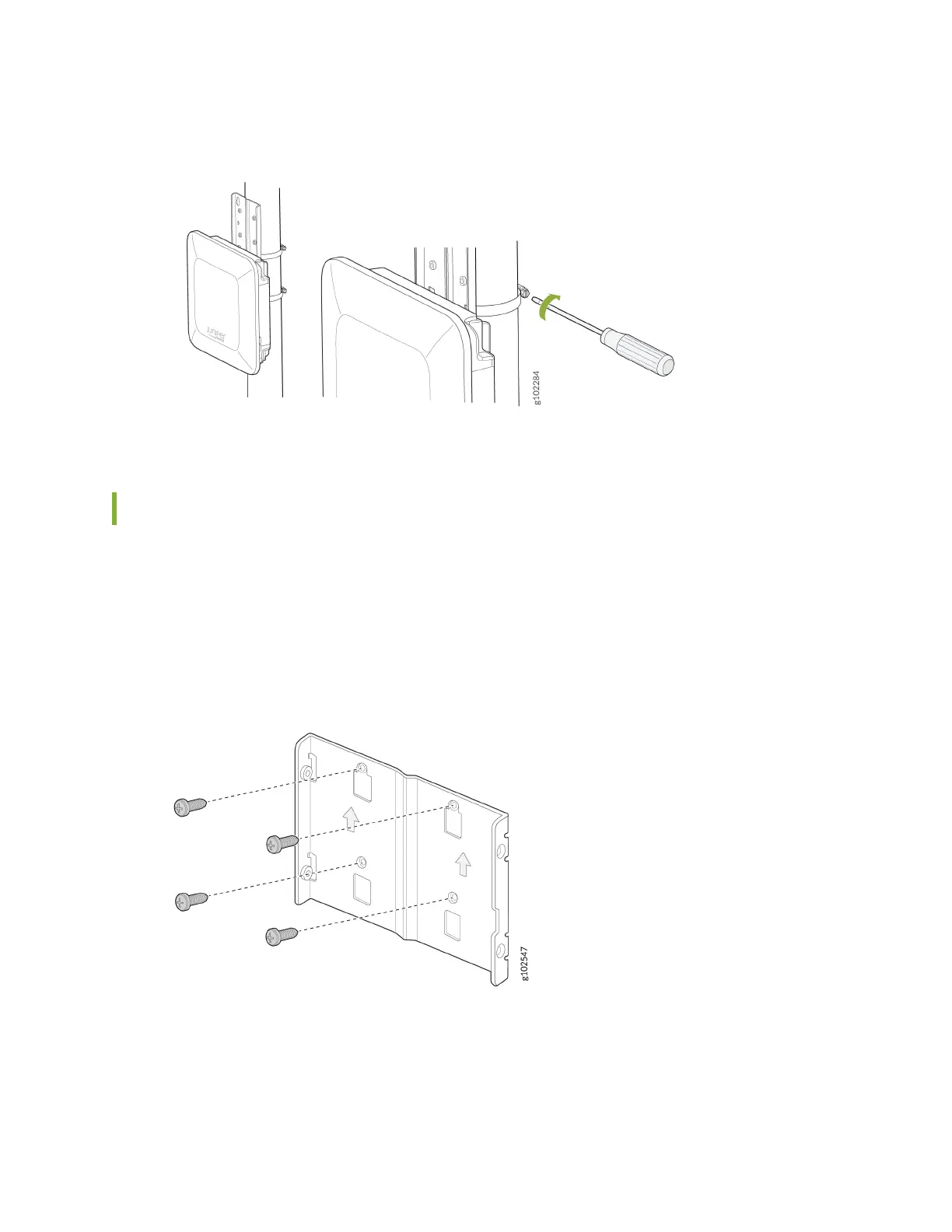
Figure 9: Mount an AP64 on a Pole (Flush Mount)
Mount the AP64 on a Wall Using APOUTBR-FM2 (Flush Mount)
To ush mount the AP64 on a wall:
1. Drill four holes on the wall based on the locaon of holes in the APOUTBR-FM2 mounng bracket.
2. Install the APOUTBR-FM2 mounng bracket on the wall using the four screws.
Figure 10: Install the APOUTBR-FM2 Mounng Bracket
3. Aach the AP64 to the APOUTBR-FM2 mounng bracket.
16



 To Next Page