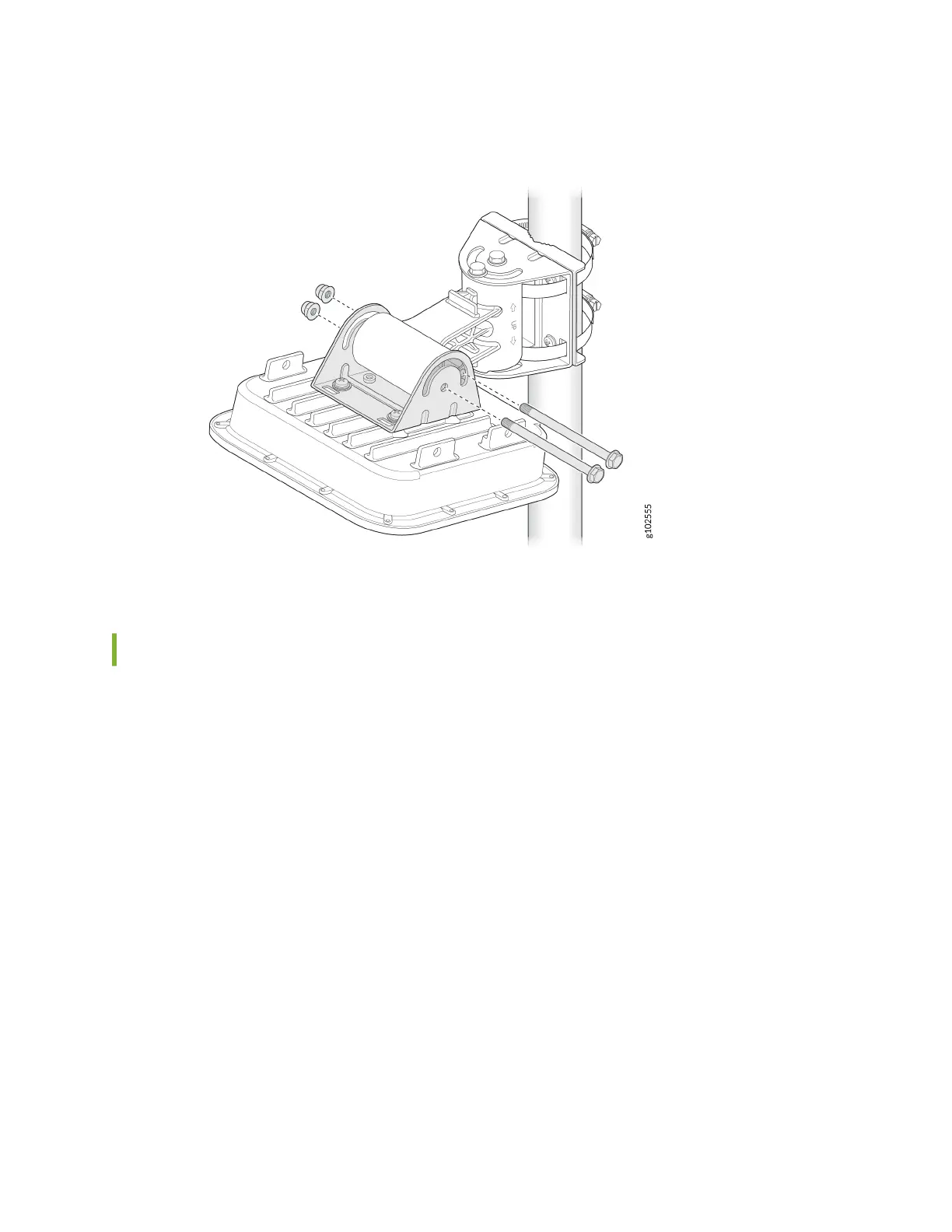
Figure 24: Mount the AP64 on a Pole (Arculang Mount)
Connect an RJ-45 Cable Gland
Use an RJ-45 cable gland when you connect an RJ-45 cable to the AP. The cable gland helps secure the
RJ-45 cable and protects the cable from damage. To connect an RJ-45 cable using the cable gland:
1. Disassemble the cable gland:
a. Remove the cable gland nut by turning it counter-clockwise.
b. Remove the blue seal. Ensure that you select the correct seal. The cable gland has two seals—a
blue seal (7 mm through 9.5 mm diameter) and a red seal (5.5 mm through 7 mm diameter).
25



 To Next Page