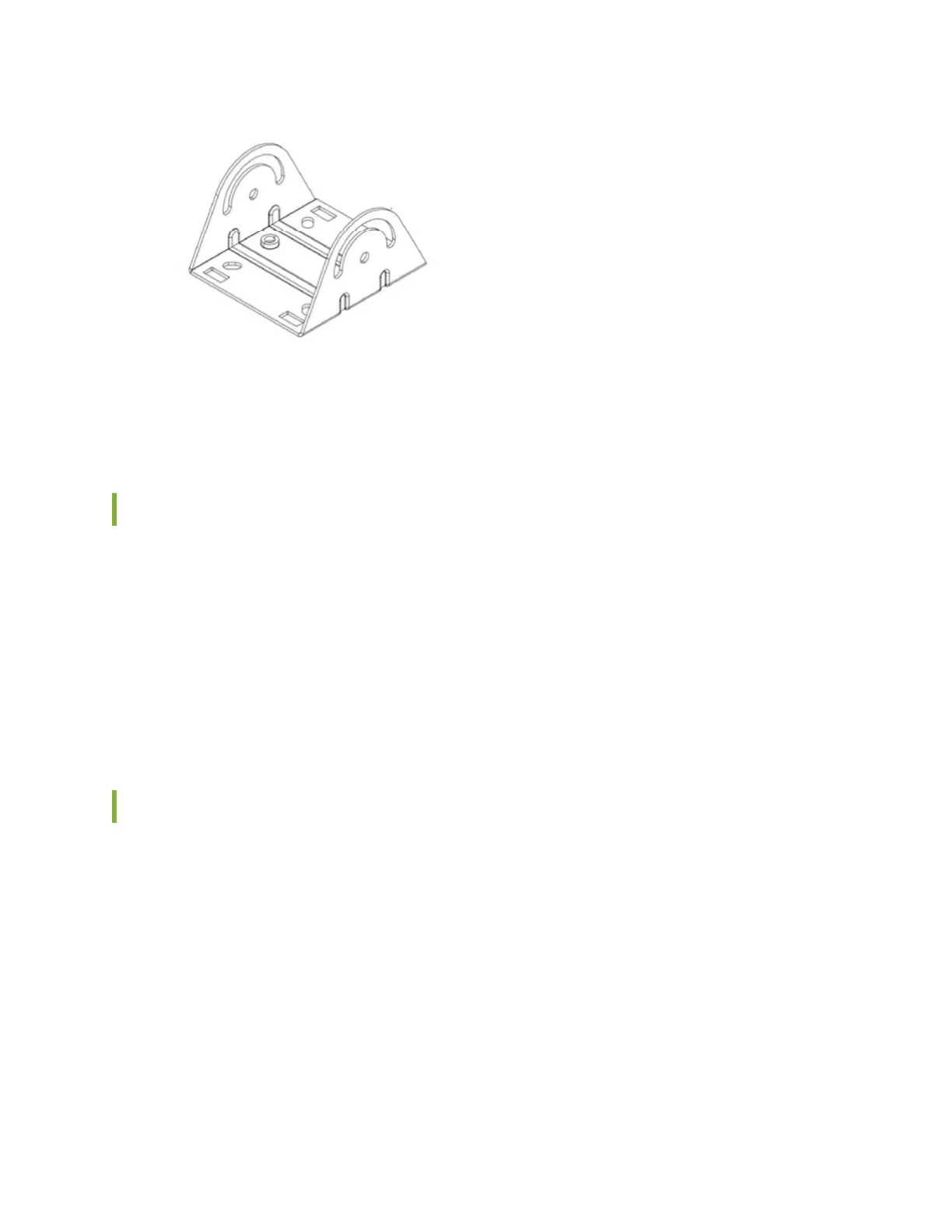
• Four M6x10mm screws
• Four bolts and nuts
Connect the Grounding Cable
We recommend that you ground the AP before mounng it on a wall or pole. The AP64 has a single-
hole protecve grounding terminal on the rear. Use this grounding terminal to ground the AP.
To ground the AP64:
1. Remove the screw.
2. Place the grounding lug aached to the grounding cable over the grounding terminal.
3. Secure the grounding cable lug to the grounding terminal with the screw.
Mount the AP64 on a Wall Using APOUTBR-FM (Flush Mount)
To ush mount the AP64 on a wall:
1. Drill four holes on the wall based on the locaon of holes marked with callout #1 in Figure 4 on page
11
2. Insert screws in the two upper holes. Do not ghten the screws fully.
3. Aach the APOUTBR-FM ush mount bracket to the AP by using the four screws, washers, and lock
washers provided along with the AP. Use the bracket screw holes marked with callout #3 in Figure 4
on page 11.
13



 To Next Page