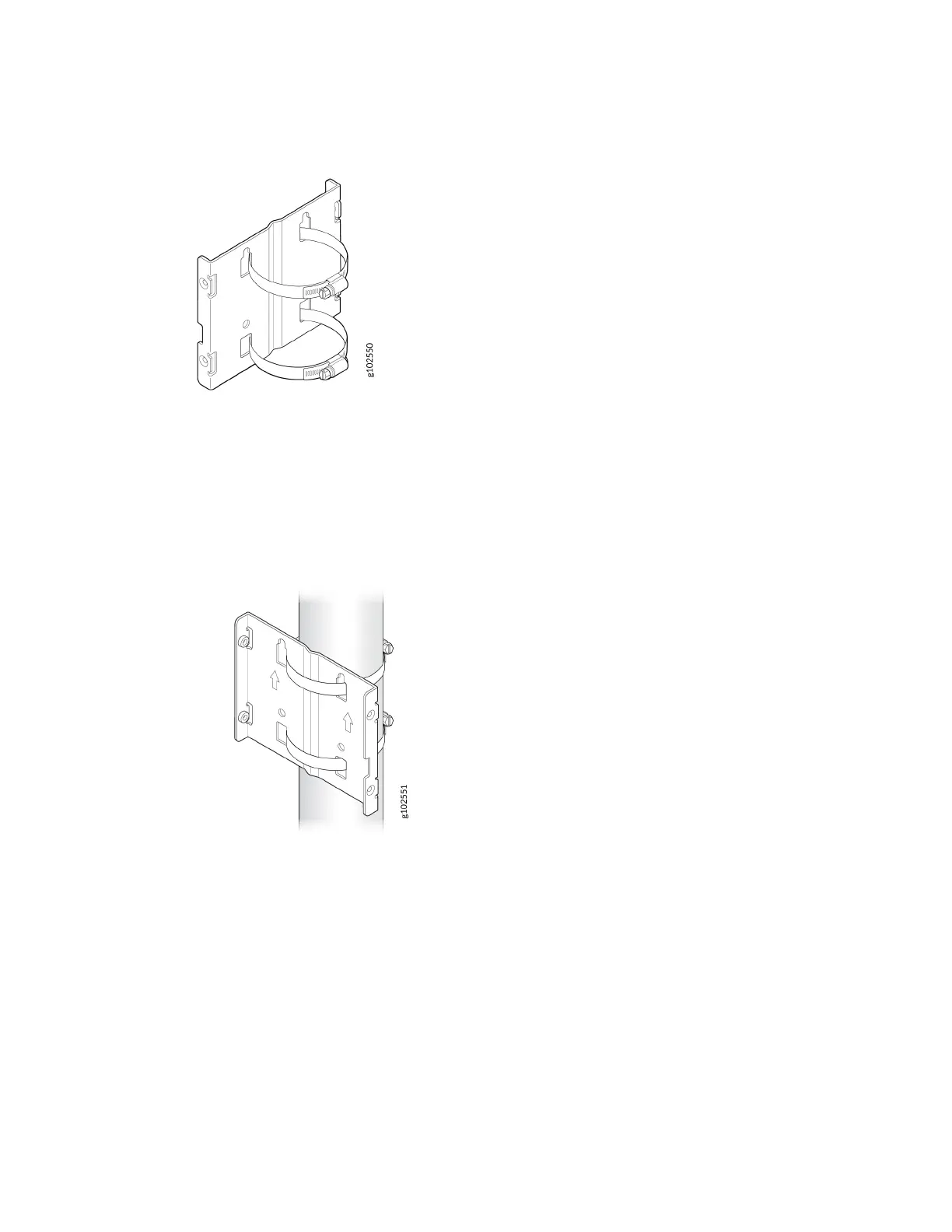
Figure 13: Aach Hose Clamps to the APOUTBR-FM2 Mounng Bracket
2. Secure the APOUTBR-FM2 mounng bracket to the pole. Wind the open end of the hose clamps
around the pole and ghten the hose clamp screws by using a screwdriver. Tighten the screws unl
the mounng bracket is secured in place.
Figure 14: Install the APOUTBR-FM2
3. Aach the AP64 to the APOUTBR-FM2 mounng bracket using the four M6 screws, washers, and
lock washers provided along with the AP.
18



 To Next Page