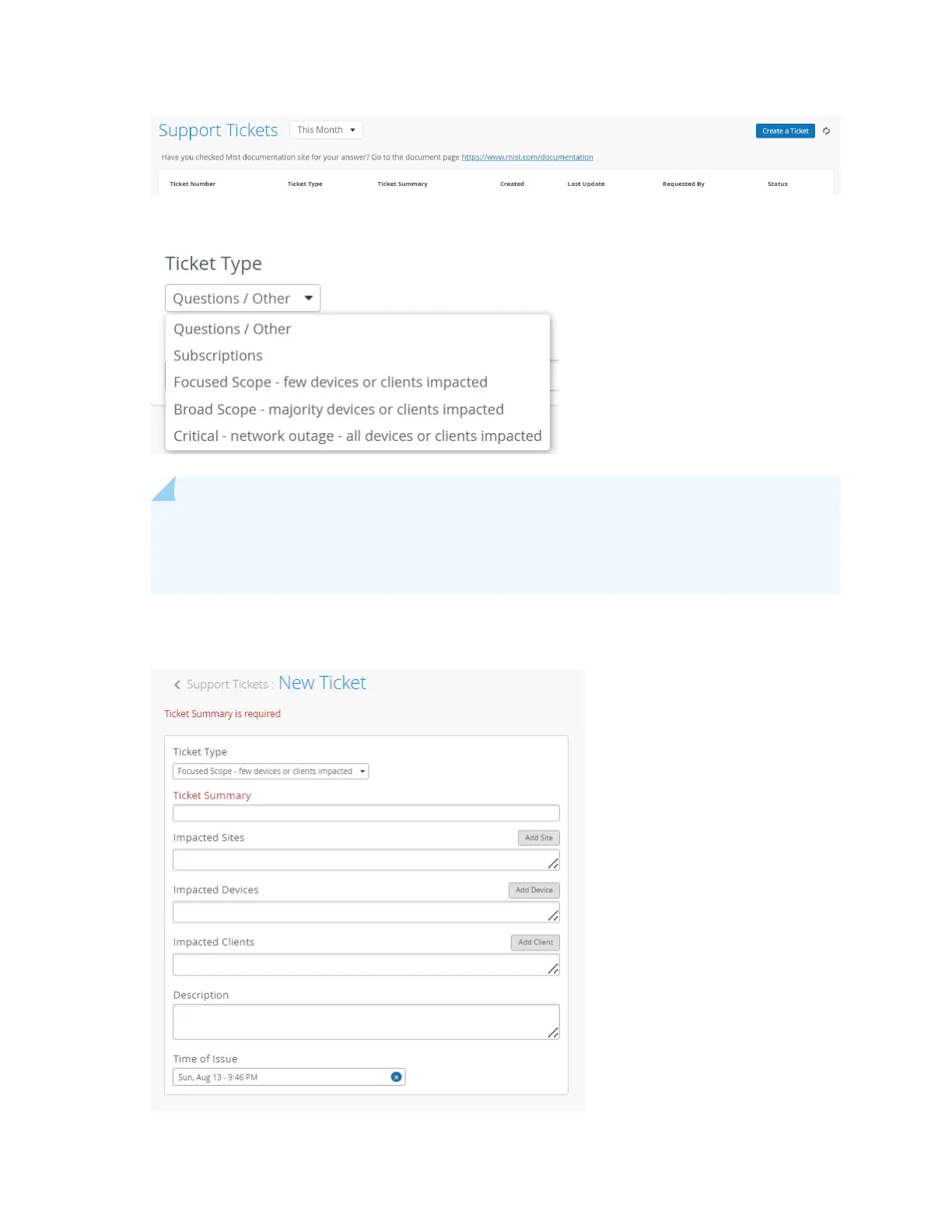
4. Select the appropriate cket type depending on the severity of your problem.
NOTE: Selecng Quesons/Other will open a search box and redirect you to available
documentaon and resources related to your issue. If you cannot resolve your issue by using
the suggested resources, click I sll need to create a cket.
5. Enter a cket summary, and select the sites, devices, or clients that are impacted.
If you are requesng an RMA, select the impacted device.
32



 To Next Page