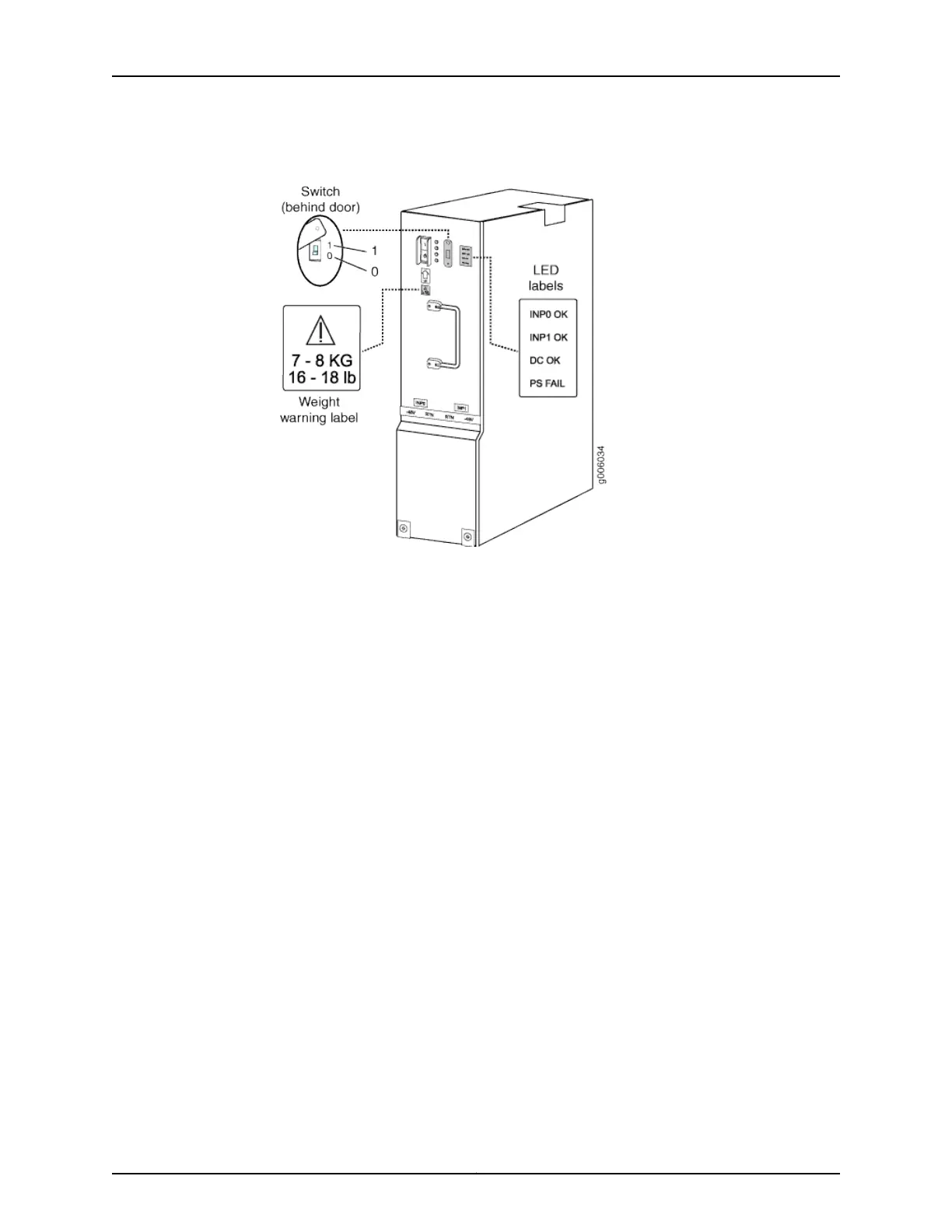
Figure 12: MX960 DC High-Capacity Power Supply Front View
19. Install a blank panel over the power distribution modules, if available.
Proceed to “Step 7: Perform Initial Software Configuration” on page 26.
25Copyright © 2015, Juniper Networks, Inc.
Connect Power to a DC Router with High-Capacity Power Supplies



 To Next Page