Maintenance
T
Rinse all the parts under running water. If there are severely dried-on milk residues, firstly immerse the individual parts in a solution of
250ml water and one dosing unit of JURA milk system cleaner. Then rinse the individual parts thoroughly.
T
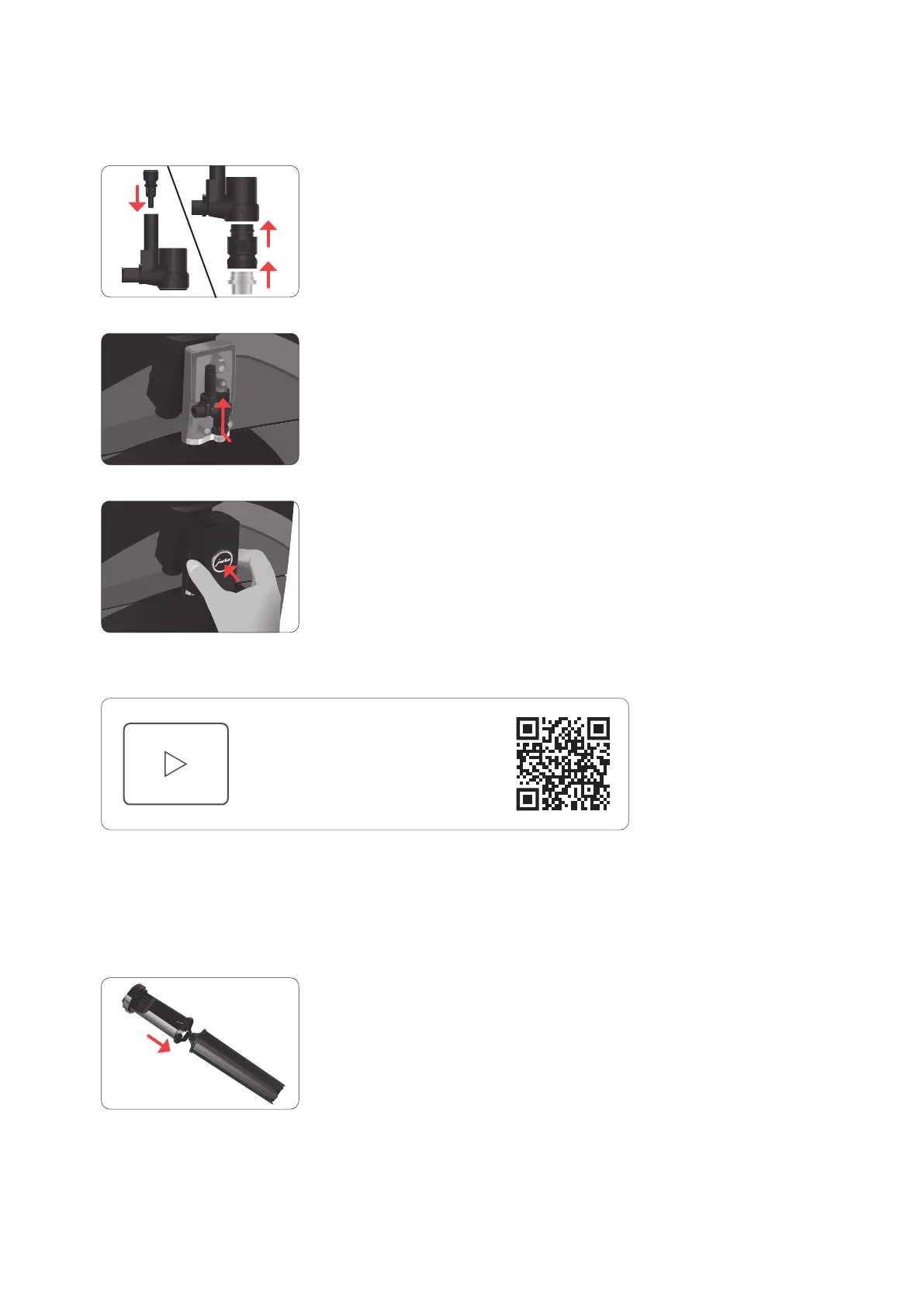
Reassemble the milk system. When doing this, note the numbering of the individual parts.
T
Fit the assembled individual parts back in the dual spout and press it firmly.
T
Fit the cover of the dual spout.
Inserting/changing the filter
Once the filter cartridge stops working (depending on the water hardness setting), the C8 will prompt you to change the filter.
E Your C8 no longer has to be descaled if you are using the CLARIS Smart+ filter cartridge.
E CLARIS Smart+ filter cartridges are available from specialised dealers.
T
Remove and empty the water tank.
T
Turn the filter cartridge anticlockwise and remove it along with the extension from the water tank.
T
Fit the filter cartridge extension on top of a new CLARIS Smart+ filter cartridge.
T
Insert the filter cartridge with its extension into the water tank.
Tap, click or scan to watch
the video tutorial on YouTube



 To Next Page