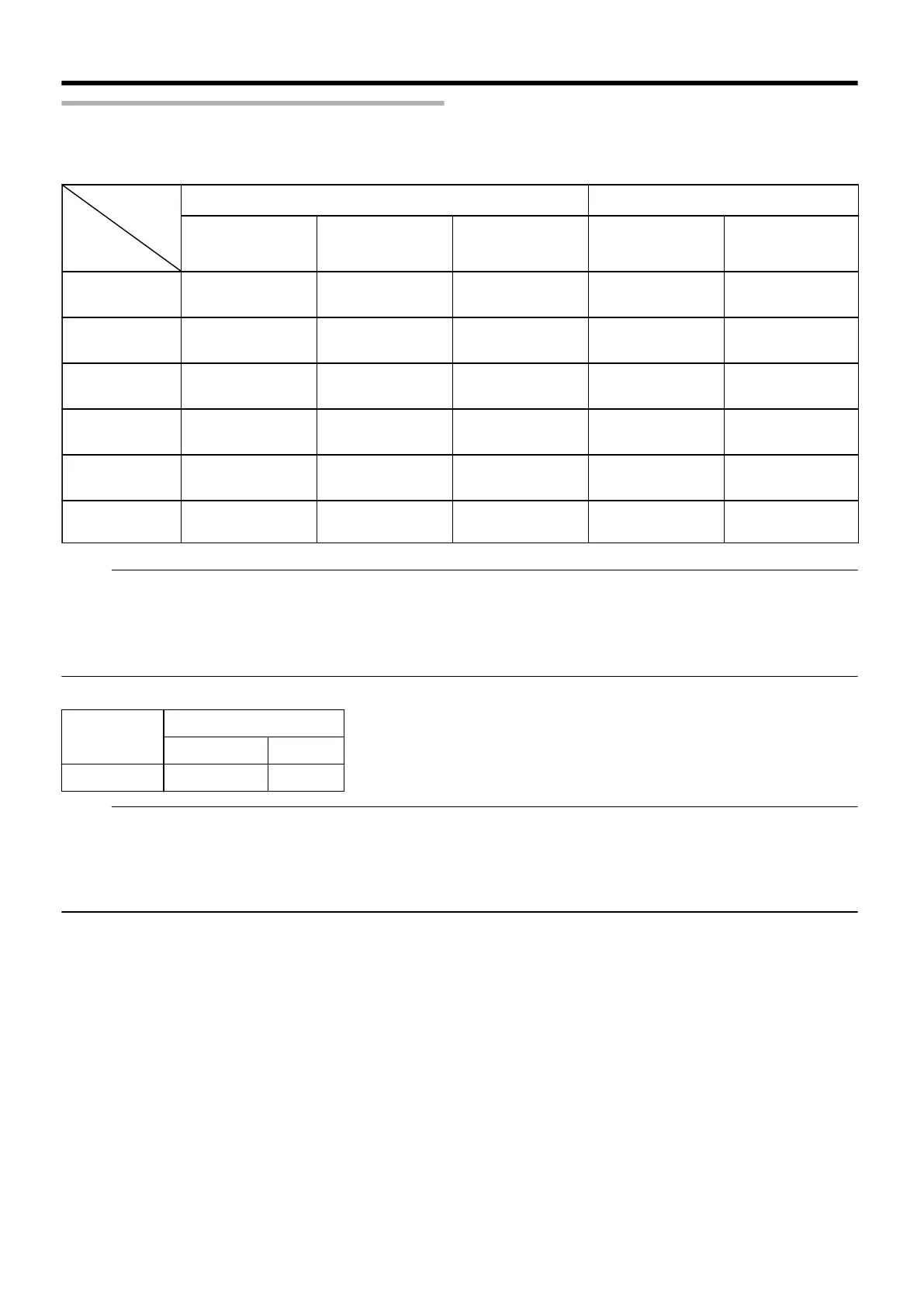
Dubbing chart
m
Dubbing the video data from the HDD
.
BDMV(HD Quality)
Dubbing
Quality
Content
Quality
BDAV(HD Quality) BDAV(SD Quality) DVD-VR
Format (BD) Format (DVD)
DVD-VIDEO
DR (MOV*)
High-speed dubbing High-speed dubbing /
Re-encoding
Re-encoding Re-encoding Re-encoding
DR (Other) -
High-speed dubbing /
Re-encoding
Re-encoding Re-encoding Re-encoding
AF/AN/AL/AE
High-speed dubbing High-speed dubbing /
Re-encoding
Re-encoding Re-encoding Re-encoding
AVC
High-speed dubbing High-speed dubbing /
Re-encoding
Re-encoding Re-encoding Re-encoding
FR - - Re-encoding
High-speed dubbing /
Re-encoding
Re-encoding
XP/SP/LP/EP* - - Re-encoding
High-speed dubbing /
Re-encoding
High-speed dubbing /
Re-encoding
Memo:
EP* : High-speed dubbing to DVD-VIDEO format discs in EP mode title
To perform high-speed dubbing of a EP mode title to a DVD-VIDEO format disc, set “ HIGH-SPEED DUBBING ” (A
page 77) in the settings menu to “4:3” before recording or importing. Only re-encoding will be performed when
dubbing a title that is recorded or imported with a setting other than “4:3”.
MOV* : MOV files that are taken in SP mode using the JVC ProHD Camcorder GY-HM700/100
m
Dubbing the picture data from the HDD
Importing file
(HDD)
Media
BDAV(BD-RE) SDHC/SD
JPEG V V
Memo:
v
Video images may be distorted in the following situations during reencoding/dubbing when the monitor (TV) is connected to
this unit using a HDMI cable, or when the screen resolution is set to 1080p.
v
Proceeding with dubbing from the menu screen
v
Returning to the normal screen after dubbing has finished
v
This is not a malfunction. Change the screen resolution to a setting other than 1080p if you feel that this is annoying.
Dubbing/Importing
24



 To Next Page
 Loading...


