Need help?
Do you have a question about the JVC CS-BGS5120 and is the answer not in the manual?
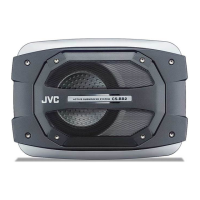
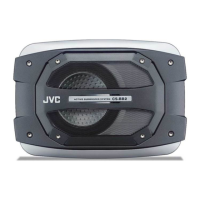
Use provided screws for mounting. Ensure sufficient space under floor. Avoid placing magnetic media near the unit due to its magnetic field.
Disconnect battery negative terminal before connecting. Ensure proper fuse usage and wire gauge for power connections.
Connect to front speaker output if receiver has DSP. Ensure proper output level adjustment.
Connect to front line output jacks. Adjust receiver output level to prevent distortion.
Set receiver subwoofer output to maximum. Adjust unit's LEVEL controller for volume.
Set decoder subwoofer output to maximum. Adjust unit's LEVEL controller for volume.
Firmly attach ground wire to uncoated metallic body. Connect REM terminal to ACC power if no remote output.
Select normal (NOM) or reverse (REV) phase for optimal sound reproduction.
Green lamp indicates unit is on. Red or no light may indicate a problem.
Adjust the input level while listening to the sound to set the desired volume.
Adjust cutoff frequency between 50 Hz and 300 Hz for desired bass response.
Check REM wire, audio cords, speaker input, and ground connection for no sound or alternator noise.
Provides detailed measurements for the subwoofer unit.
Details power output, input terminals, frequency response, and power requirements.
Lists all items supplied with the subwoofer system.
 General
| Type | Subwoofer |
|---|---|
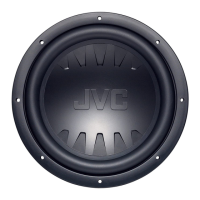
| Size | 12 inches |
| Peak Power Handling | 1200 Watts |
| Impedance | 4 Ohms |
| Voice Coil | Single |

 To Next Page