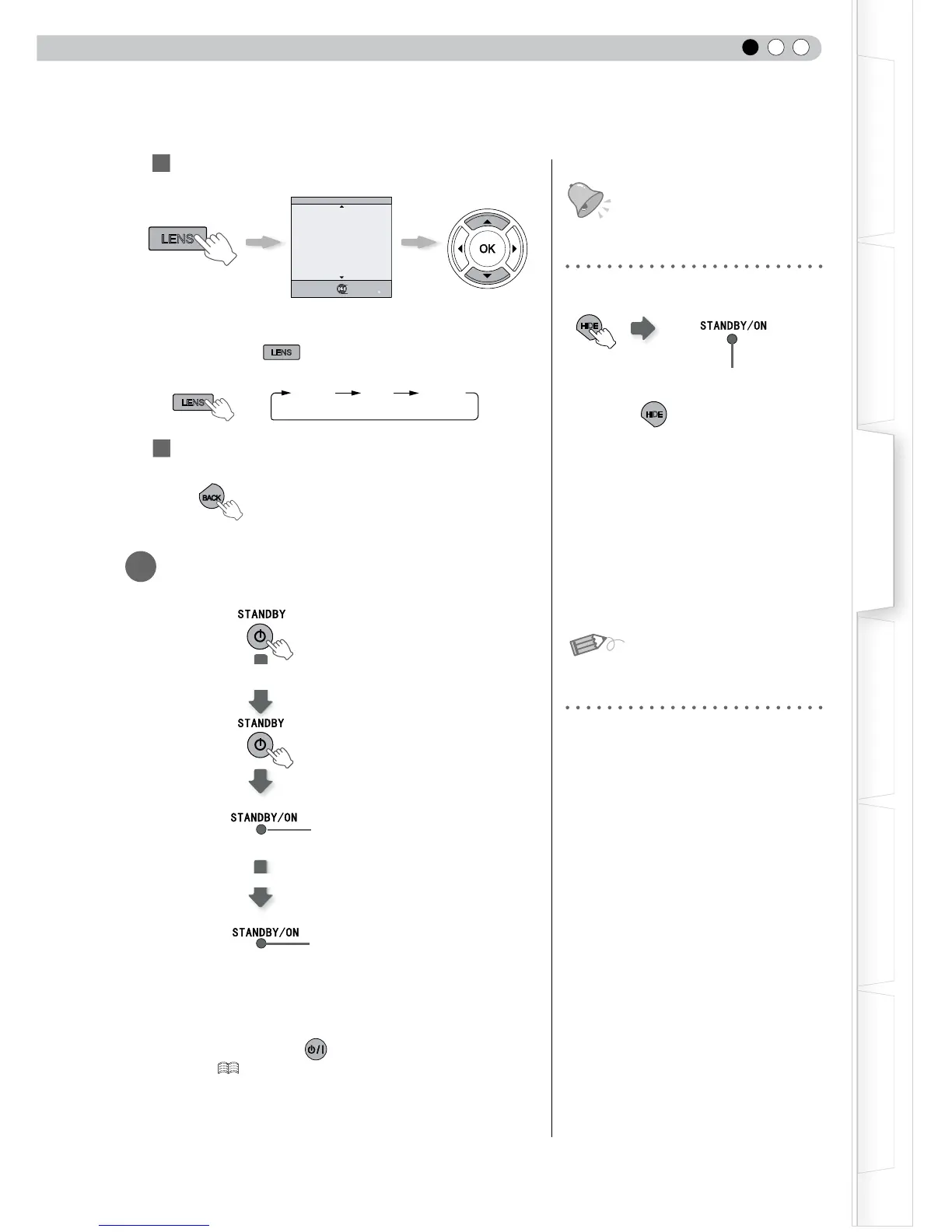
button is pressed, the adjustment item
will be switched among “Focus”, “Zoom” and “Shift”.
3
To end
6
Turn off the power
● When power off, the lens cover will be closed.
● The power cannot be turned off within approximately 90 seconds
after it has been turned on. Start operation only after 90 seconds
time.
● You can also press the button on the unit to turn off the
power. ( P15)
● Pull out the power plug when the unit will not be used for a
prolonged time.
button again to display
image.
● The power cannot be turned off when the
image is temporarily hidden.
About Cool Down mode
● The Cool Down mode is a function to
cool down the lamp for approximately 60
seconds after projection is complete. This
function prevents the internal parts of the
unit from deformation or damage due to
overheating of the lamp. It also prevents
lamp blowout and premature shortening
of lamp life.
●
During Cool Down mode, the [STANDBY/
ON] indicator blinks in red.
● After the Cool Down mode is complete,
the unit automatically returns to standby
mode.
● Do not pull out the power plug during
Cool Down mode. This may shorten the
lamp life and cause a malfunction.



 To Next Page