Setting Menu (Continued)
Picture Adjust
08
Advanced
Adjusts the contours of the image, detailed composition of the image and image color. (Cannot set when the “Picture Mode”
in “THX”.)
Sharpness
Sharpness (Soft) 0
to
100 (Sharp) Adjusts the outline of image.
Detail
Enhancement
(Soft) –50
to
50 (Strong) Emphasizes the details of image.
NR*
RNR (Soft) 0
to
16 (Strong)
Adjusts the intensity of removing
image noise.
MNR (Soft) 0
to
16 (Strong)
Adjusts the intensity of removing
mosquito noise.
BNR
On Reduces block noise.
Off Input signal remains unchanged.
CTI*
Off Input signal remains unchanged.
Low
Reduces color smear.Middle
High
* In case of HD signals or PC signals, NR and CTI cannot be set.
● Abbreviations
NR: Noise Reduction RNR: Random Noise Reduction MNR: Mosquito Noise Reduction
BNR: Block Noise Reduction CTI: Color Transient Improvement
Color Management
Off
The image color cannot be adjusted.
Custom 1
Custom 2
Custom 3
Pause
Off
Video mode
On
Still mode
Color
Management
Adjustment*
Values of each color can be adjusted (“Red,
Yellow, Green, Cyan, Blue and Magenta”).
All Reset
Return to the factory settings.
09
Lens Aperture
(Dark) -15 to 0 (Bright)
10
Reset
Reset the setting.
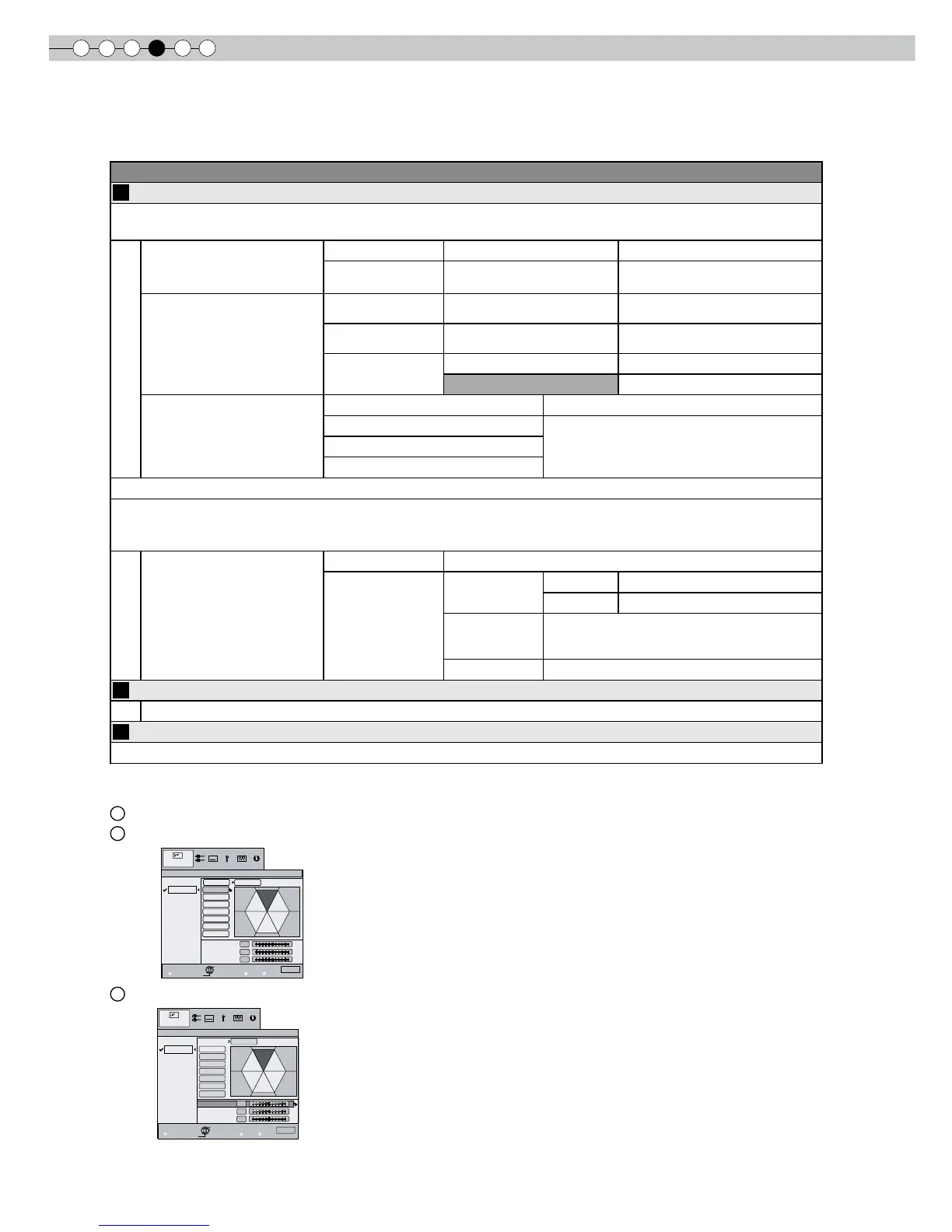
* About “Color Management Adjustment”
1
Set the picture mode of the color management.
2
Select the color to be adjusted by color management.
3
Select color adjustment.



 To Next Page