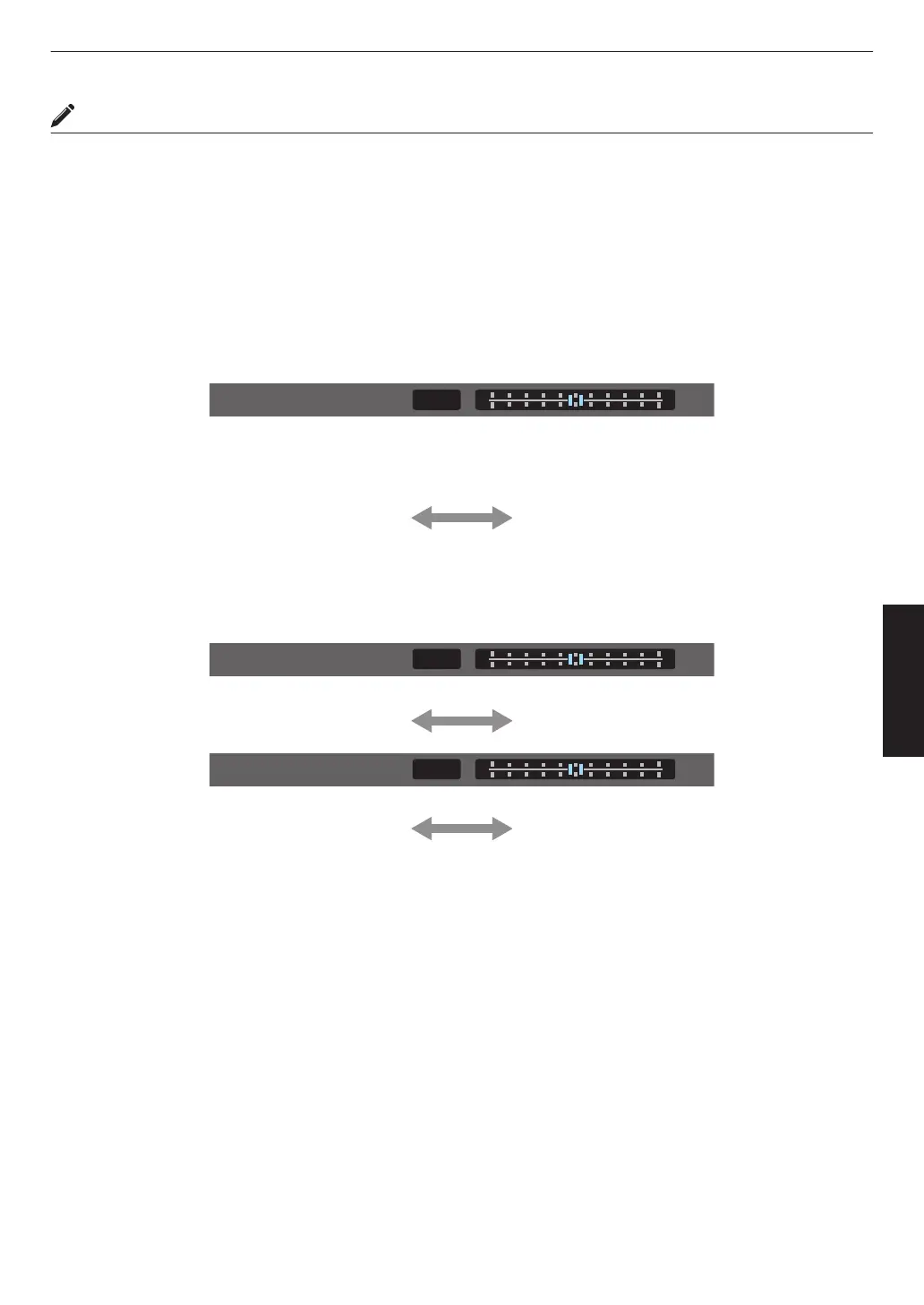
Using Tone Mapping for Manual Adjustments
“HDR(PQ)” gamma is the PQ curve adopted by HDR10. Fine adjustments can be made according to the screen size
and environment although the default settings for viewing with the projector have been adjusted to allow optimum
viewing.
Default settings when viewing HDR contents of this projector
Picture Mode : HDR10
Gamma
: HDR(PQ)
Estimated Screen Size : 90 to 120 inch (screen gain 1.0)
Estimated MaxCLL/
MaxFALL
: MaxCLL 1000 nits, MaxFALL 400 nits
Picture tone adjustment method
When Picture Tone is set to “-”
(The entire screen becomes dark.)
0
Screen size is smaller than estimated
0
MaxFALL/MaxCLL value is higher than
estimated (P.
63)
0
Screen becomes brighter in the course of
viewing
When Picture Tone is set to “+”
(The entire screen becomes brighter.)
0
Screen size is bigger than estimated
0
MaxFALL/MaxCLL value is lower than
estimated (
P. 63)
0
Screen becomes darker in the course of
viewing
Bright/dark area adjustment method
(―) To enhance the contrast
(+) To make the dark area information more
visible
(―) To enhance the gradation of highlight areas (+) To enhance the contrast
41
Adjust/Set



 To Next Page