12
ENGLISH
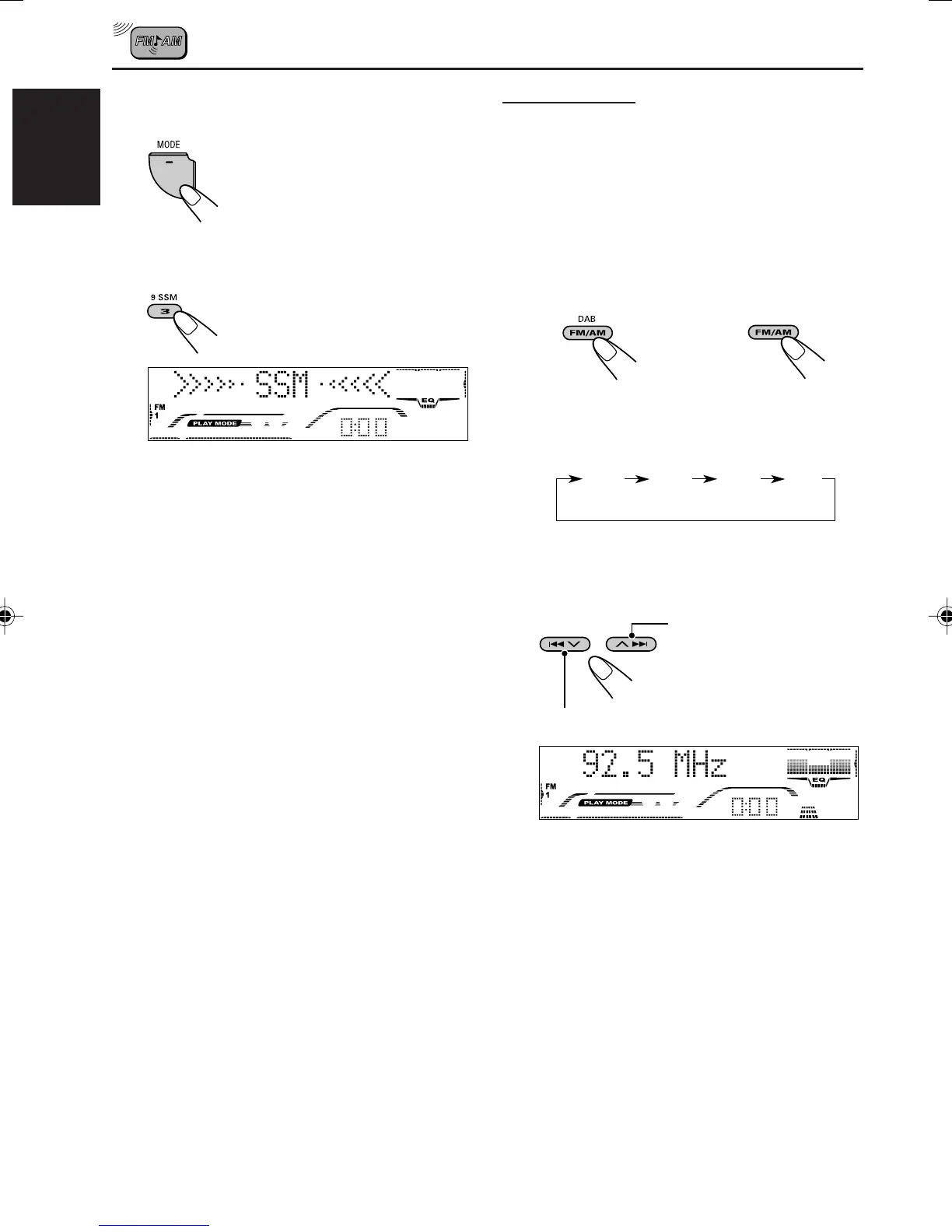
Manual preset
You can preset up to 6 stations in each band
(FM1, FM2, FM3, and AM) manually.
Ex.: Storing FM station of 92.5 MHz into the
preset number 1 of the FM1 band.
1
Select the band (FM1 – 3, AM) you
want to store stations into (in this
example, FM1).
Each time you press the button, the band
changes as follows:
2
Tune in to a station (in this example,
of 92.5 MHz).
To tune in to stations of
higher frequencies
To tune in to stations of lower frequencies
2
Press MODE to enter the functions
mode.
3
Press and hold SSM for about
2 seconds.
Local FM stations with the strongest signals are
searched and stored automatically in the band
number you have selected (FM1, FM2, or FM3).
These stations are preset in the number buttons
—No.1 (lowest frequency) to No.6 (highest
frequency).
When automatic preset is over, the station stored
in number button 1 will be automatically tuned in.
“SSM” appears, then disappears when
automatic preset is over.
FM 1
(F1)
FM 2
(F2)
FM 3
(F3)
A M
(A1)
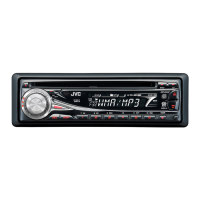
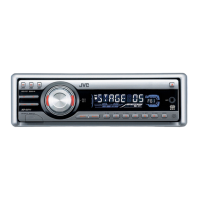
(For KD-G801) (For KD-G701)
or
EN10-13_G801_G701[E_EX]f.p65 1/6/04, 12:07 PM12


 To Next Page
 Loading...