40
ENGLISH
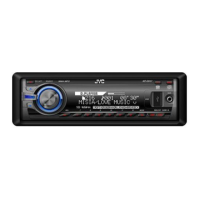
Changing the control panel
angle
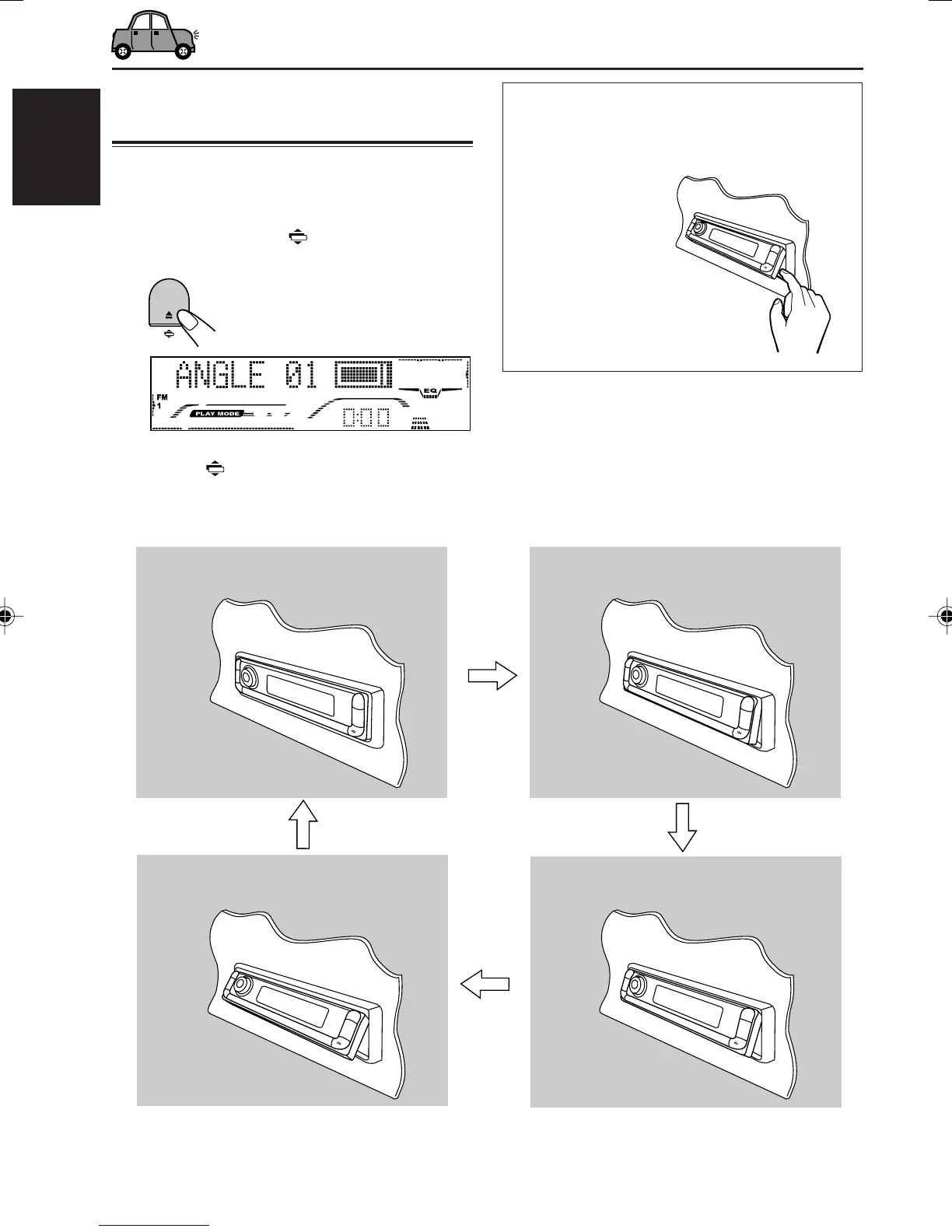
You can change the angle of the control panel in
four positions.
1
Press and hold (angle) until the
angle adjustment screen appears.
2
Press (angle) repeatedly to adjust
the angle to the position you want.
The control panel angles changes as follows:
CAUTION:
NEVER insert your finger in between the
control panel and the unit, as it may get
caught or hurt.
Note:
If you turn the power off, the control panel automatically returns to the closed position. Next time you turn on the
power, the control panel moves to its previous position.
ANGLE 01
ANGLE 02
ANGLE 03
ANGLE 04
EN34-41_G801_G701[E_EX]f.p65 1/6/04, 12:09 PM40


 To Next Page
 Loading...