Disc
operations
Playing
a
disc
in
the
unit
_
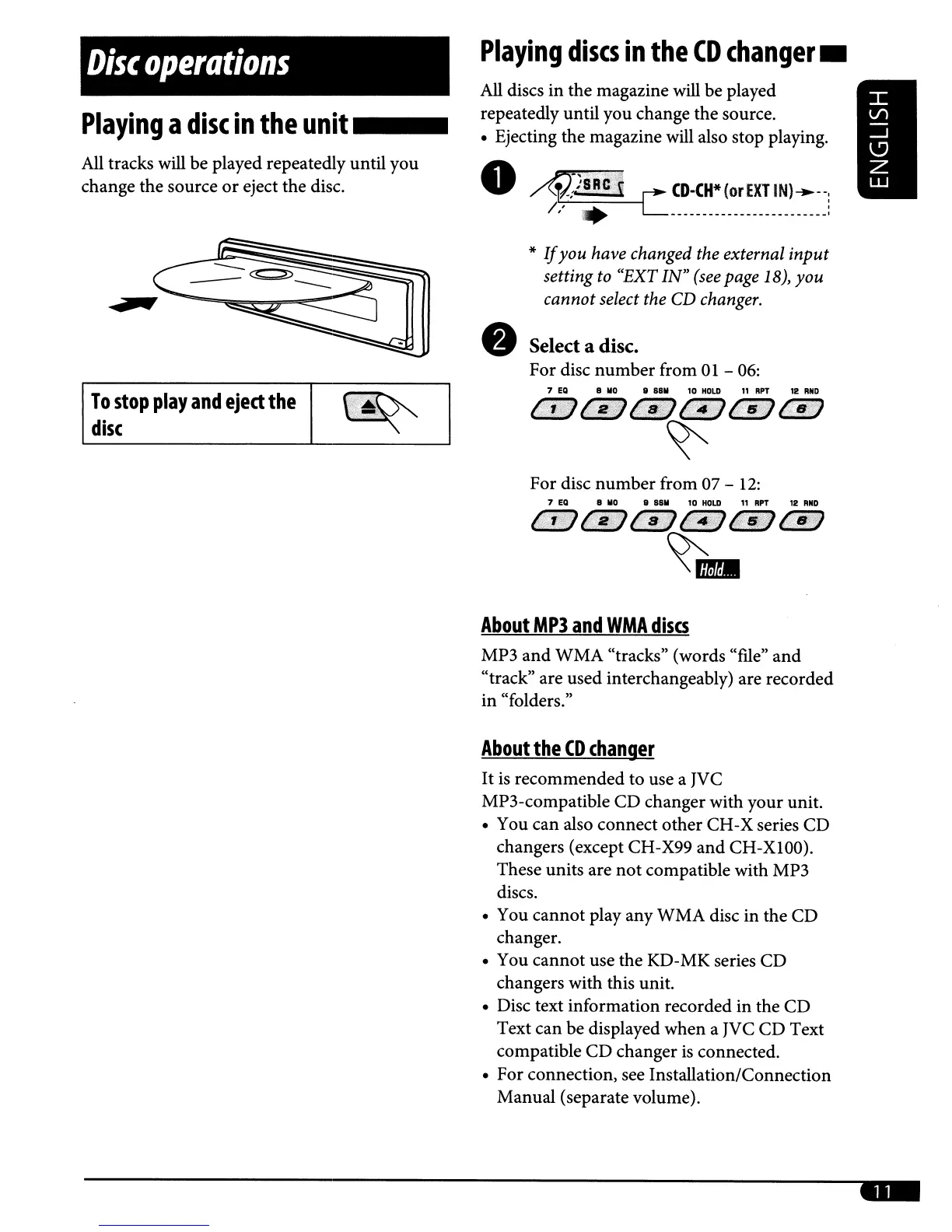
All
tracks will be played repeatedly until you
change the source
or
eject the disc.
Playing
discs
in
the
CD
changer
_
All discs in the magazine will be played
repeatedly until you change the source.
• Ejecting the magazine will also stop playing.
•
~;JSRC;';i
L
CD·CH*(orEXTIN)-.--,
I,'
• :
d C
•
*
If
you
have changed the external
input
setting to "EXT
IN"
(see
page 18),
you
cannot select the CD changer.
Select a disc.
For disc number from
01
-
06:
To
stop
play
and
eject
the
disc
7
ED
B
110
II
8811
10
HOLD
11
RPT
12
RNO
C:'JY:fi
4:st'l'
1111/)
t~:fJ
Pi$~?}
I'?t(:{}
~
For disc number from 07 -
12:
About
MP3
and
WMA
discs
MP3 and WMA "tracks" (words "me"
and
"track" are used interchangeably) are recorded
in "folders."
About
the
CO
changer
It
is recommended to use a JVC
MP3-compatible CD changer with your unit.
• You can also connect other CH-X series CD
changers (except CH-X99 and CH-XlOO).
These units are
not
compatible with MP3
discs.
• You cannot play any WMA disc in the CD
changer.
• You cannot use the KD-MK series CD
changers with this unit.
• Disc text information recorded in the CD
Text can be displayed when a JVC CD Text
compatible CD changer
is
connected.
• For connection, see Installation/Connection
Manual (separate volume).
...



 To Next Page