35
ENGLISH
STOP
PLAY
6
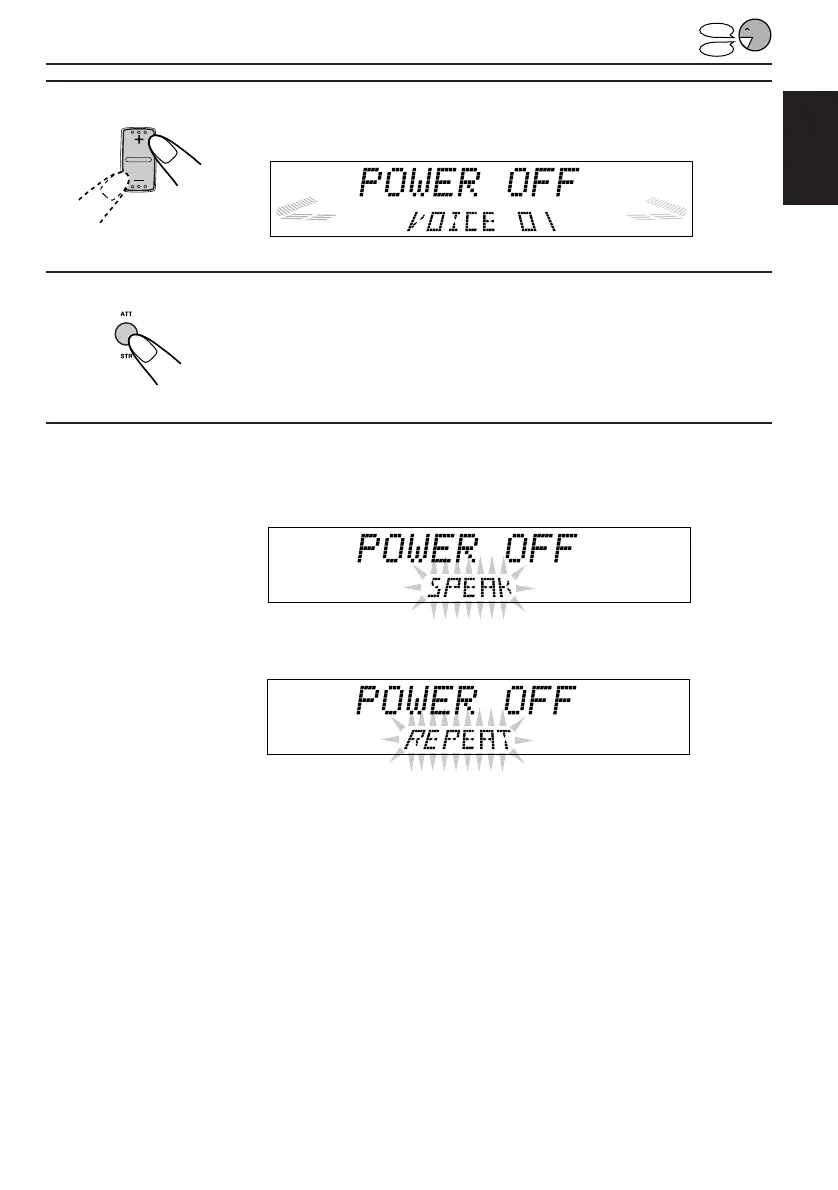
Select the preset voice command number (VOICE 01).
7
Press STR (ATT) to make the System ready to record
your voice.
“SPEAK” starts flashing on the display after the voice navigation “Please
speak now.”
8
Speak the word(s) you want to record while “SPEAK” is flashing
on the display. (In this example, speak “Turn off.”)
• If the System recognizes your word(s), “REPEAT” starts flashing on the display after
the voice navigation “Please repeat.”
• If the System does not recognize your word(s), it will ask you to speak again. In this
case, speak the word(s) again.
TO BE CONTINUED ON THE NEXT PAGE
EN30-47.KD-LX50R[E]/f 00.3.22, 10:36 AM35


 To Next Page
 Loading...