23ENGLISH
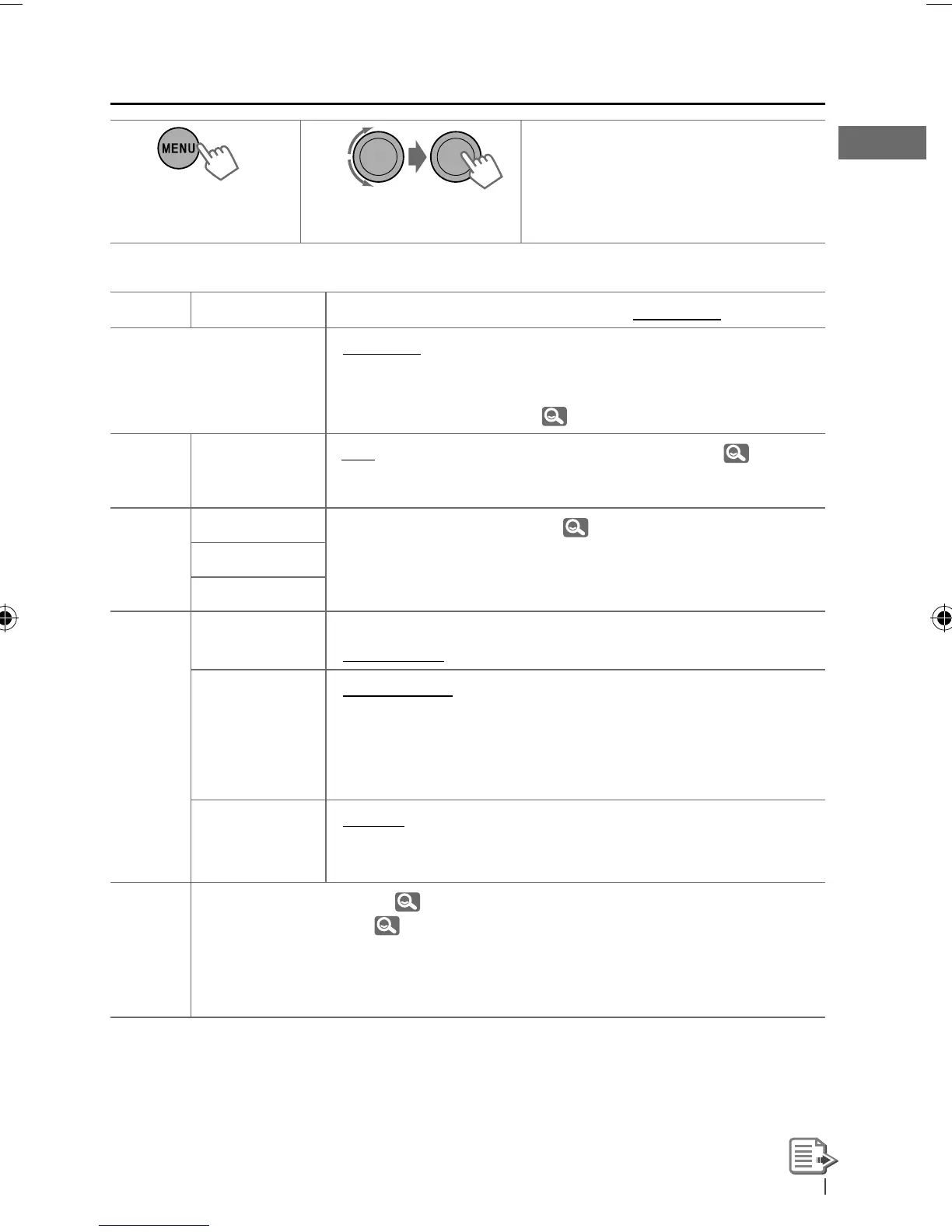
Menu operations
1 2 3
Repeat step 2 if necessary.
• To return to the previous menu,
press
BACK
.
• To exit from the menu, press
DISP
or
MENU
.
Category
Menu item Selectable setting, [Initial: Underlined]
DEMO
Display demonstration
• DEMO ON
• DEMO OFF
: Display demonstration will be activated
automatically if no operation is done for about
20 seconds.
: Cancels. ( 4)
CLOCK
CLOCK SET
Clock setting
[ 1:00 ]
: Adjust the hour, then the minute. (
4)
PRO EQ
BASS —
: For settings,
22.
MIDDLE
TREBLE
DISPLAY
DIMMER • DIMMER ON
• DIMMER OFF
: Dims the display and button illumination.
: Cancels.
SCROLL *
1
• SCROLL ONCE
• SCROLL AUTO
• SCROLL OFF
: Scrolls the displayed information once.
: Repeats scrolling (at 5-second intervals).
: Cancels.
Pressing
DISP
for more than one second can scroll the display
regardless of the setting.
TAG DISPLAY • TAG ON
• TAG OFF
: Shows the Tag information while playing MP3/
WMA/WAV tracks.
: Cancels.
BLUETOOTH *
2
: For Bluetooth operations, 13 – 16.
: For Bluetooth settings, 17, 18.
*
1
Some characters or symbols will not be shown correctly (or will be blanked) on the display.
*
2
Displayed only when the USB Bluetooth Adapter (KS-UBT1) is connected.
[Hold]
EN22-29_KD-R716_001A_f.indd 23EN22-29_KD-R716_001A_f.indd 23 12/17/09 3:05:32 PM12/17/09 3:05:32 PM



 To Next Page
 Loading...