23
ENGLISH
Searching for a place
Setting a destination by
scrolling the map
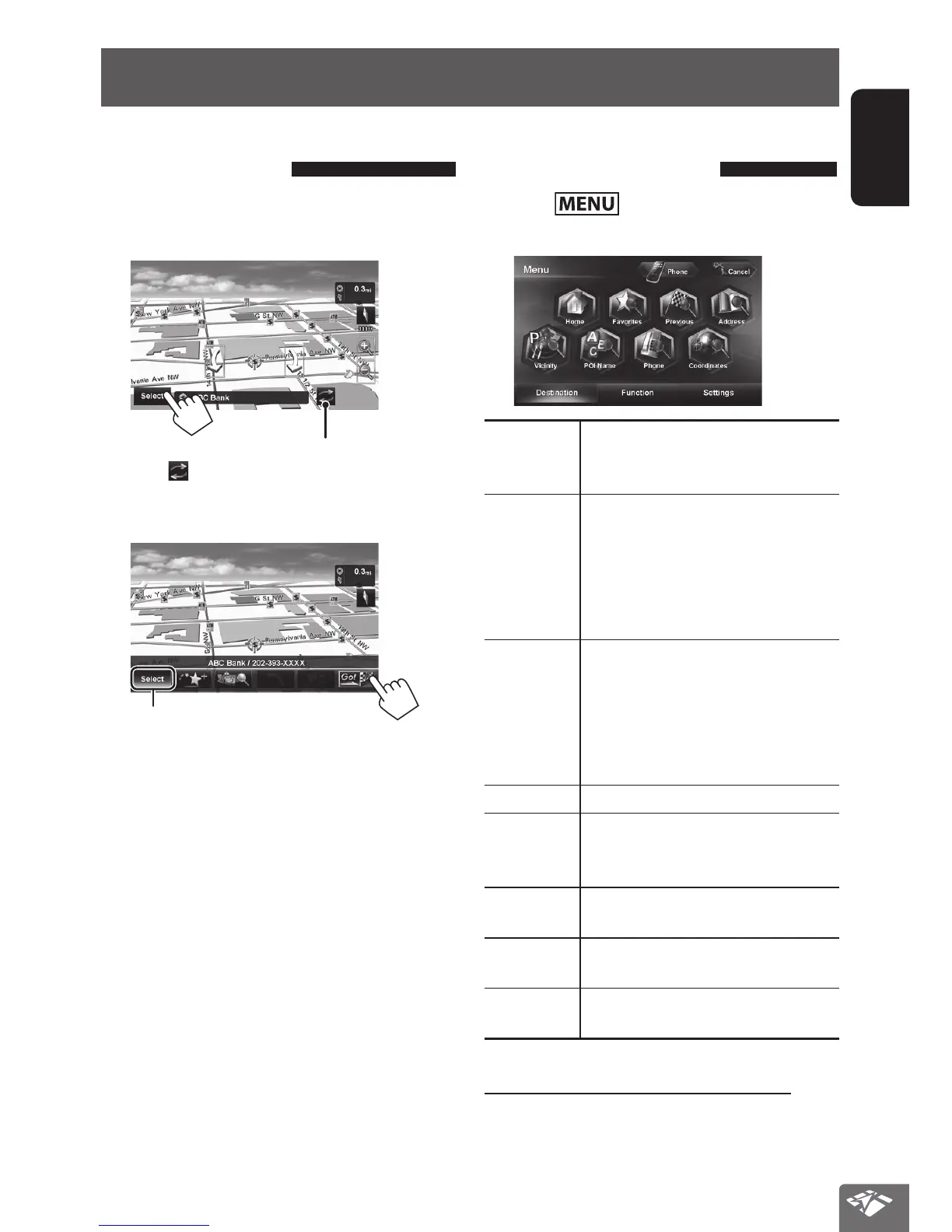
1 Scroll the map to select the position you
want to select as a destination. (☞ page 20)
2
If there are several POIs on the selected position,
press [
] to switch to the next POI.
3 The search result is displayed.
Returns to step 2
• To set the search result as the destination and start
guidance, ☞ page 29.
Setting a destination using the
<Destination> menu
1 Press .
2 Select a method to search for a destination.
Home * Goes to your home.
• To register your home, ☞ page 22.
• To start guidance, ☞ page 29.
Favorites * Searches from your favorite points.
• To register your favorite points,
☞ page 22.
• To edit the information about the
favorite points, ☞ page 36.
• To start guidance, ☞ page 29.
Previous * Searches from the history of previous
destinations and via points.
• You can select a place from the last
50 destinations and via points.
• To delete the history, ☞ page 31.
• To start guidance, ☞ page 29.
Address
Searches by an address. (☞ page 25)
Vicinity
Searches for POIs around your current
position, the destination, or via point(s).
(☞ page 26)
POI Name Searches for POIs by name.
(☞ page 26)
Phone Searches by a telephone number.
(☞ page 27)
Coordinates Searches by coordinates of the
destination. (☞ page 27)
* Selectable only when at least one place is registered.
Setting a destination using application
You can use “NaviBridge” in the iPhone or Android™
application to set a destination. (☞ page 28)
EN_KW-NT810HDT[J].indb 23 11/8/2012 2:51:13 PM



 To Next Page