35
ENGLISH
Arranging your route
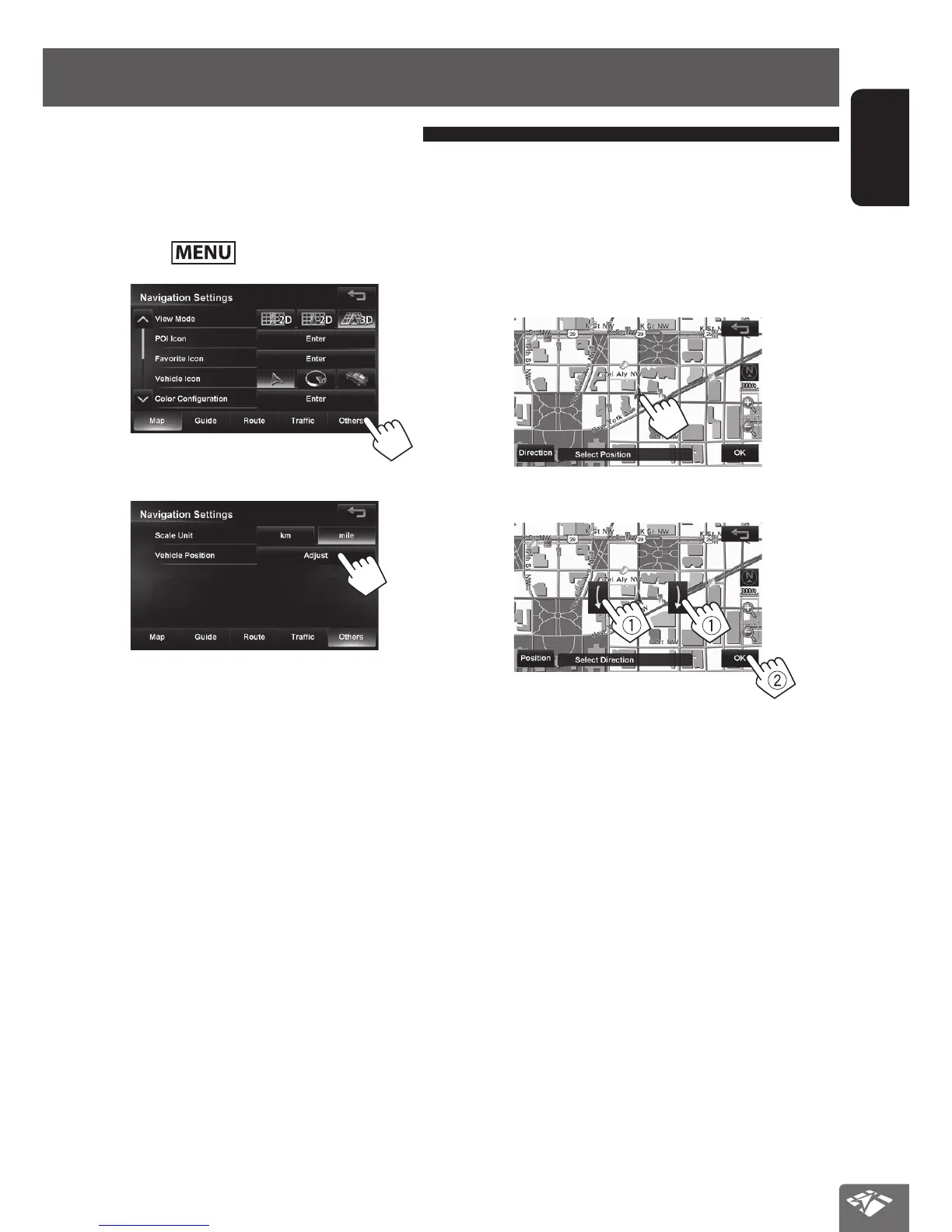
If you find your current position is displayed on a wrong
place on the map, use this setting to correct your
position.
1 Press - <Settings> - <Navigation>.
2
3
Adjusting the vehicle position
4 Move the cursor to the position where you
want to set as current position.
• To adjust the direction of the vehicle, press
[Direction] and go to step 5.
• If you do not want to adjust the direction, press
[OK].
5 Adjust the direction.
EN_KW-NT810HDT[J].indb 35 11/8/2012 2:51:14 PM



 To Next Page