39
ENGLISH
Using information service from HD Radio or iHeartRADIO
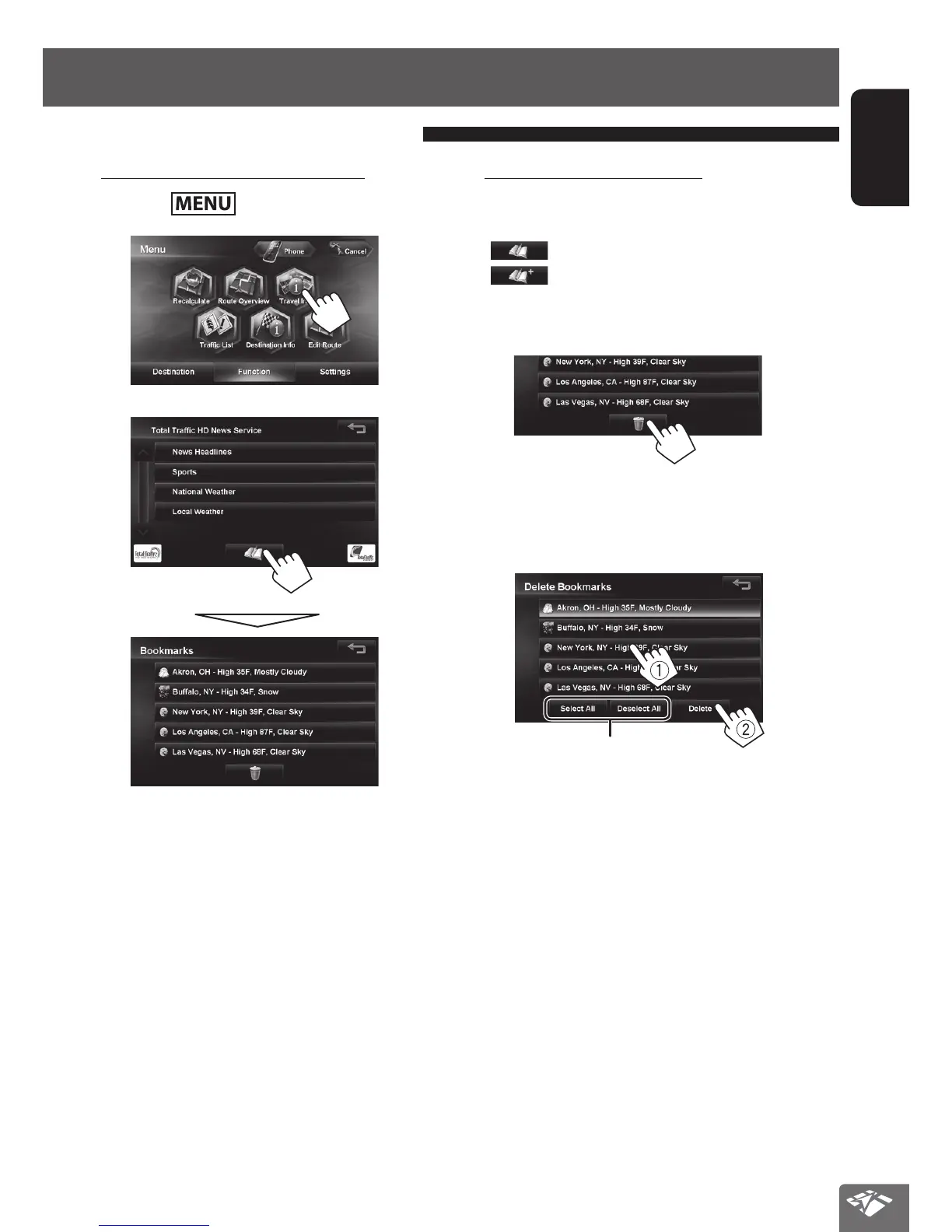
To display the information screen
1 Press - <Function>.
2
3
• The contents of the screen depend on the
broadcast.
Using the information service
To bookmark favorite items
You can store (up to 5 bookmarks) favorite items on the
bookmark list.
[
]: Displays the bookmark list.
[
]: Adds the selected item to the bookmark list.
To delete the item from the bookmark list
1
2 Select items to delete (1), then delete them
(2).
The selected items are highlighted.
Selects/deselects all items
EN_KW-NT810HDT[J].indb 39 11/8/2012 2:51:15 PM



 To Next Page