27
ENGLISH
Searching for a place
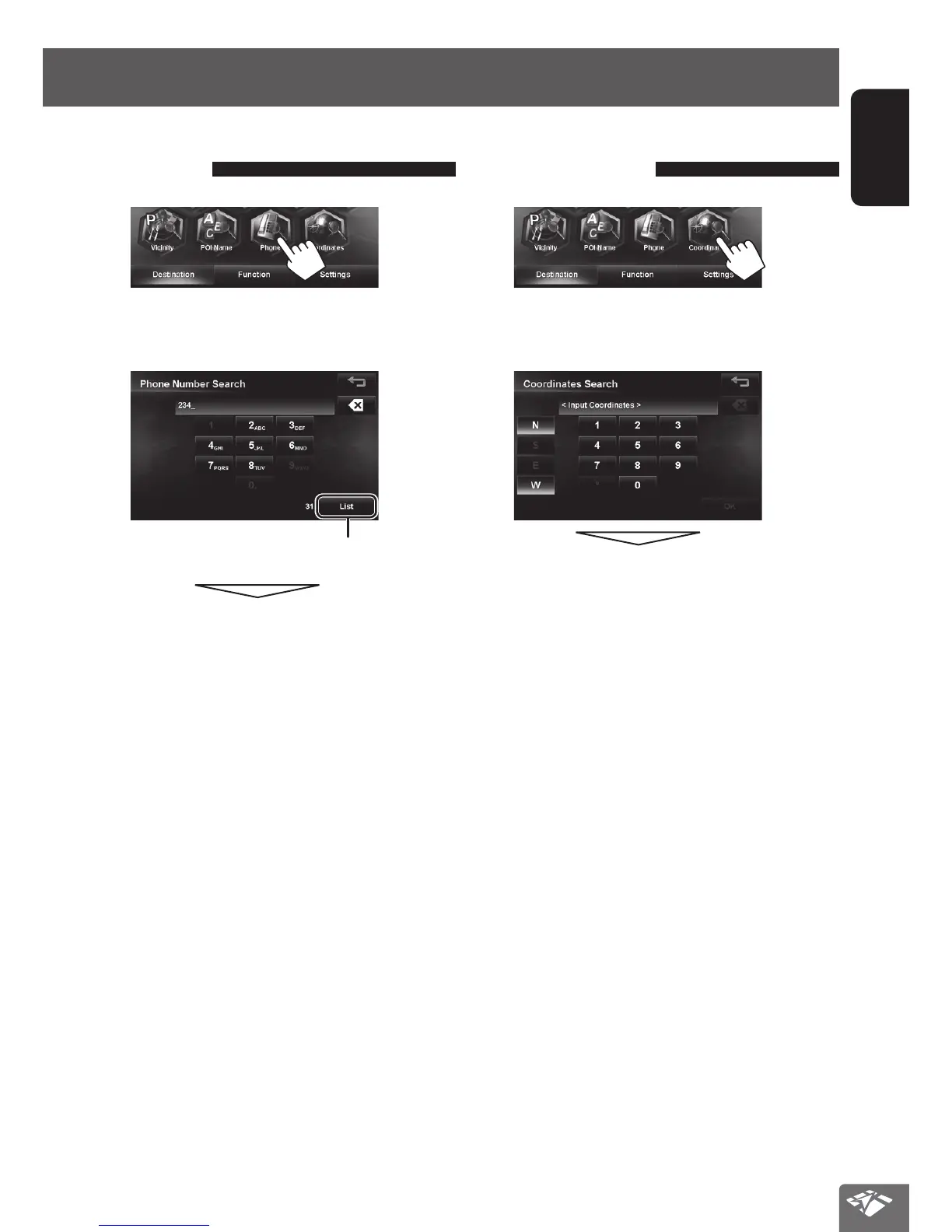
By telephone number
<Phone>
1
2 Enter the telephone number, then select
from the list. (☞ page 24)
Displays the list of matches
The search result is displayed.
• To start guidance, ☞ page 29.
By coordinates
<Coordinates>
1
2 Enter the latitude and the longitude, then
press [OK].
The search result is displayed.
• To start guidance, ☞ page 29.
EN_KW-NT810HDT[J].indb 27 11/8/2012 2:51:13 PM



 To Next Page