4
USE SETTING TROUBLE?
By default, the language set in “Audio Language” (P. 13) is automatically selected.
When not broadcast in that language, another broadcast language is automatically selected.
䡵 Switch to another language
: Special audio track for the visually impaired
Undefined: When the audio’s language cannot be identified
Dolby: Dolby Digital
z The language that can be selected depends on the broadcast.
z Please read ““Dolby Digital” output from the DIGITAL AUDIO OUT terminal” (P. 22) before selecting “Dolby”.
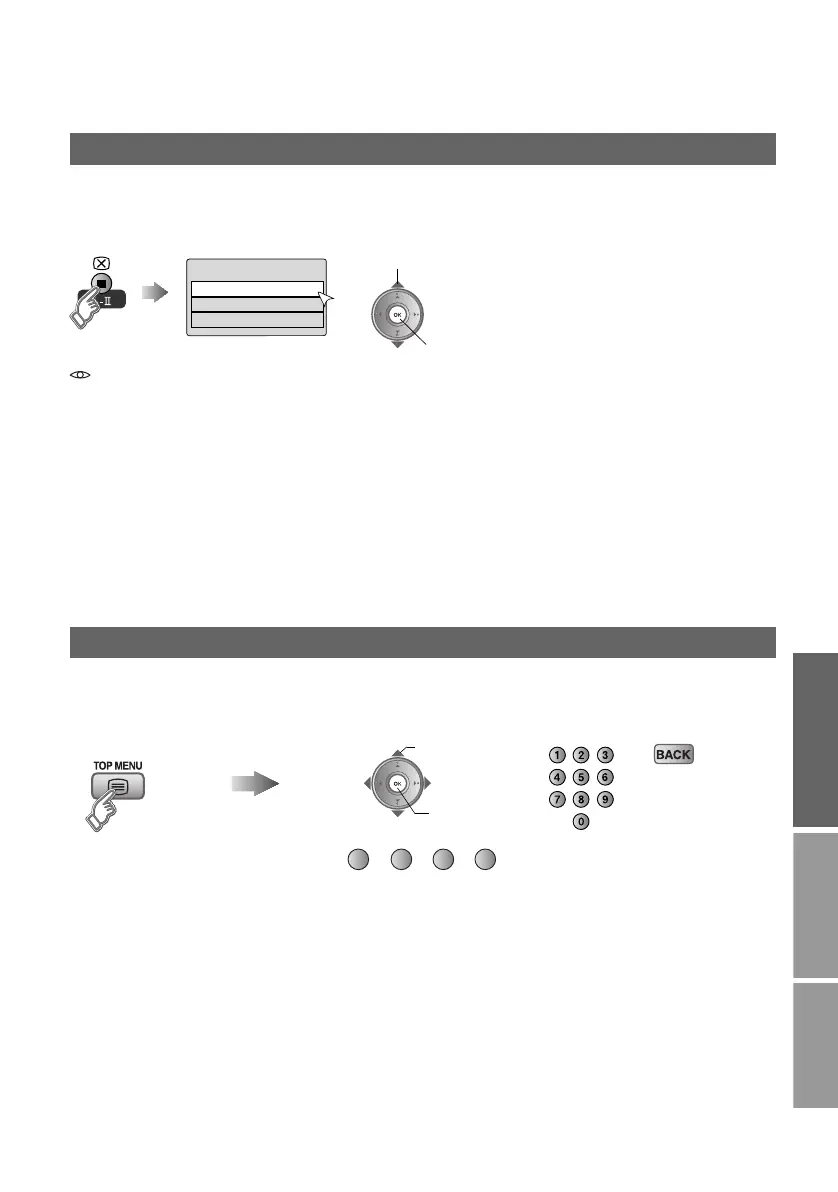
Select audio language
Audio Selection
English
Gaelic
Welsh
Aselect
Bset
View teletext information
Enter the
Teletext mode
Operate according to the screen indications.
You can use the buttons shown below.
B set
A select
(red) (green) (yellow) (blue)
LT-42DP8BJ_Digital.book Page 4 Wednesday, July 4, 2007 2:47 PM



 To Next Page