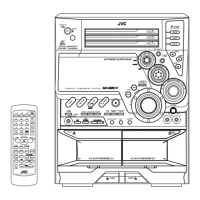
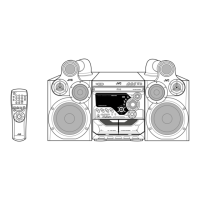
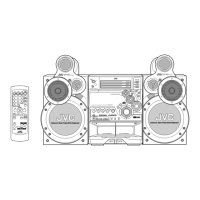
MX-G50/MX-G56
1-7
Prior to performing the following procedure, remove
the metal cover.
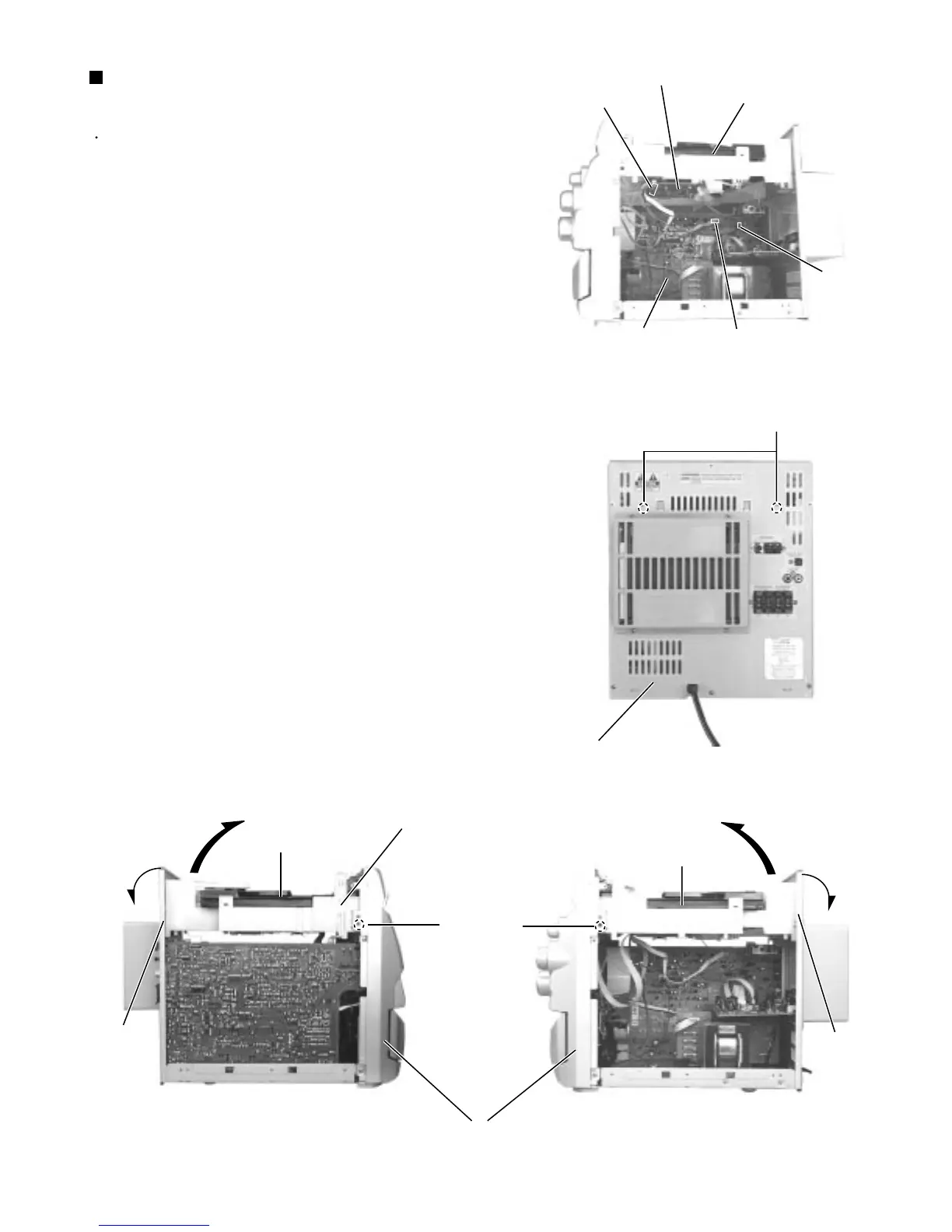
Disconnect the card wire which is attached with
adhesive to the left side of the CD changer unit.
Disconnect the card wire from connector CW105 of
the CD servo board on the back of the CD changer
unit.
Disconnect the harness from connector RCW6 &
OCW on the inner side of the main board in the
body.
Remove the two screws C attaching the CD changer
unit on the back of the body.
Remove the two screws D attaching the CD changer
unit on the both side of the body.
Draw the CD changer unit upward from behind while
pulling the rear panel outward.
1.
2.
3.
4.
5.
6.
Removing the CD changer unit
(See Fig.8 to 10)
Fig.8
Fig.9
Fig.10 aFig.10 b
CW105
CD servo board
CD changer unit
Main board
RCW6
OCW
Rear panel
C
D
D
Rear panel
Rear panel
Front panel assembly
Adhesive card wire strap
CD changer unit
CD changer unit


 To Next Page